Sharing and players
Share the campaign wiki, keep secrets, and bring your players and Discord in.
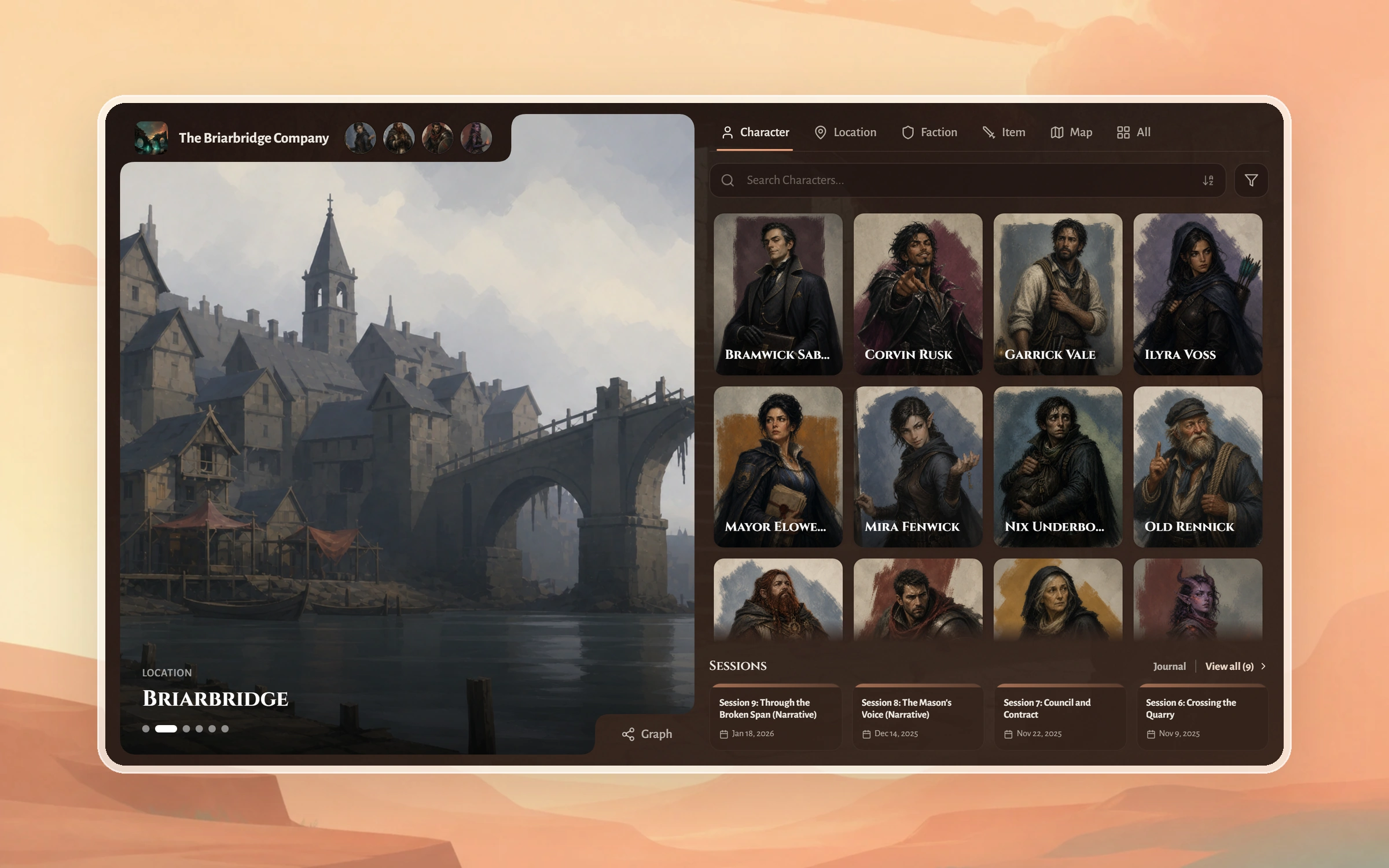 GuideShare your campaign with your playersTurn on your D&D campaign wiki, send your players one link, let them claim their characters, and put every session recap in front of the table.5 min read
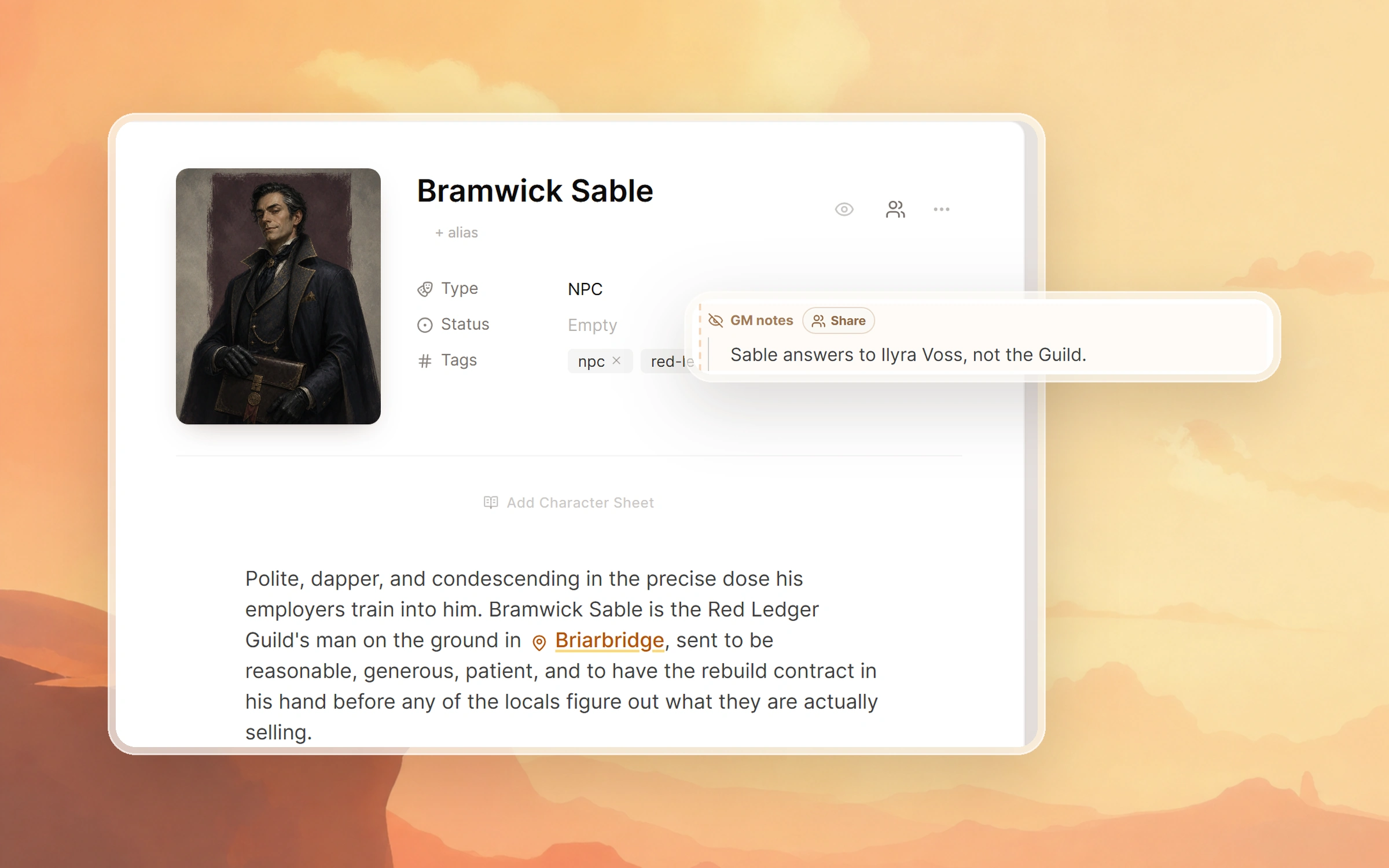 GuideKeep secrets from your playersHide pages, GM notes and sessions on your D&D campaign wiki until the party earns them, reveal a secret to one player, and check exactly what players see.5 min read
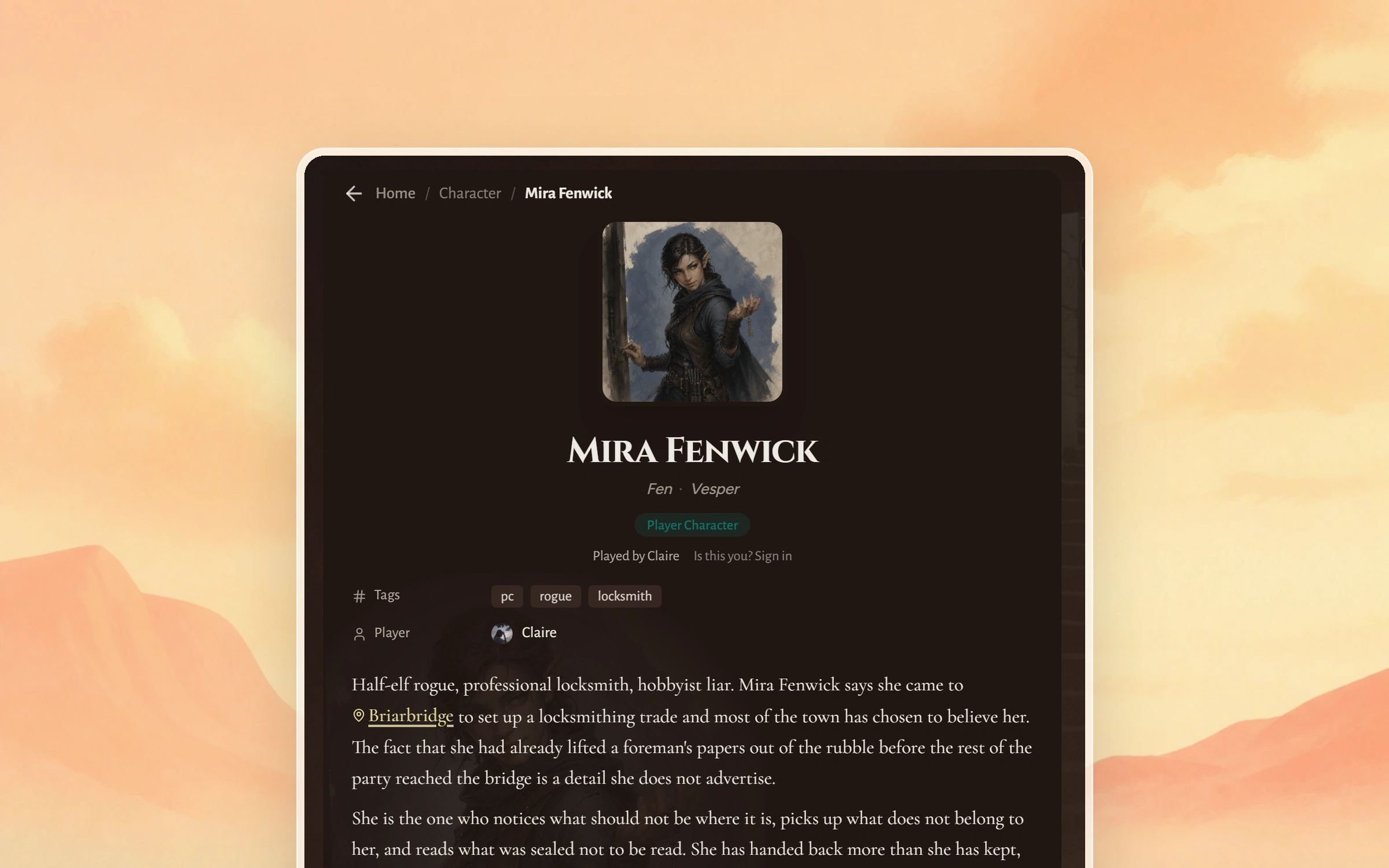 GuideJoin a campaign as a playerGot a Saga20 campaign wiki link from your game runner? Read the campaign, claim your character, and keep your own page and character sheet up to date.3 min read
All articles
11 articlesSet up your campaign wikiTurn on the Saga20 campaign wiki, find the link for your players, and set the front page, tabs, colours, and fonts they will read it in.3 min readShare your campaign wikiSend your Saga20 campaign wiki link to your group, and know which pages, private notes, and recaps each person can see.2 min readSet up a custom wiki linkGive your Saga20 campaign wiki a short readable web address on saga20.world instead of a long generated link.2 min readInvite a player to claim a characterLet a player claim their character on your Saga20 campaign wiki. Turn on the wiki and player claiming, send the link, then approve the request.3 min readManage a player character pageWhat a player can change on their claimed Saga20 character page, how secrets stay safe on it, and what to check when they cannot edit.2 min readWhat players need an account forWhat anyone can read on a shared Saga20 campaign wiki, and which player features need a free account and your approval.3 min readAdd private notesHide secrets inside a shared Saga20 world entry with a GM notes block that players never receive.3 min readShare a GM note with specific playersReveal one hidden GM note to chosen players in your Saga20 campaign while everyone else still cannot see it.2 min readManage campaign accessInvite a Co-GM, give a player access to a page, or let someone upload recordings and edit their own session recaps.3 min readConnect Saga20 to DiscordConnect a Discord server, choose a channel, and publish Saga20 session summaries for your players.2 min readPost recaps to someone else's Discord serverPublish Saga20 session summaries into a channel of a Discord server you do not run, using a webhook link from whoever runs it.2 min read

Need a hand?
Talk to the Saga20 team
If the answer is not here, send us a message and include the campaign or session name.