SAGA20, ON YOUR PHONE
Your campaign,
close at hand.
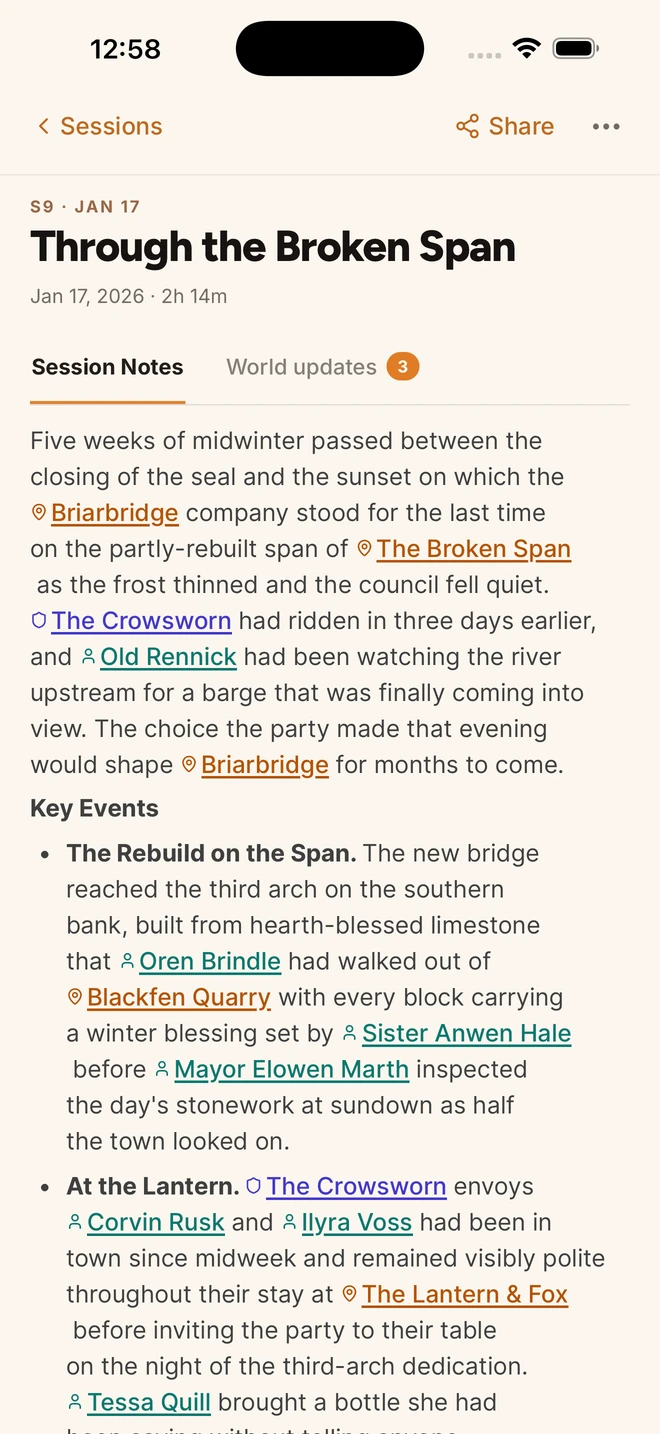
Record sessions directly in the mobile app. Come back to Session Notes, familiar faces and the story so far.


Already playing? Open Saga20 on the web
Record the session
on your phone.
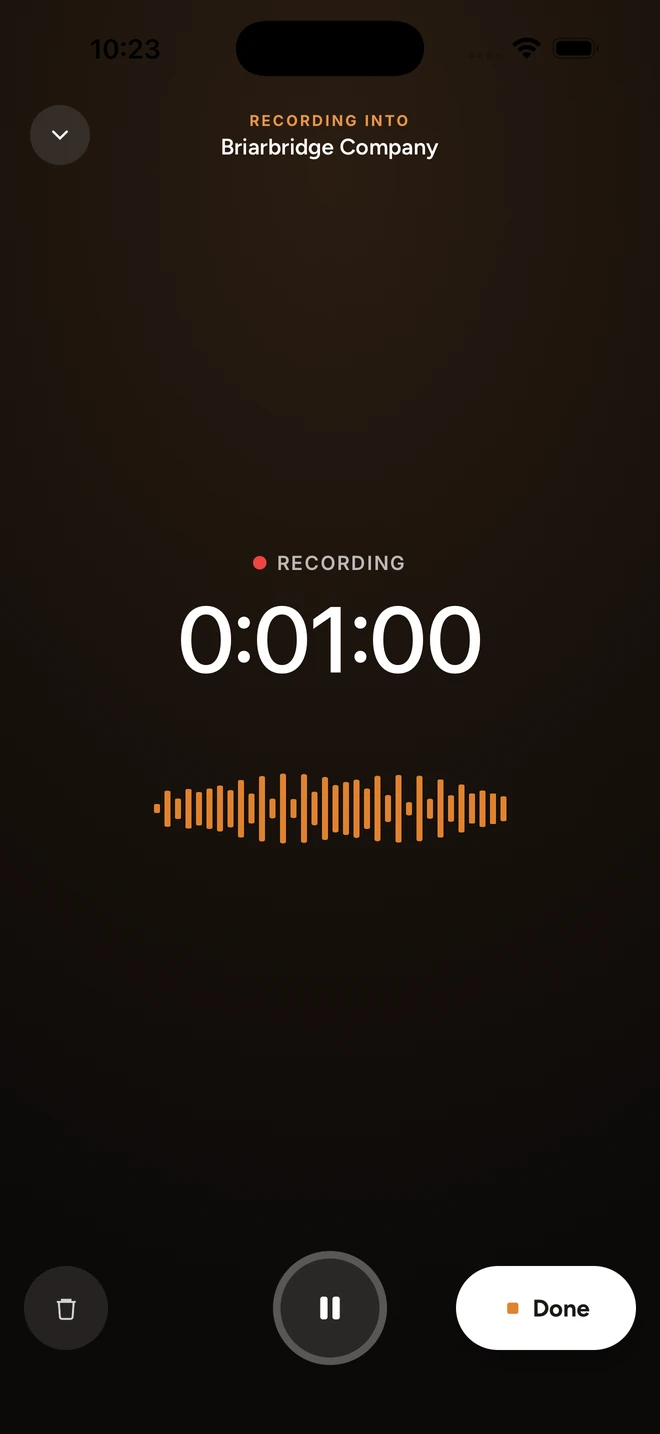
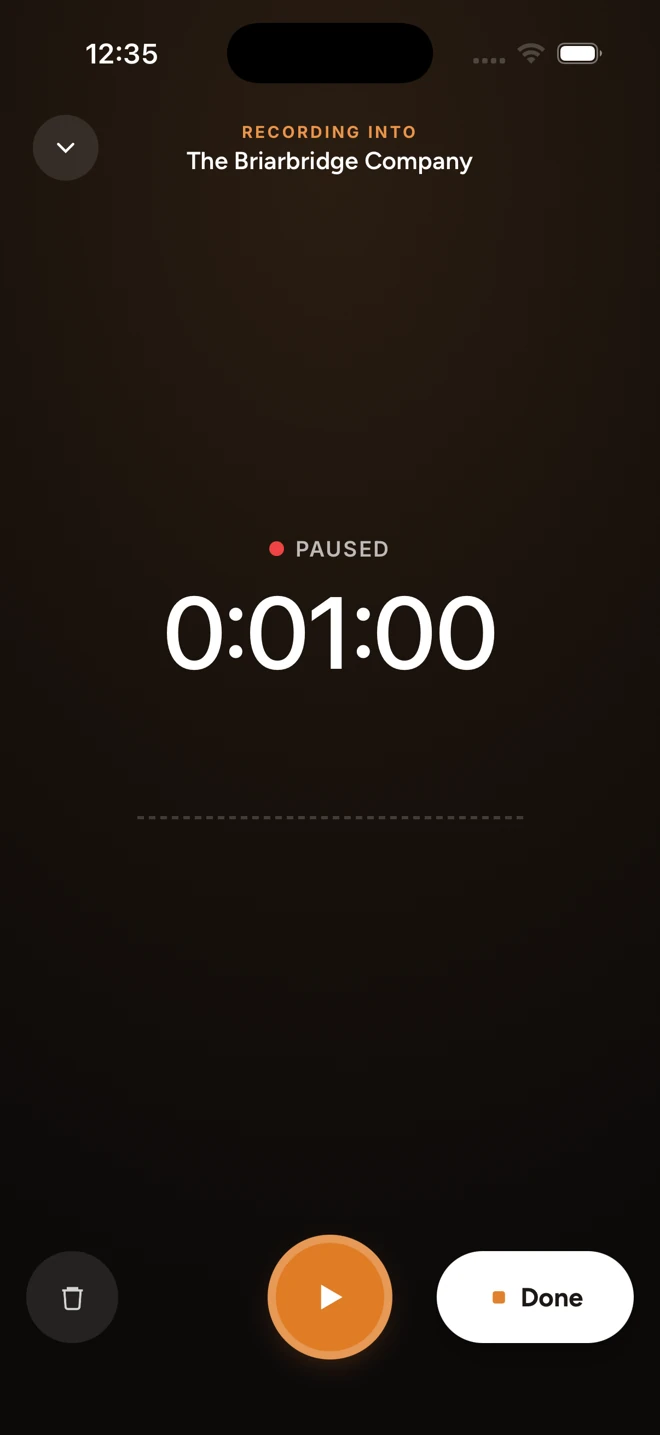
Put your phone on the table and press record. Pause for a break, then carry on when everyone is ready.
Save the recording on your phone and upload it when you have a connection. Already have an audio file? Import it into the app.
Your World,
wherever you are.
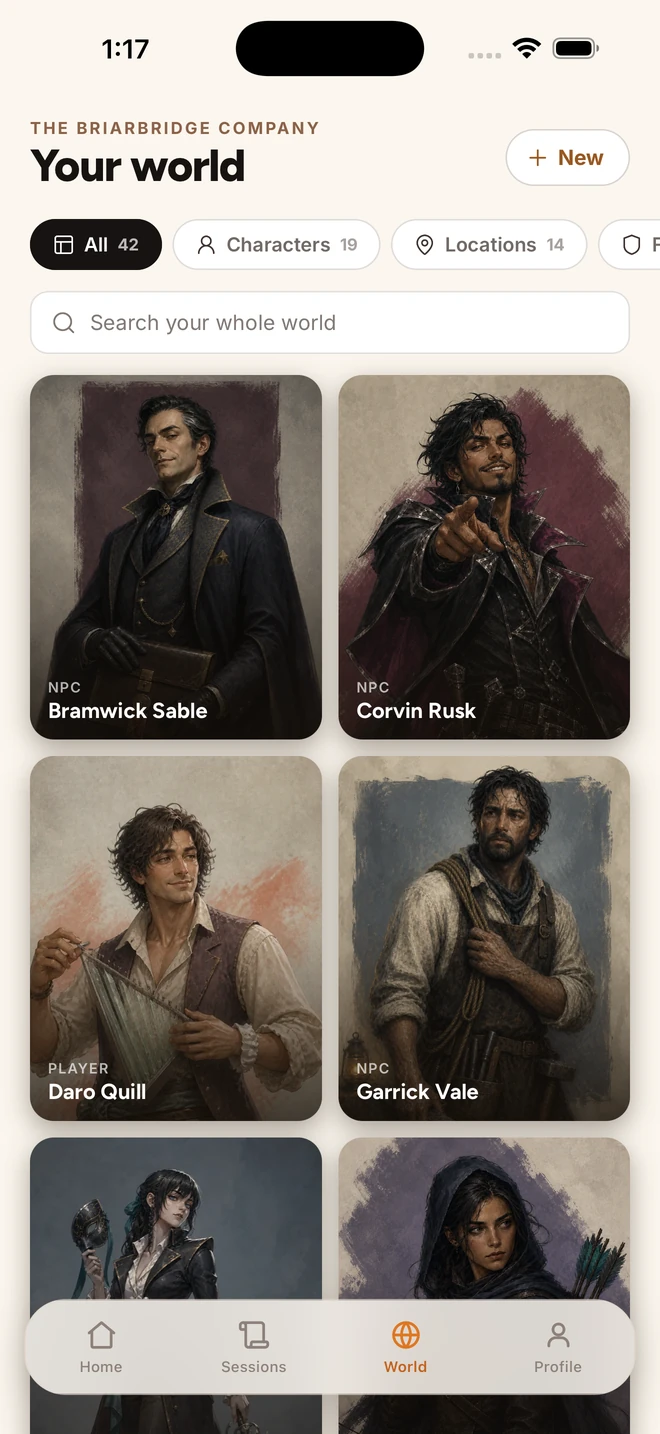
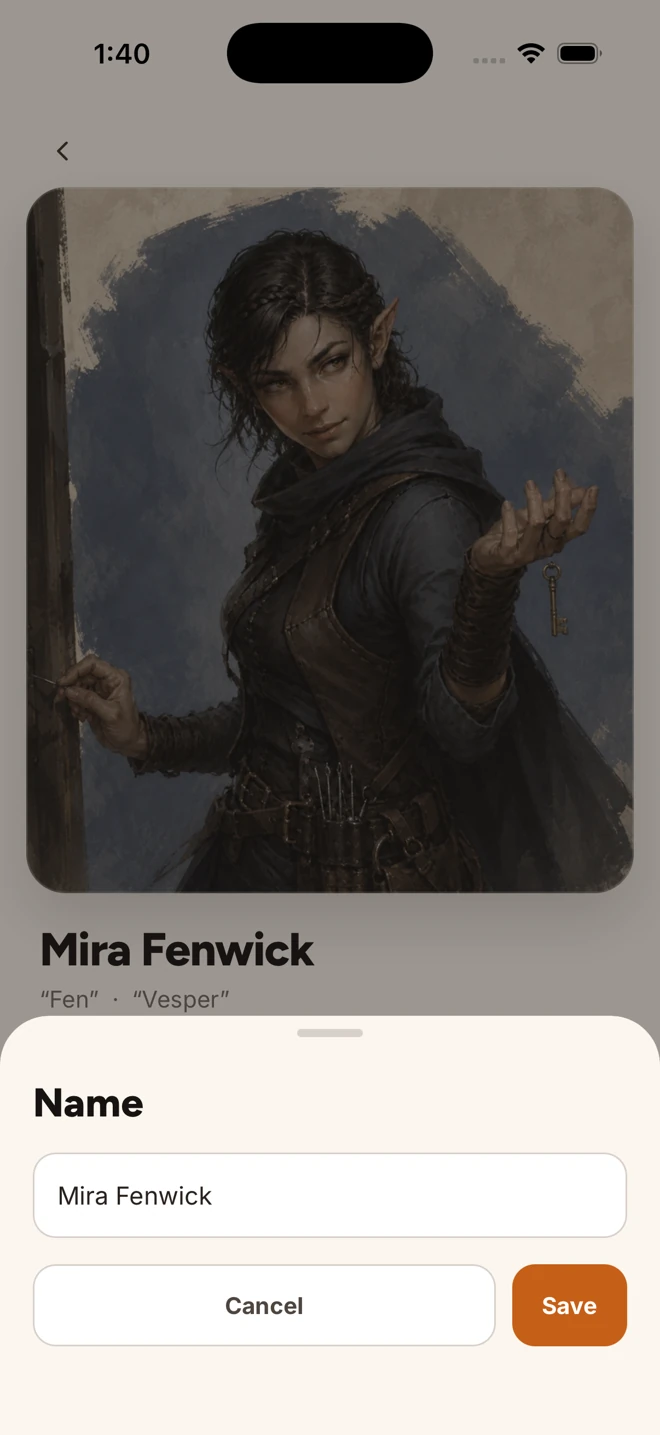
Find the character, place or faction you need before the next session. Open a World page to catch up on its story.
Edit your world
on the go.
Update a character or add a detail while it is fresh in your mind. Your World pages stay yours to edit.
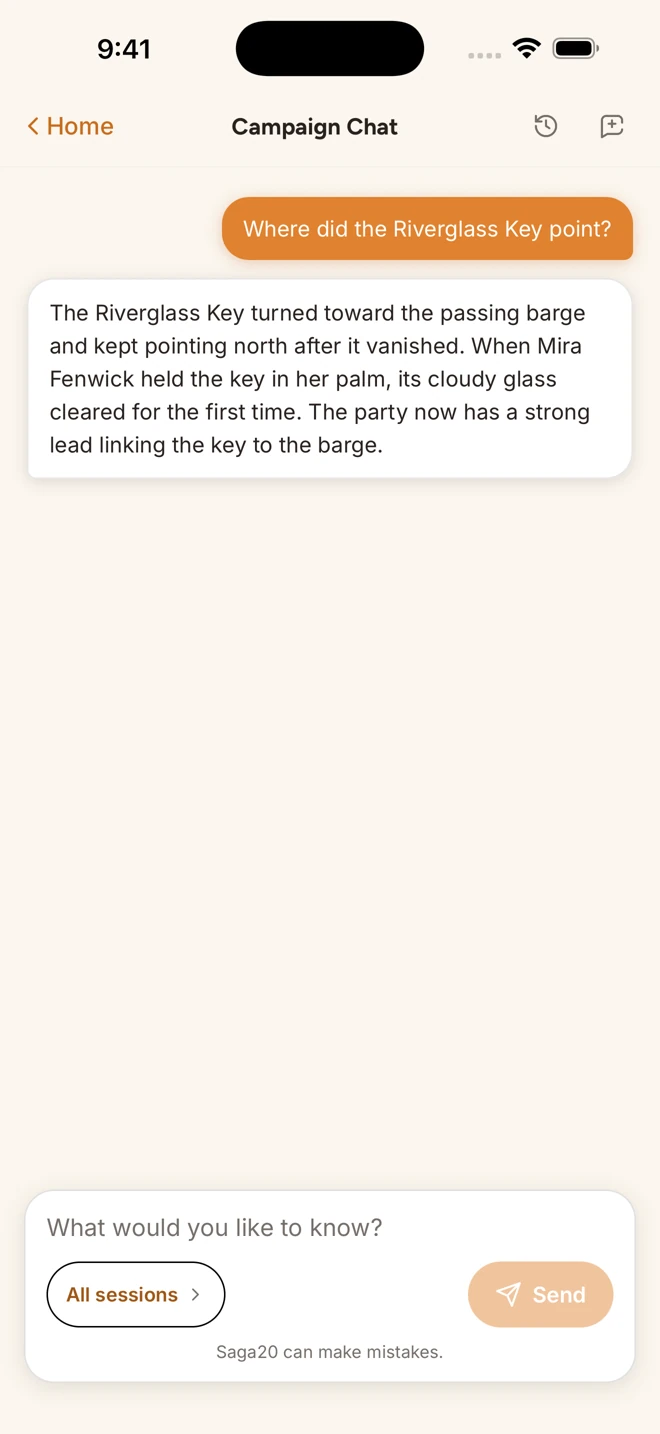
Ask Campaign Chat.
Forgot where the Riverglass Key pointed? Ask a question and get an answer from your campaign's sessions and World pages.
Available on Epic Campaign and Legendary Saga. Campaign Chat needs an internet connection.
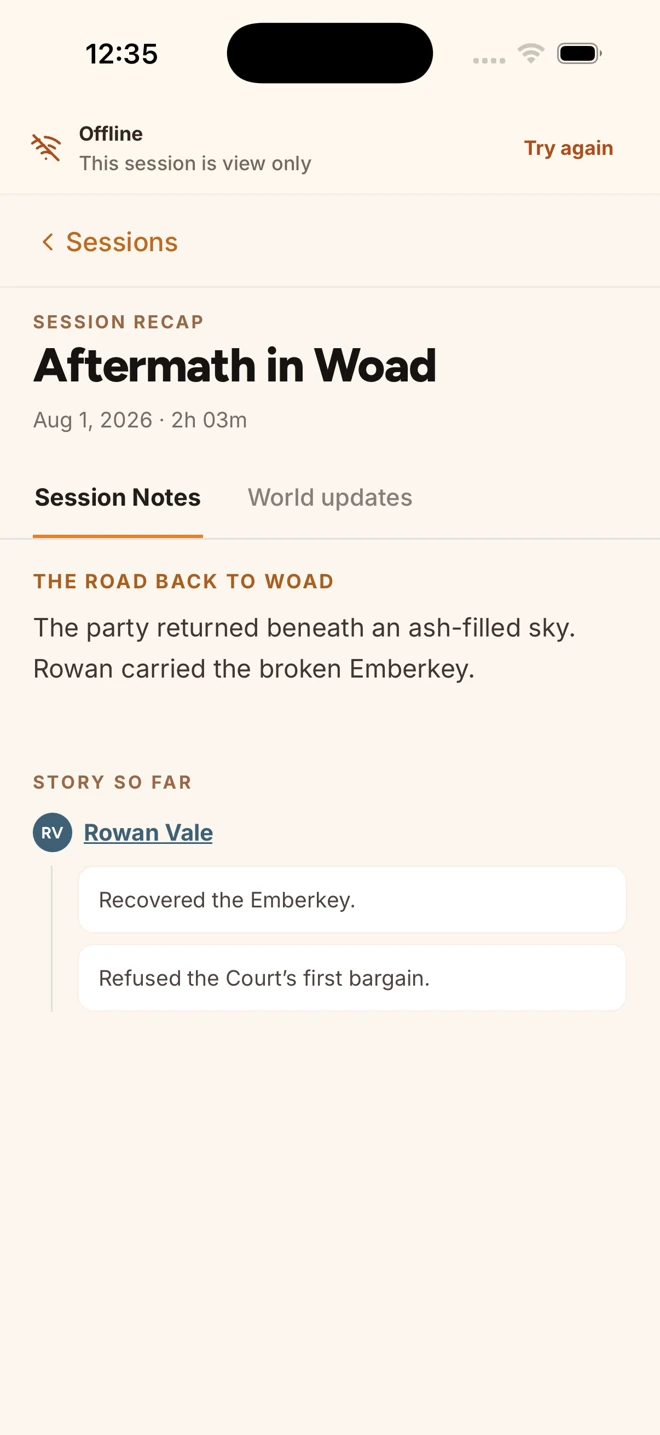
Keep reading offline.
View Session Notes and World pages saved on your device, even without a connection.
Offline copies are for viewing. Editing and Campaign Chat need an internet connection.
Enjoying the app?
Please leave a review on the App Store. Our team is small, and reviews help other D&D players find Saga20.
Leave a reviewAbout the app
Where can I get the app?
You will find the Saga20 mobile app in the App Store and on Google Play. Tap a store button near the top of this page, or search for Saga20.
Will my existing campaigns be there?
Yes. Sign in with your existing Saga20 account to find your campaigns, Session Notes and World pages. Your membership and session usage carry over too.
Can I record now and upload later?
Yes. Save a recording on your phone and upload it when you have a connection. You can also import an audio file you already recorded.
Can I view my campaign offline?
You can view Session Notes and World pages saved on your device. Editing and Campaign Chat need an internet connection.
What can I ask Campaign Chat?
Ask questions about your campaign and get answers from its sessions and World pages. Campaign Chat needs an internet connection and is available on Epic Campaign and Legendary Saga.
Is there an Android app?
Yes. Saga20 is available on Google Play. Sign in with the Saga20 account you already have to see your campaigns.
Start on the web. Pick up on your phone.
Google Play and the App Store both carry the Saga20 mobile app. You can use Saga20 on the web as well.