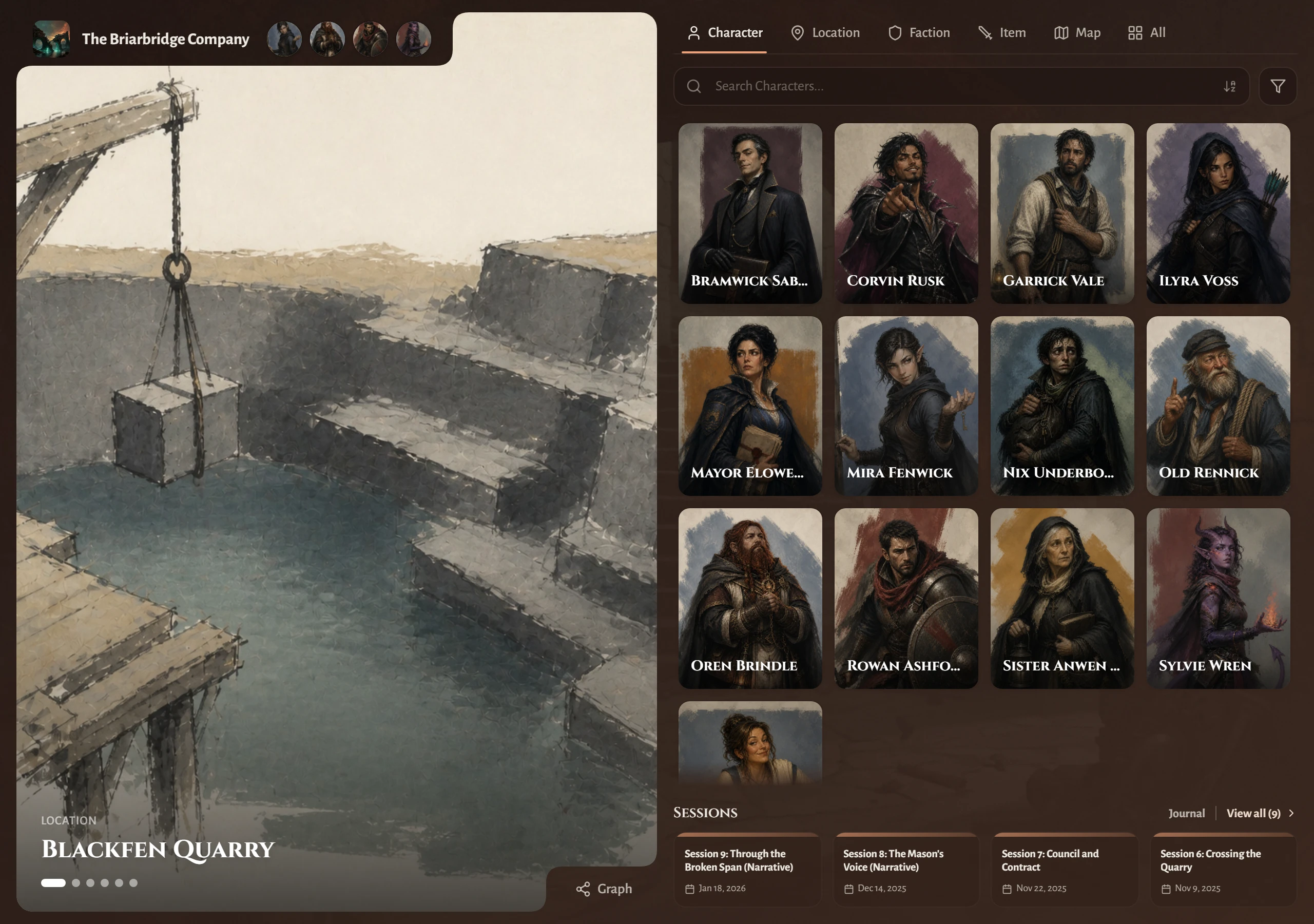
Anyone who has the link can view your campaign wiki. Open Settings, then Campaign, and choose Copy link under Campaign Wiki.
Check what is on it first
Three controls decide what leaves your campaign.
The eye near the top of a world entry keeps that page back until you decide it is ready. A GM notes block conceals a single passage while the rest of the page remains shared, and the server strips it out before a player gets it. A session recap shows up only after you switch that session to Anyone with link can access.
Before you pass along the link, read your own wiki in a private browser window where you are signed out. That shows you any page you wanted to hold back.
When a player needs an account
Reading asks for nothing. A player signs in only to claim a character, keep their own character page current, or read a GM note you have shared with them.
For that flow, see Invite a player to claim a character.
Share one recap instead
You can share a single session on its own link, even while your campaign wiki is off. See Share a session summary.
To set up the wiki, pick its featured panel, or change its colours and fonts, see Set up your campaign wiki.
To invite a Co-GM or give players editing and recording access, see Manage campaign access.
