A player claims their own character from your campaign wiki, and you approve the request. Then the player keeps the character's page up to date.
What has to be in place
Claiming only works when each of these is true:
- The campaign wiki is turned on.
- Allow player claiming is turned on in the wiki's Owner settings. It starts out on.
- The character is a player character, listed under Characters in World and not under NPCs, and its page can be seen in the wiki.
- The player signs in and claims the character.
- The campaign owner approves the request.
What the campaign owner does
- Switch on Campaign Wiki in Settings, then Campaign.
- Open the wiki, select the cog, and check that Allow player claiming is on in Owner settings.
- Open the character in World and confirm that its Type row shows PC.
- Send your group the wiki link with Copy link in Settings, then Campaign.
- Open the character in World when the request email arrives, and select Approve.
A small marker sits beside that character in the World sidebar until you answer. If the request came from the wrong person, select Deny.
What the player does
- Open the wiki link and go to the page for their character.
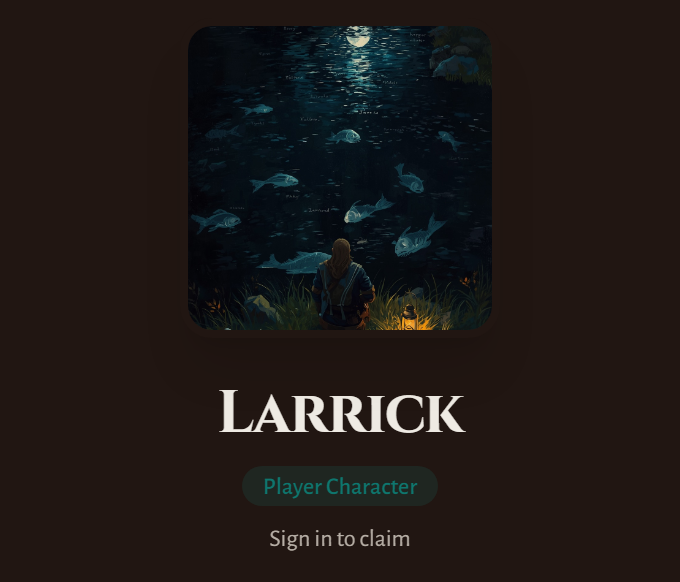
- Select Sign in to claim.
- Sign in with Google, Discord, Apple or email.
- Select This is my character on the same page.
- Wait for Awaiting owner approval to turn into Claimed by you.
The claim button is missing
Check each point under What has to be in place. When the page names another player, that character has already been claimed.
You do not see a claim button on your own wiki because you run the campaign. Someone who helps you run the game joins as a Co-GM through Manage campaign access.
The wrong player claimed a character
Open the character in World, hover the Player row, and select Remove Player. The character can be claimed again, so send the link to the right player.
Point your players to Join a campaign as a player for their side. For anything else you can share, see Share your campaign with your players.
