Player accounts are free, and only the campaign owner pays. Your players get every player feature, whichever plan you are on.
Reading needs no account at all
Anyone with the link can open your campaign wiki and read it without signing in.
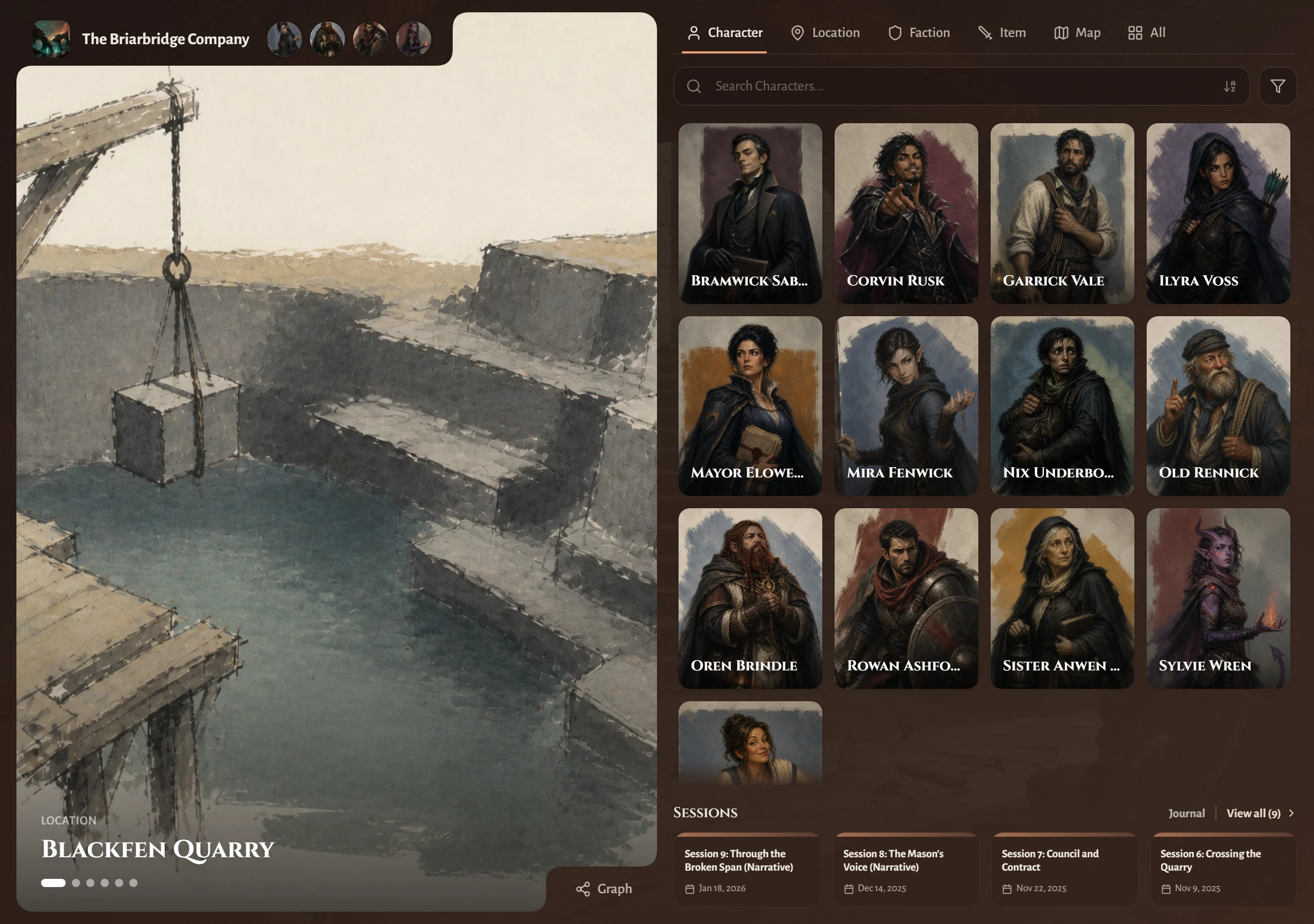
- Characters, NPCs, locations, factions, items, and your custom sections
- Every page you have not hidden, apart from its GM notes
- Session recaps you have made public
- The Campaign Journal
- Story So Far timelines
- Interactive maps
- The Campaign Graph
Send the link to a curious friend and they can browse the whole world without signing up.
Taking part needs a free account
Somebody needs an account once they want to take action rather than only read. They sign in with Google, Discord, Apple or email, and Saga20 returns them to the page they were viewing.
After they claim a character and you approve it, that player can:
- Edit their own character's description
- Rename their character and change its portrait
- Manage aliases, status, and tags on their page
- Add, edit, and remove their own Story So Far events
- Create and edit their character sheet
- Open the immersive view of their character
- Read any GM note you have shared with them
Each item in that list stays limited to their own character. Unless you grant access, a player cannot edit your NPCs, your locations, or another player's page.
How claiming works
- The player opens the wiki and goes to their character's page.
- They choose Sign in to claim and sign in.
- They choose This is my character.
- You get an email, and an approval card appears on that character in World.
- You choose Approve or Deny.
Until you approve the claim, the character shows Awaiting owner approval and the player cannot change anything.
You can stop player claiming at any time. Switch off Allow player claiming in Owner settings to halt new requests, and use Remove Player on a character's Player row in World to end a claim.
Player uploads use your storage
When a player uploads a portrait, it counts against your image storage and not theirs. If your allowance runs out, they are asked to talk to you. See Check your image storage.
For the full claiming walkthrough, see Invite a player to claim a character. Your players can follow Join a campaign as a player.
