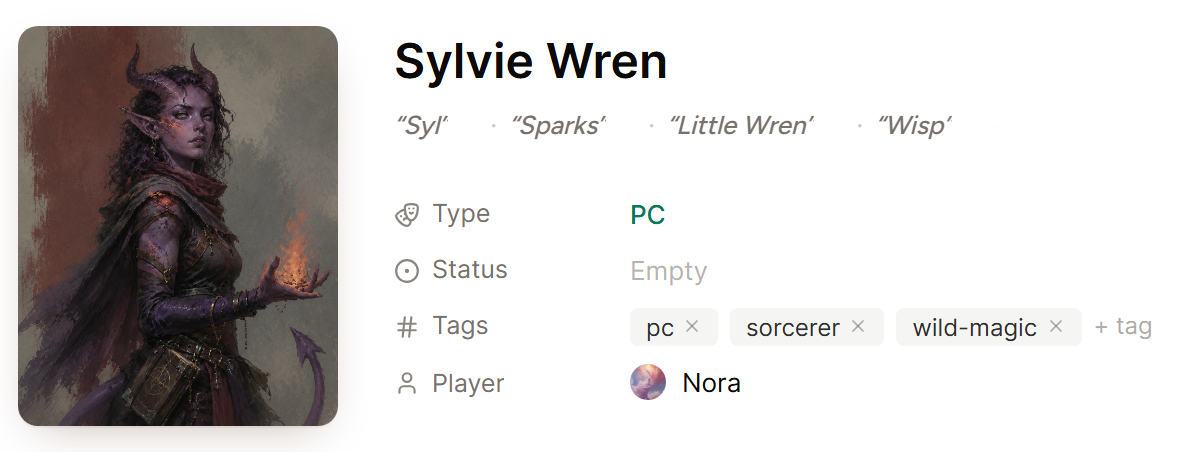
A player character page keeps the information your group returns to most often. You can edit it in World like any other page, and the player who claimed it keeps it up to date from the campaign wiki.
What the player can change
While on the page for their own character in the wiki, an approved player can:
- Write in the description
- Rename the character and change the portrait
- Add aliases, pronouns, a status, and tags
- Add moments under Story So Far with Add event, then edit or remove the ones they added
- Keep a character sheet, from Immersive, then Add Sheet
Add the nicknames the table actually uses as aliases, and Saga20 puts the right name in each recap.
You can still change the rest of your world.
Keep secrets on a player's page
Put anything the player should not read yet in a GM notes block. Their edits never touch it, and it stays hidden from them until you share it. See Add private notes.
Player uploads use your storage
A portrait or image a player adds counts against your image storage, not theirs. See Check your image storage.
A player cannot edit the page
Check that you approved their claim, and that they are signed in with the same account they claimed with. Their page reads Claimed by you when both are true.
The Player row on the character's page in World shows who holds it. To free the character for someone else, hover that row and select Remove Player.
For how a claim begins, see Invite a player to claim a character.
