Create a session, add one recording in a supported format, and leave the page open until the upload is complete. Saga20 will then prepare the speaker review.
- Select Create a session in the sidebar.
- Select the title to rename the session, and choose the date you played.
- Check the Players count next to the date, if it appears.
- Drop your MP3 or M4A file onto the upload area, or click the area to pick it.
- Leave the page open until the upload is complete.
- Label the speakers once processing ends.
- Select Generate Summary to build the session summary.
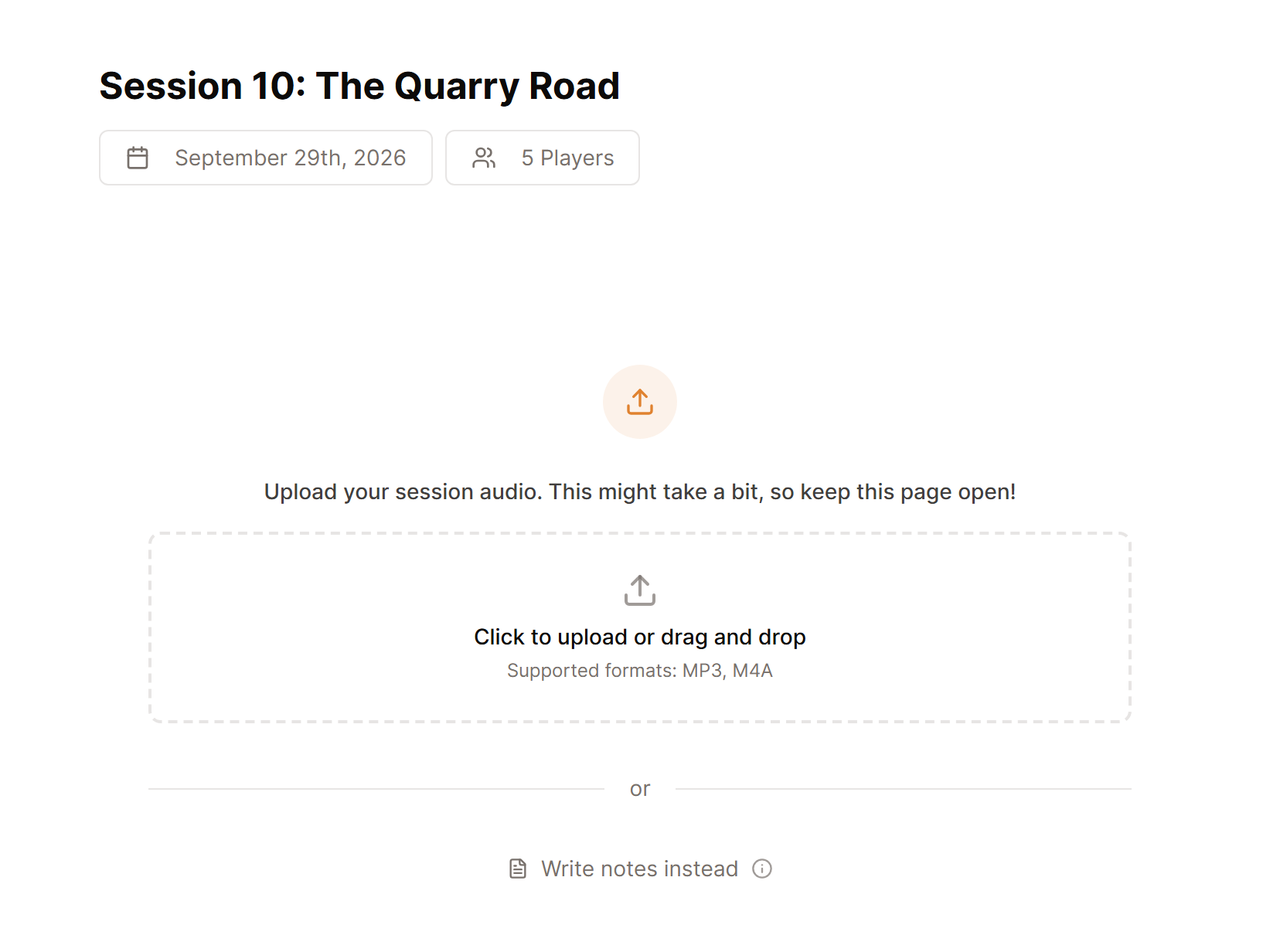
The upload begins when you pick the file. When it is complete, you can leave the page while the recording is processed. Most sessions are ready in 5 to 10 minutes, though long recordings can take more time.
Once processing ends, label the speakers, then select Generate Summary under Session Summary.
You cannot add another recording to the same session. If the wrong file was uploaded, create a new session with the correct file.
Having trouble? See Fix an audio upload problem.
Continue with Label speakers in a session.
