Saga20 accepts one MP3 or M4A file for each audio session.
| Requirement | Current limit |
|---|---|
| File type | MP3 or M4A |
| Maximum file size | 400 MB |
| Maximum recording length | 7 hours |
| Minimum recording length for a summary | 15 minutes |
| Files per session | 1 |
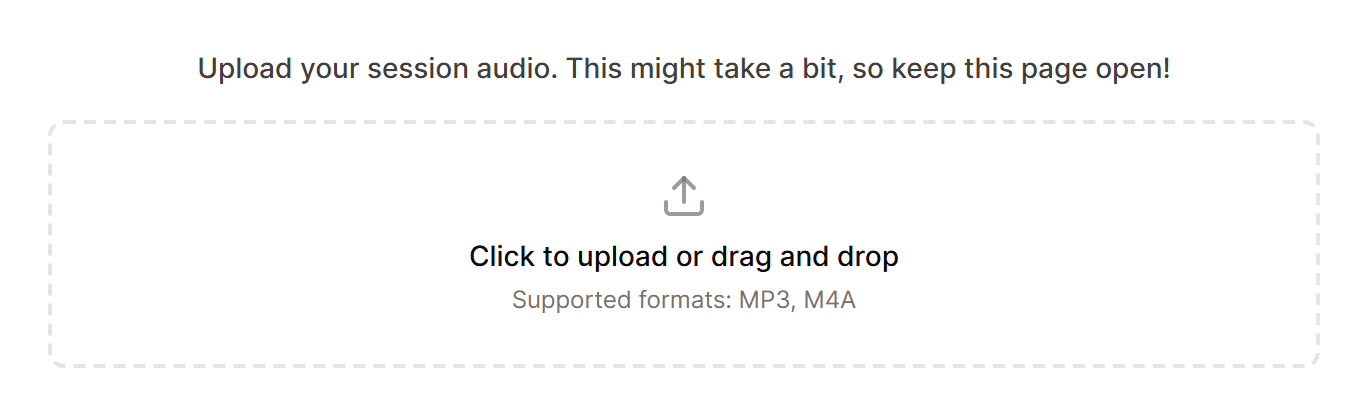
Video files like MP4 or MKV, other audio formats like WAV or FLAC, and separate speaker tracks need to become one MP3 or M4A file first.
Convert a video or another file type
If you extract only the audio from a video recording, the file gets much smaller, so a lengthy session normally lands well below 400 MB. Neither of these tools costs anything.
- VLC runs on Windows, Mac, and Linux and works with files of any size. Open Media, then Convert / Save, add your recording, choose the Audio - MP3 profile, and save. On a Mac, the same option is under File, then Convert / Stream.
- CloudConvert converts in your browser with nothing to install. The free plan handles files up to 1 GB.
The same steps work for WAV, FLAC, and other audio formats.
Recommended settings
- Use compressed audio rather than an uncompressed format.
- Mono is usually enough for spoken tabletop sessions.
- Keep every speaker in the final file.
- Play the beginning, middle, and end before uploading to check for silence or missing audio.
The file must contain spoken audio. A silent or nearly empty recording cannot produce a useful session.
A summary says there is not enough recorded material
Saga20 needs at least 15 minutes of audio to write a summary. A shorter recording shows a message saying the session did not include enough recorded material.
Record the whole session as one file, or join shorter recordings from the same session into one MP3 or M4A file before uploading.
If your file is rejected, see Fix an audio upload problem.
