Most upload problems come from the file format, file size, recording length, or an interrupted connection.
Check the file first
- Confirm the file ends in .mp3 or .m4a.
- Confirm it is no larger than 400 MB.
- Confirm the recording is no longer than 7 hours.
- Play several parts of the file and make sure voices are audible.
- If you have separate tracks, mix them into one file.
Changing a filename from .wav to .mp3 does not convert the audio. To turn a video or another format into an MP3 with a free tool, see Audio file requirements.
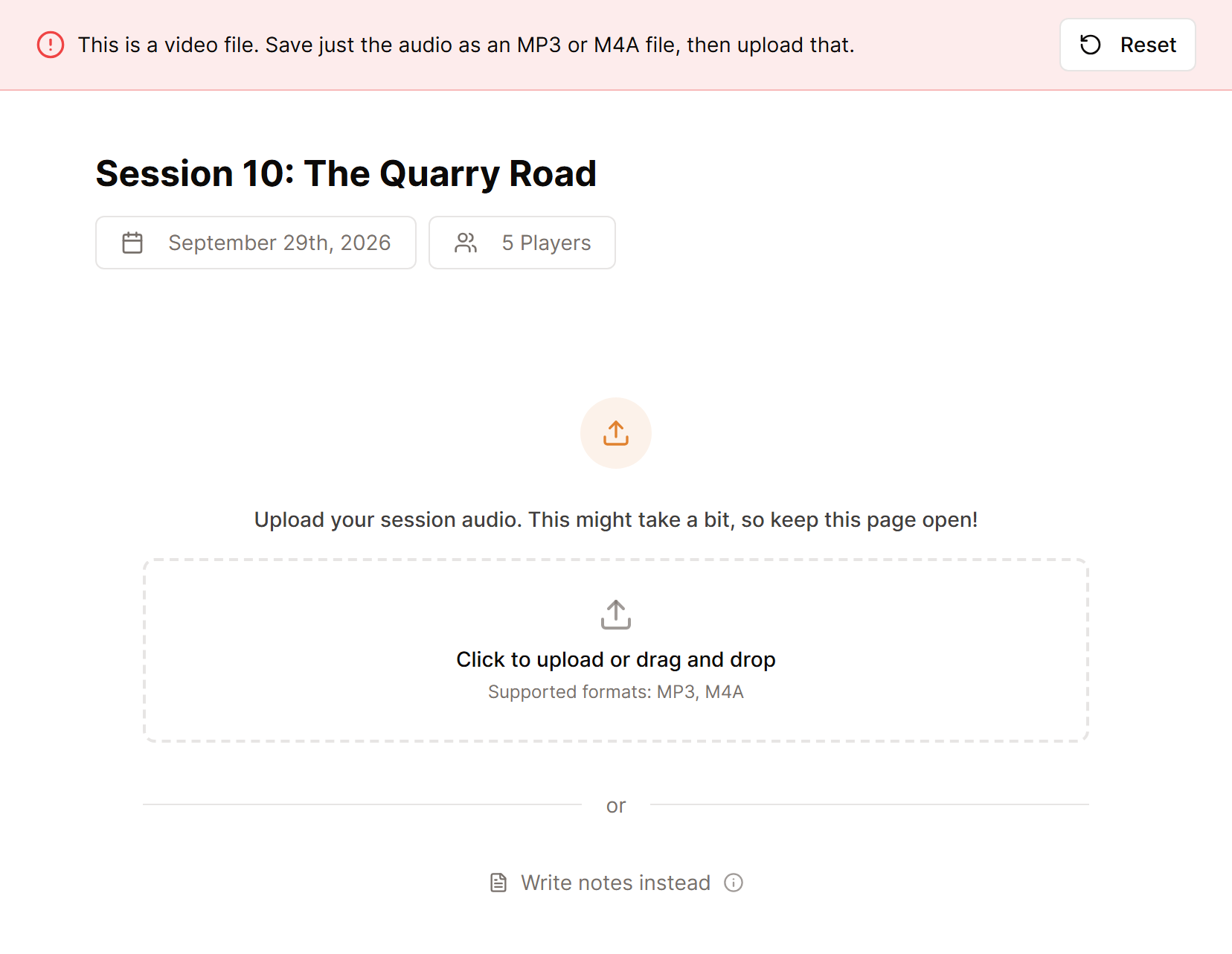
Try the upload again
- Return to Create a session.
- Use a stable internet connection.
- Keep the browser tab open until the upload completes.
- Avoid starting the same upload in several tabs.
If audio has already been accepted for that session, it cannot be replaced. Create a new session for the corrected file.
If your file finished uploading yet the session still has not progressed, check What to do when a session is stuck processing.
Still stuck? Email [email protected] with the campaign name, session title, file type, file size, and the exact message shown on screen. Do not attach the recording unless support asks for it.
