Clear speech does most of the work. Put every player within reach of the microphone, then check that the campaign language matches the table.
Make voices clearer
- Put one recorder near the middle of an in-person table.
- Ask online players to use headphones.
- Reduce music, fans, keyboard noise, and table bumps.
- Avoid several people speaking over one another when possible.
- Check that quiet players are audible in a short test recording.
- Keep every speaker in the same final file.
Give Saga20 better context
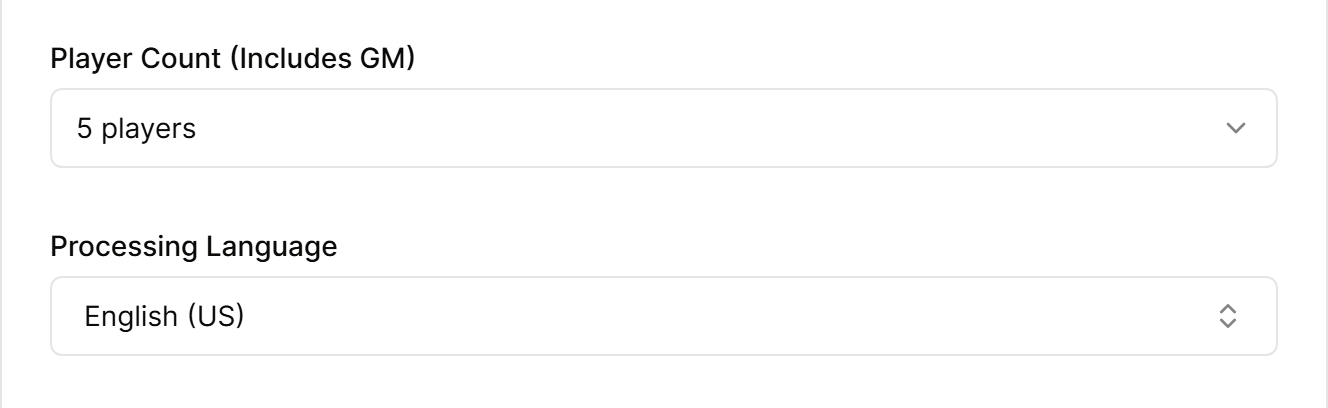
- Choose the campaign's processing language in Settings, then Campaign.
- In the World Builder, write out the names of key characters and places.
- Review speaker labels before creating the summary.
- Keep voice profiles for regular players up to date.
- Choose the summary format and length that suit your table.
If a finished summary gets a name or detail wrong, edit it directly or use Quick Edit. You can also update the related world entry so the correct spelling is available for future sessions.
Continue with Label speakers in a session or Customize session summaries.
