Set the processing language for each campaign in Settings, then Campaign. Saga20 uses that choice to process the recording and write its summary.
- Open the correct campaign.
- Go to Settings, then Campaign.
- Find Processing Language.
- Choose the main language spoken at the table.
- Wait until Campaign settings saved appears before you upload the next recording.
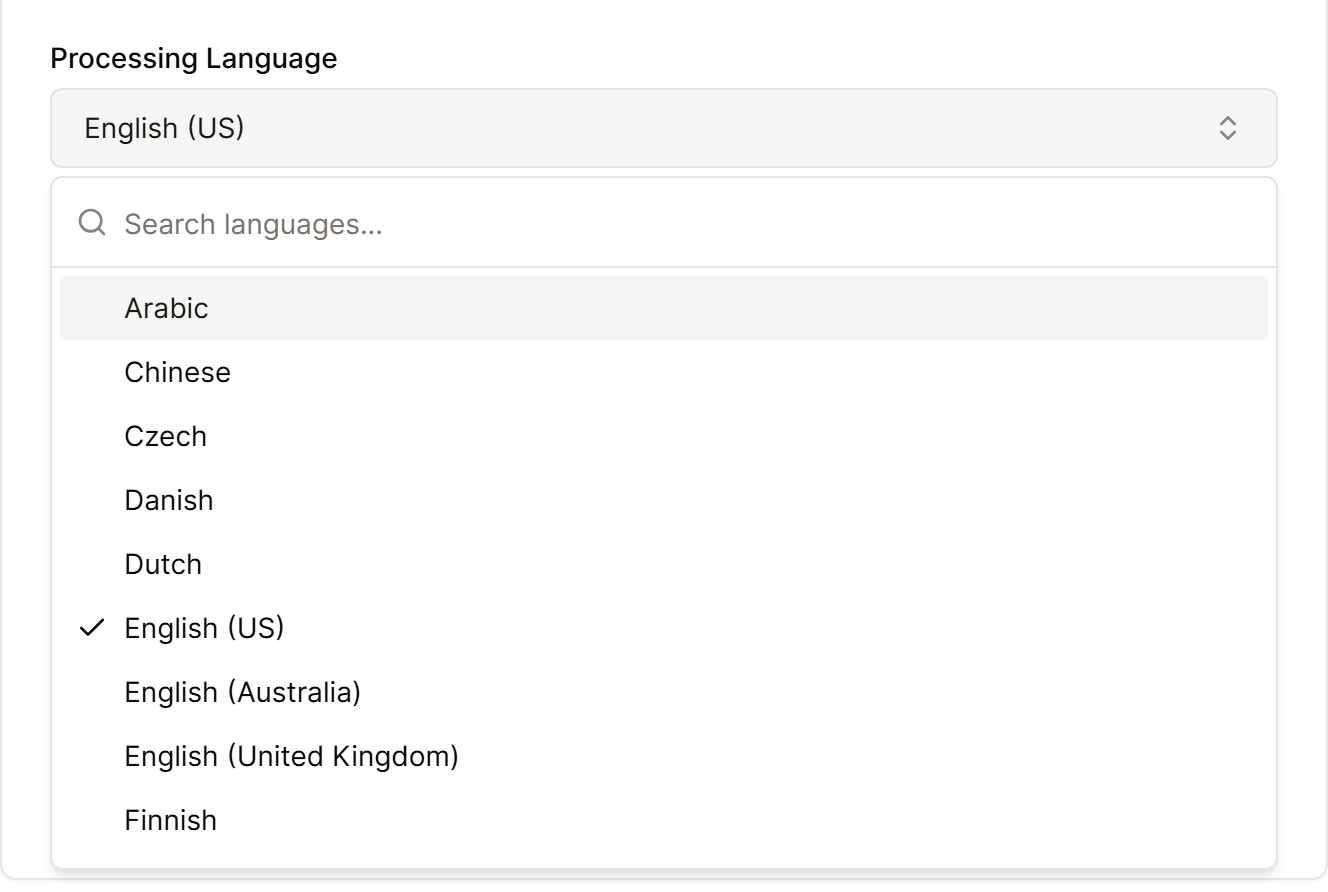
Each campaign can use a different language. If your group switches between languages in the same session, choose the language used most often.
If a summary already exists in English, select Regenerate summary and request the new version in the language you want. When the summary is ready, check the names and game terms, especially if your group mixes in words from a few languages.
Language settings do not move between campaigns. Check the setting again if you create or switch to another campaign.
To change the format or length of your summaries as well, see Customize your session summaries.
