Create one Saga20 session for each game night. You can upload one recording or save written notes without using an audio session.
- Open your campaign.
- Select Create a session in the sidebar.
- Select the title to give the session a clear name, then set the date you played.
- Check the Players count beside the date, if it is shown, and lower it for anyone missing.
- Upload your recording, or choose Write notes instead.
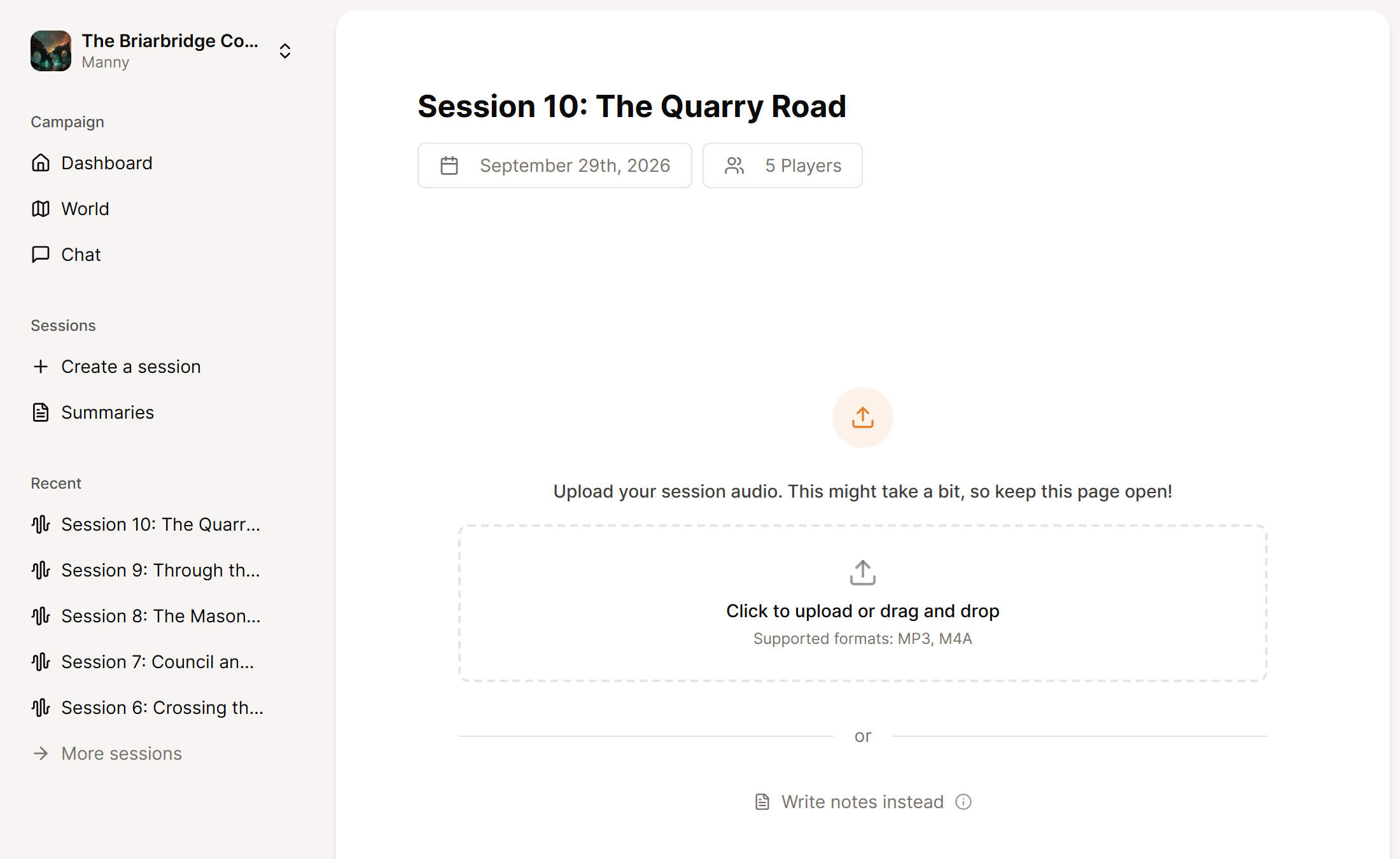
Until you rename it, a new session carries the date and time it was created.
The player count means people, not characters. If one player controls two characters, count that player once. To set it for the whole campaign, see Set your player count.
An audio session and a written session take separate routes. A recording goes on to speaker labels, then Generate Summary, then World updates for your pages. A written session remains text only and does not update the world in the same way. If you want to process a recording later, make a new session for that file.
For file limits and supported formats, see Audio file requirements.
Go on with Upload a session recording.
