You can make and keep session notes even when you have no recording. Written sessions are free and do not use your monthly audio allowance.
- Choose Create a session from the sidebar.
- Select the title to rename the session, and choose the date you played.
- Choose Write notes instead.
- Type or paste what you want to note under Session Notes.
- Enter @ and then a name to connect a character, a location, or another world entry.
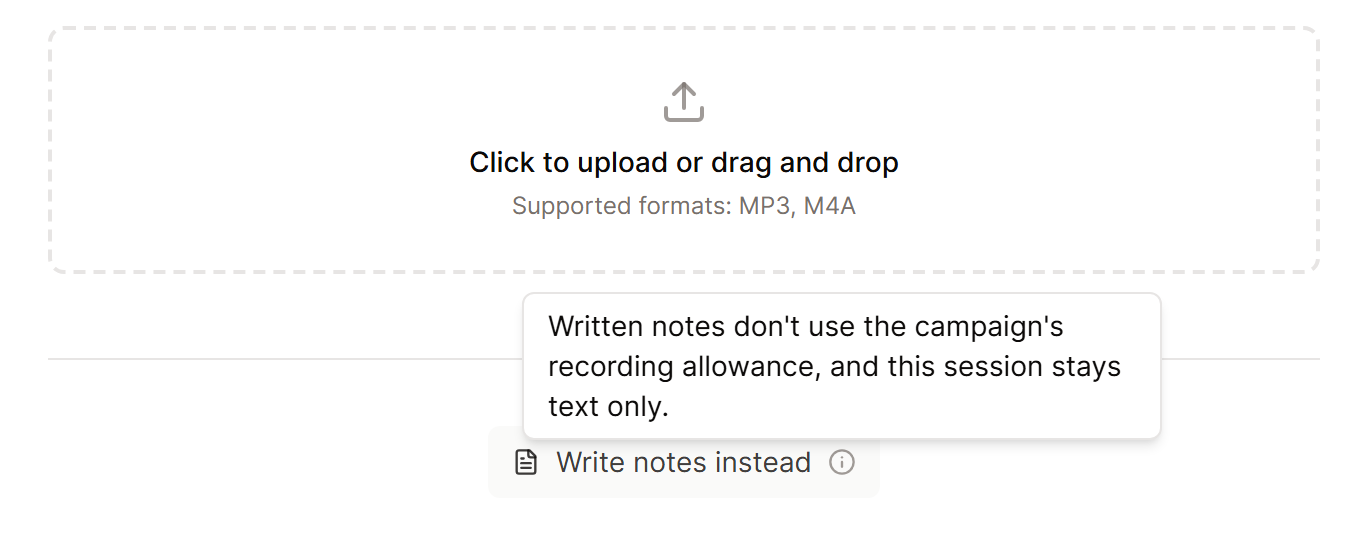
Your writing is saved while you type. Written sessions suit planning notes, brief recaps, or game nights you were not able to record.
How written notes differ from a recording
Written notes keep your words as you typed them, and Campaign Chat can read them alongside your recorded sessions. Unlike a processed recording, they do not make speaker labels, build a recap for you, or add journal and world updates.
You cannot turn a written session into an audio one later on. Start a new session if you choose to upload a recording.
To bring a campaign you already have into the World Builder, use Import an existing campaign.
