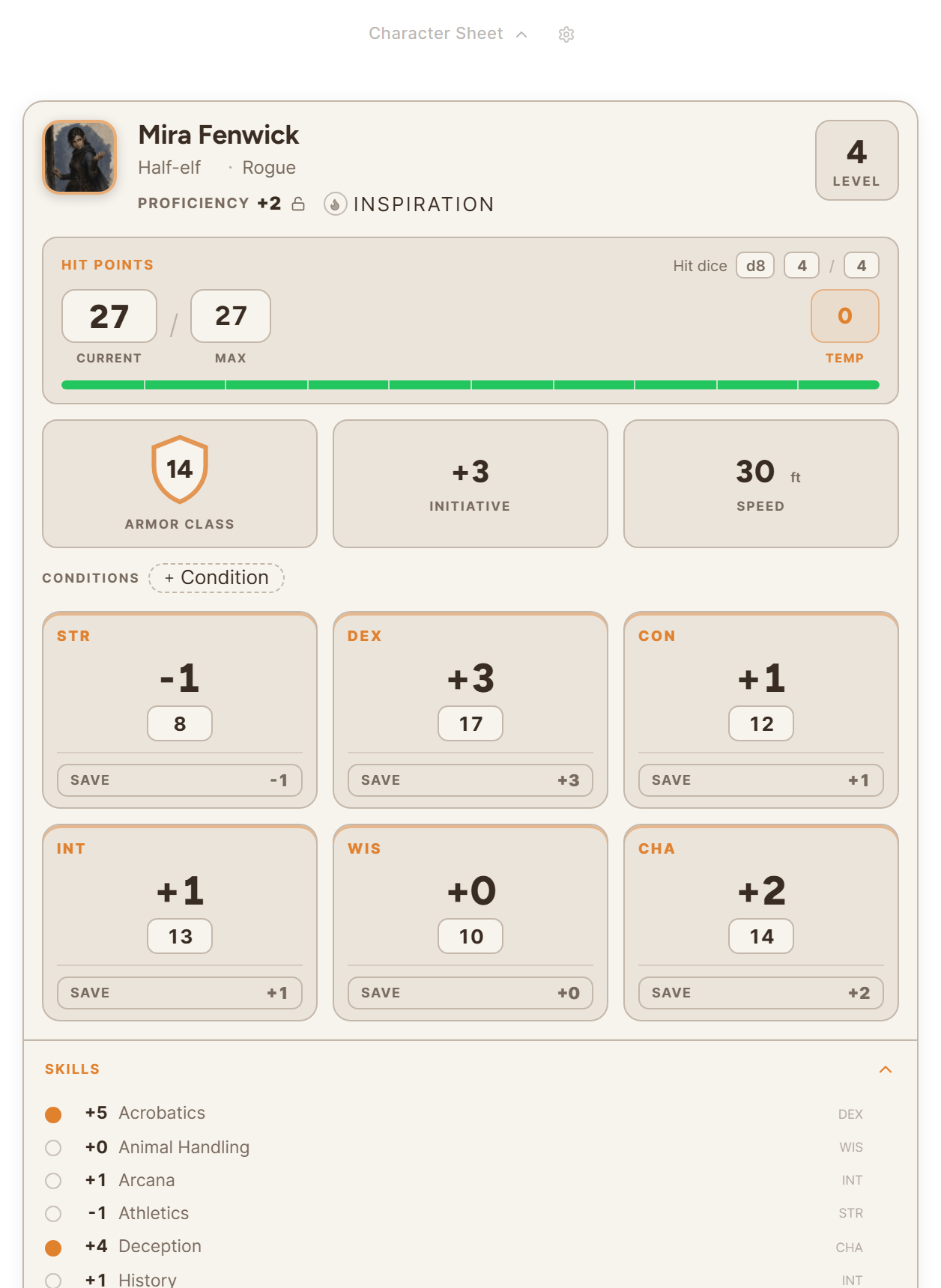
A character sheet lives on the character's page in the World Builder. D&D 5th Edition and Pathfinder 2e both have sheets in Saga20, and you can also bring in a D&D 5e sheet from a PDF.
Start from a template
- Go to World and pick the character.
- Choose Add Character Sheet above the character's description.
- Choose a template under Your Library.
- Look over the preview, then choose Use this template.
On the page, the sheet shows up under Character Sheet. That label opens or closes it. Your edits save while you type.
Import a sheet from a PDF
- Choose Add Character Sheet, then Import character sheet.
- Drop the PDF in the dialog, or choose Choose file.
- Look over the character Saga20 read from the file.
- Choose Import character.
Import reads D&D 5e sheets saved as a PDF, plus exports from D&D Beyond. A scanned sheet has no text to read, so export a PDF from your character builder rather than scanning one.
Who can see and edit the sheet
You can add a sheet to any character, whether it is a player character or an NPC. Once a player has claimed their character, they can add and edit its sheet from the campaign wiki. They open their character, choose Immersive, then choose Add Sheet.
Only you and that player can see the sheet.
To start fresh, open the three dots menu on the sheet and choose Remove sheet. That wipes the sheet and keeps the character's description untouched.
To let a player take over their character page, see Invite a player to claim a character.
