Campaign Chat is built on your recorded sessions. Ask it what happened, who said what, or when the party first met somebody, and it reads back through what was actually played at your table.
Campaign Chat can answer questions about details that nobody wrote down, because it reads the transcript of any session you have processed.
What it reads
- The transcripts of your processed sessions
- Your session notes, along with any edits you have made
- Session titles and play dates
- The World Builder pages your question mentions, along with each page's story so far
- The campaign journal
Campaign Chat reads your GM notes, and only you and any Co-GMs can see Campaign Chat or its answers.
How it picks an approach
Campaign Chat reads the question, chooses how to search for the answer, and shows the search above the answer.
- A recap question reads the recent session summaries
- A question about one person, place, or moment searches the transcripts
- A question spanning the whole campaign reads a condensed recap of every session
- A question about your session list reads titles and dates
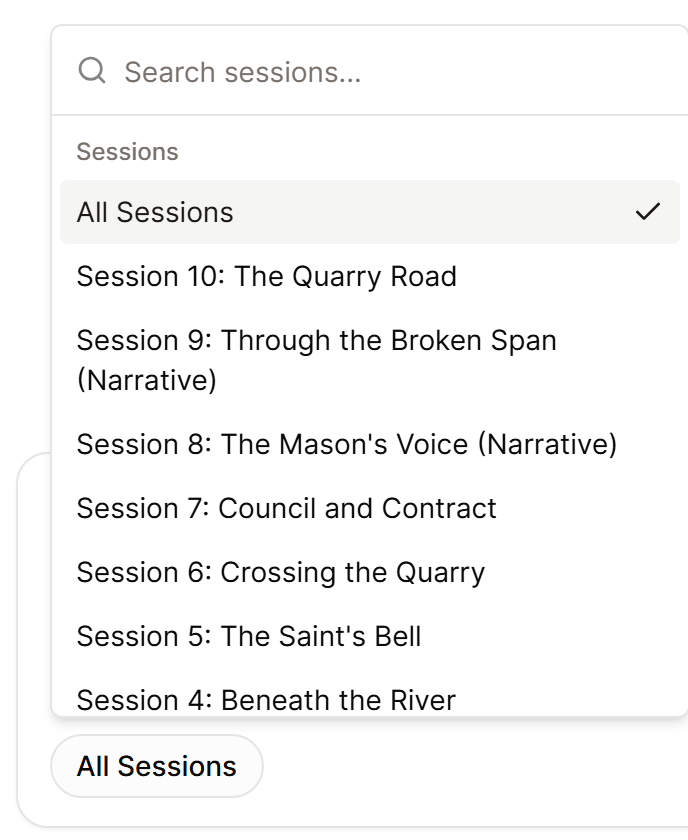
When Campaign Chat finds nothing, it says so rather than inventing a recap. A blank answer usually means the moment was never recorded, so name the session you think it happened in, as shown in Ask Campaign Chat about your campaign.
How many messages you get
Campaign Chat is included with Epic Campaign and Legendary Saga.
- Epic Campaign: 30 messages a day
- Legendary Saga: 70 messages a day
The count works on a rolling 24 hours, and each message becomes available again one day after you send it. The allowance belongs to your account and both the web app and the mobile app draw on it.
At the limit you will see You have reached your Campaign Chat message limit for the last 24 hours. with the time remaining.
Get better answers
The quality of a Campaign Chat answer depends on the recording behind it. Clear speech and correct speaker labels improve answer quality more than any other change, because a well-labelled session lets Campaign Chat tell your players apart by name.
See Improve recording and summary quality and Label speakers in a session.
