Speaker detection follows the human voice, so one player will usually appear as one speaker even when they control several characters. Saga20 cannot reliably split the same voice into separate roles from sound alone.
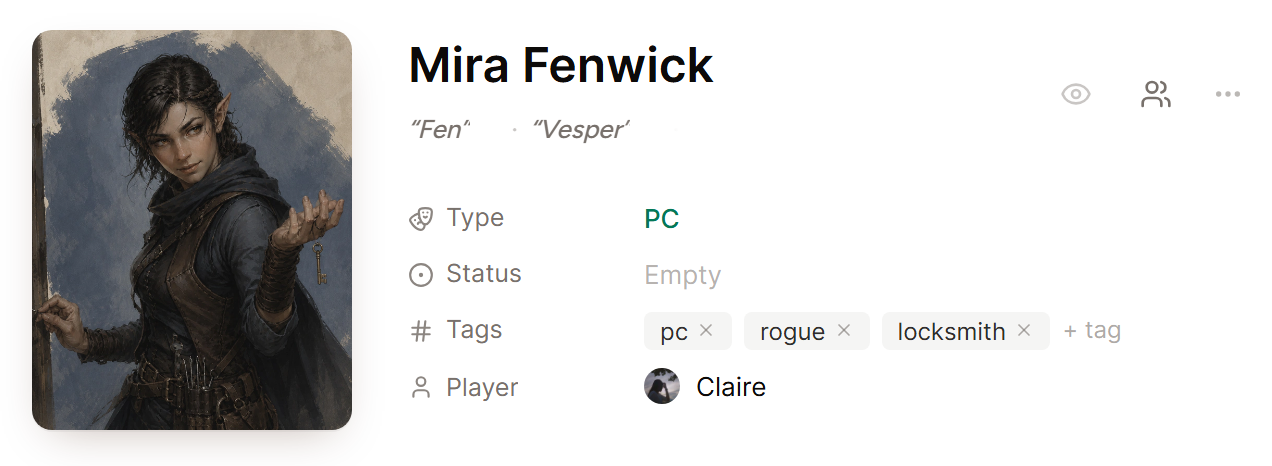
During speaker review, label the voice as the person who is speaking. Then make sure each of their characters has a clear world entry with the correct name and aliases.
For a cleaner summary:
- Ask the player to name the character when switching roles if the scene is unclear.
- Add every character to the World Builder before you start processing.
- Include nicknames and alternate spellings as aliases.
- Use Quick Edit when a line or action is assigned to the wrong character.
The player count for a session should still include that player one time. Player count is the number of people in the recording, yourself included, rather than the number of characters in play.
See Fix world entry links and duplicates for help with character aliases.
