Correct the labels during speaker review whenever possible. Speaker detection works from the voices in the recording, so overlapping speech, distant microphones, and very short replies can make a person harder to separate.
A speaker has the wrong name
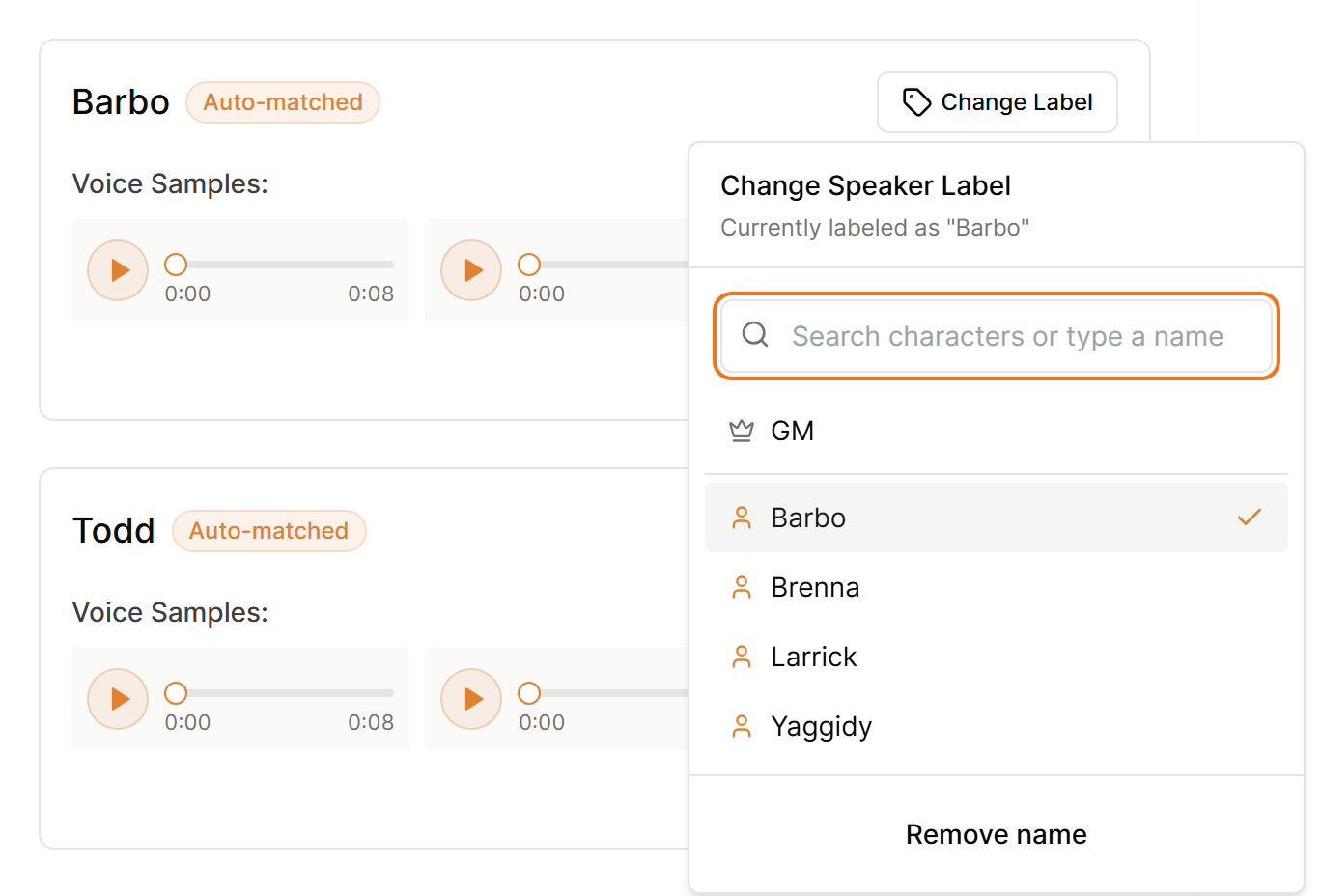
Play the sample, select Change Label, and choose the correct person. Check the other samples too, since two names may have been swapped.
Two people appear as one speaker
Label the sample with the person heard most clearly. Before your next session, improve microphone placement and reduce people talking over one another. If this happens often, raise the speaker similarity threshold slightly in Settings, then Processing, and test the next recording.
One person appears as several speakers
Give the matching samples the same person label. If this happens often, lower the speaker similarity threshold slightly.
A player is not detected
Check the recording to confirm their voice is audible. Very quiet speech may be grouped with another person or left out. You can still correct names and events in the finished summary with Quick Edit.
Make small threshold changes. A large adjustment can solve one session and make another less accurate. See Manage voice profiles for more.
