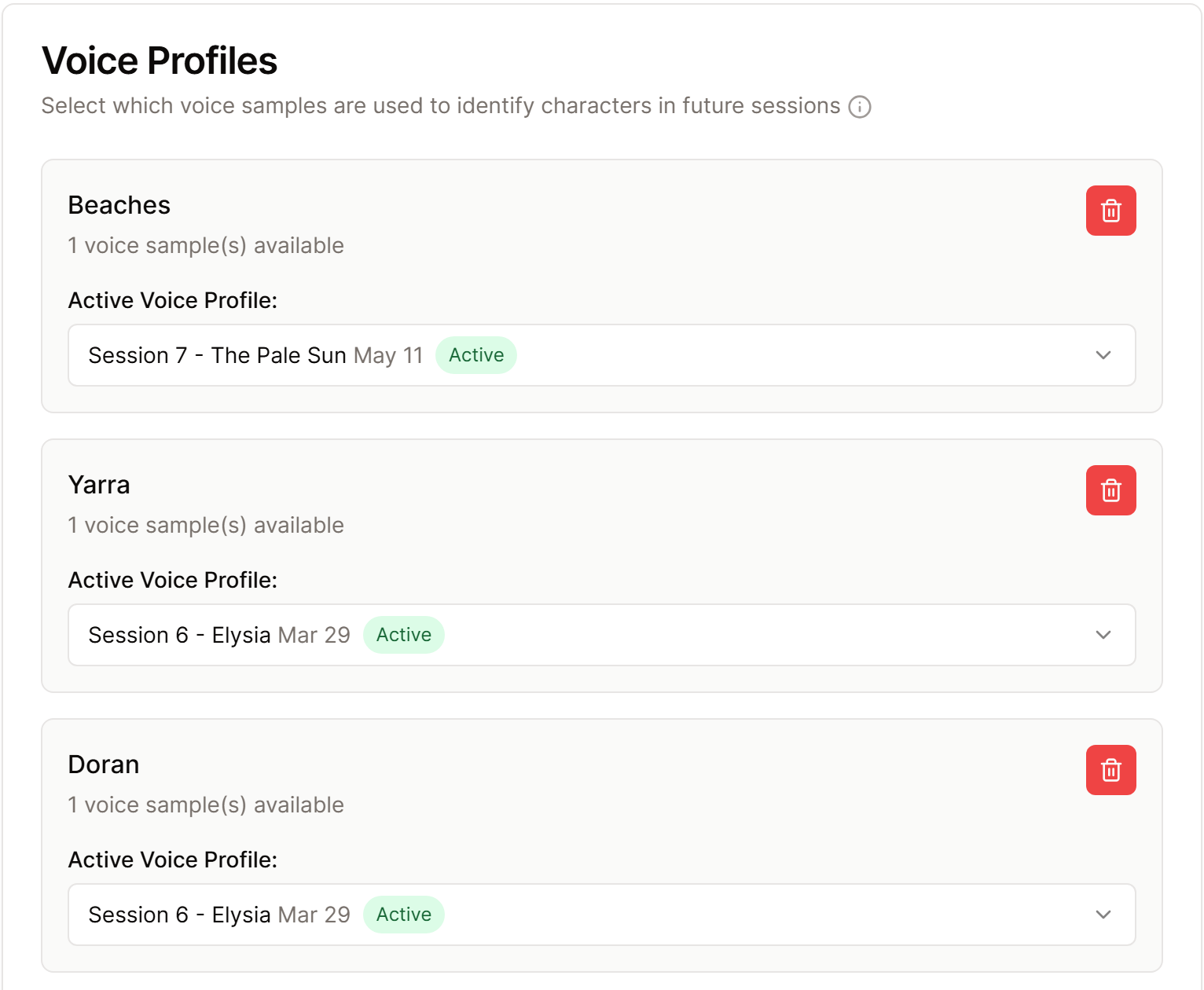
Voice profiles help Saga20 recognize regular players across sessions. They are created from voices you label during speaker review and contain a numerical voice pattern, not a saved audio recording.
Open Settings, then Processing to view voice profiles and the speaker similarity threshold.
When to change the threshold
- Raise it slightly if different people are often matched as the same speaker.
- Lower it slightly if the same person is often split into several speakers or not matched.
- Leave it at the default if speaker review is generally accurate.
Higher means stricter matching. Change the setting a little at a time and judge it using a normal session with your regular group.
When to remove a profile
Remove a voice profile if it was created from the wrong person, a poor sample, or someone who no longer plays in the campaign. Label that person carefully the next time they appear so a fresh profile can be built.
Voice profiles are kept per campaign. Switching campaigns also switches the available profiles.
To correct the labels in one session, see Fix a wrong or missing speaker.
