Every Saga20 summary is editable. Open the session, click into the summary, and change the text as you would in a document.
Use direct editing when you want to:
- Correct a name, place, spell, or rules detail.
- Remove private information before sharing.
- Add something that happened away from the microphone.
- Rewrite a paragraph in your own voice.
- Reorder or shorten a section.
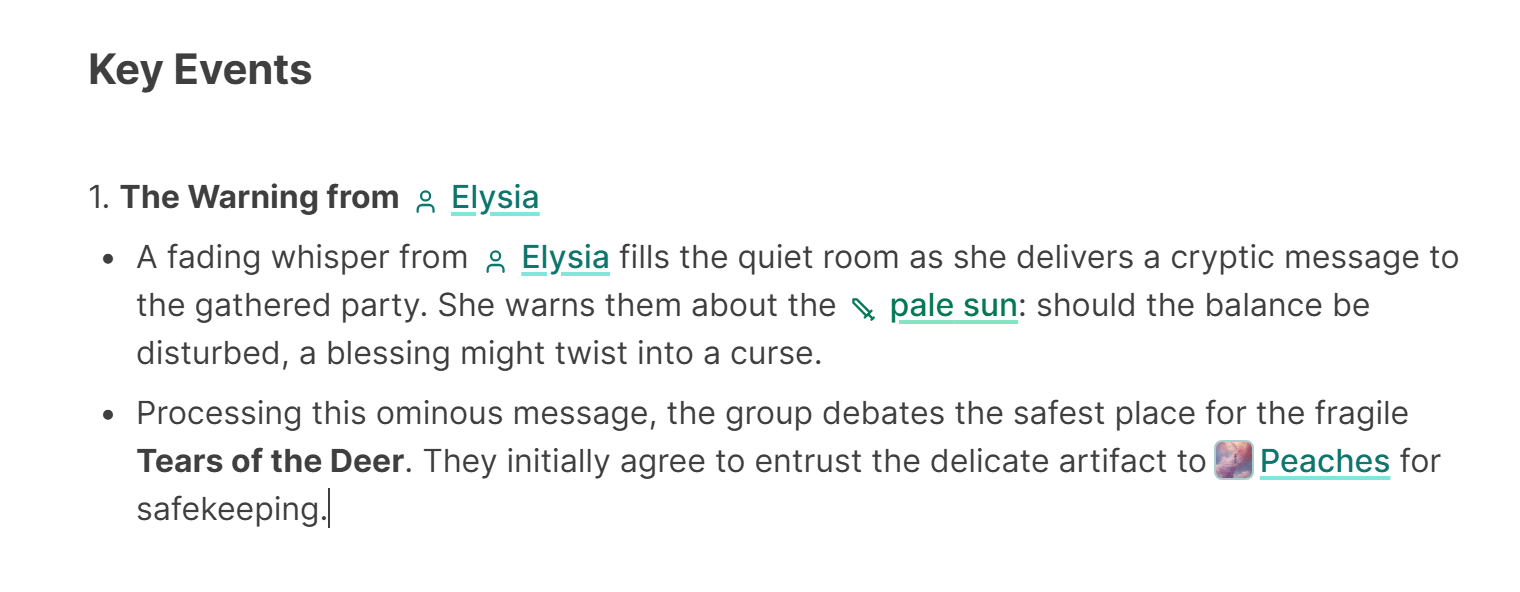
Changes save as you work, a moment after you stop typing. Pause briefly before closing the page.
For repeated names or phrases, use the editor's find and replace tool. On a keyboard, you can open it with Ctrl+F on Windows or Command+F on macOS while editing.
To turn a name into a link to its world entry, type @, as shown in Link world entries in session notes.
If you would rather describe a change than rewrite it yourself, use Quick Edit. For a completely different structure or tone, regenerate the summary instead.
