For a focused change, use Quick Edit. Pick out the text you want to alter, then select Quick Edit in the toolbar that pops up. When you want a fresh take on the entire summary, reach for Regenerate summary, the circular arrow next to Session Summary.
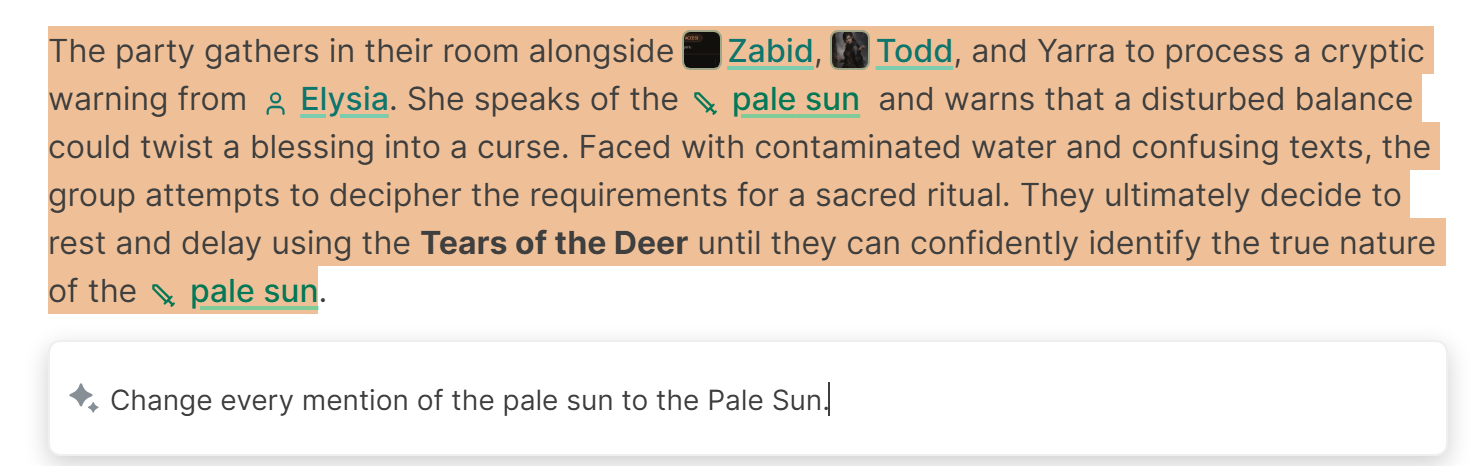
Quick Edit is best for
- Correcting a misspelled name throughout the recap
- Removing a private detail
- Shortening one section
- Changing the tone of a paragraph
- Clarifying who did something
Offer a single clear instruction each time, for example: "Change every mention of Greyhaven to Grayhaven."
Regenerate is best for
- Switching between bullet and narrative formats
- Making the full recap shorter or more detailed
- Applying new summary preferences
- Asking for a different language
- Starting again when the first structure missed the mark
Regenerating a summary does not use another audio session from your monthly session allowance. Every session comes with its own cap on how many times you can regenerate.
Copy any wording you wish to keep before you build a full new version. Once the result is generated, you can also edit the result directly.
