Best D&D Tools for Players and DMs (2026)
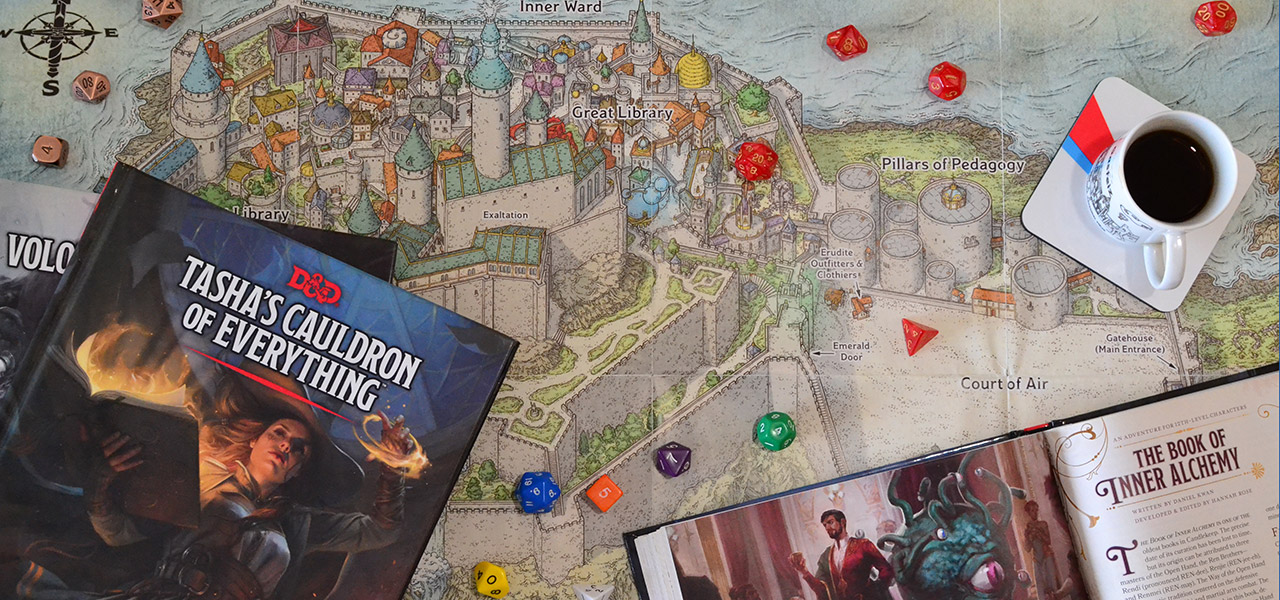
If you're anything like me, you've probably spent more time looking for the perfect D&D tool than actually prepping your game.
It's the "Shiny Object Syndrome" of the modern Dungeon Master. We convince ourselves that if we just find the right world-building software, or the perfect initiative tracker, our campaigns will suddenly run themselves. This is a trap.
I've been running games for over twenty years. I've DMed Curse of Strahd twice, survived a two-year Tomb of Annihilation campaign, and I currently juggle three groups across different systems. My philosophy has shifted from "maximum prep" to "maximum impact." A tool should never require more energy to maintain than the value it provides at the table. If I have to spend 15 minutes configuring a dynamic lighting wall for a room my players might spend 30 seconds in, that tool is getting cut.
Below is my list of the best D&D tools for players and DMs. These are the ones I actually use because they treat my time with respect.
| Tool | Best For | Free? | Platform |
|---|---|---|---|
| Saga20 | Automatic campaign wiki | Free trial | Web |
| Owlbear Rodeo | Quick VTT maps | Yes | Web |
| D&D Beyond | Rules + character sheets | Partial | Web/App |
| Kobold Plus | Encounter balancing | Yes | Web |
| Token Stamp 2 | Token creation | Yes | Web |
| Inkarnate | World maps | Freemium | Web |
1. Saga20: The Campaign Wiki That Updates Itself
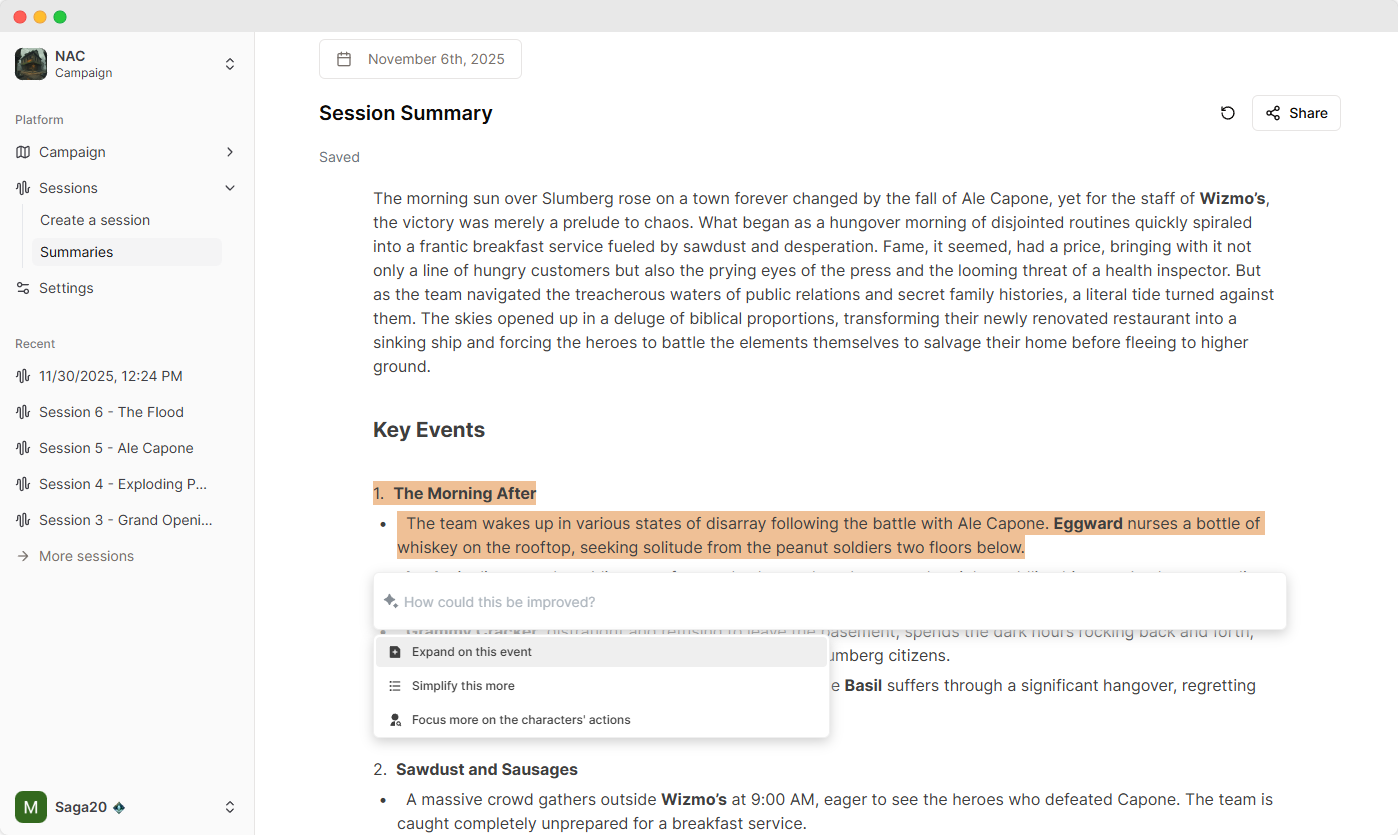
Full disclosure: Saga20 is our product. I'm starting with it because it solves the thing that makes long campaigns quietly fall apart: remembering what is true right now.
For years, I thought my problem was note-taking. It was bigger than that. The notes were just where the campaign memory was supposed to live. A player would ask about a merchant from three sessions ago, I'd open a 47-page Google Doc, and the best clue I had was "Dwarf??? Betrayal????" with three underlines. Very helpful.
Saga20 is an automatic campaign wiki and Campaign Journal for your table. You hit record on your phone, or upload a Discord recording afterward, and it turns the session into something you can actually use next week: a clean recap, new NPC and location pages, updated character histories, quest progress, unresolved threads, and the little details that would otherwise vanish into table noise.
When the session finishes processing, the useful parts are already sorted. The players get a readable recap. The GM gets wiki updates, character timelines, new people and places, and quest movement. The door argument stays in the background unless the door argument somehow became plot. Which, to be fair, happens more often than it should.
What happens when the campaign gets too big to hold in your head?
This is where Saga20 really pays off. Every NPC, location, faction, and item mentioned in your sessions can become part of the auto-updating world builder. Existing pages get new history entries after each session, so when an NPC from Session 3 shows up again in Session 12, their page already knows what happened last time. You are not digging through old recaps. You are looking at the current version of your world.
The Campaign Journal is the part I lean on before prep. It keeps the current situation, active quests, mysteries, important NPCs, and important places in one compact view. The quest log updates after every session: what advanced, what got resolved, what is still hanging, and what new lead the players accidentally created while joking about soup for ten minutes.
It is also a lot more player-facing than it used to be. You can share a campaign wiki with the group, and players can claim their own characters. Claimed characters get editable pages, images, character sheets, and a running session history of what they have actually done. That matters in a long campaign. Character arcs and sheet details stop living in scattered private notes and start living somewhere the table can use.
The session notes still matter, of course. If half the party misses a session, you share the recap link instead of burning the first 20 minutes on "So last time..." Speaker recognition helps too. You tag your players' voices once, and Saga20 recognizes them going forward.
Mostly, it lets me be present at the table. I'm not looking down at a notebook or trying to spell an NPC name while my players negotiate with them. I can run the scene, then come back later to a campaign wiki that caught the pieces I would have missed.
2. Owlbear Rodeo: The "Napkin Map" of VTTs
Do you really need a full VTT for your table? Most groups don't.
There are some incredibly powerful Virtual Tabletops out there like Foundry and Roll20. They are amazing engines. But I've watched DMs sink entire weekends into configuring dynamic lighting and module integrations for a single dungeon. That's fine if you enjoy the tinkering. But sometimes, you just want to draw a map on a napkin and put some gummy bears on it.
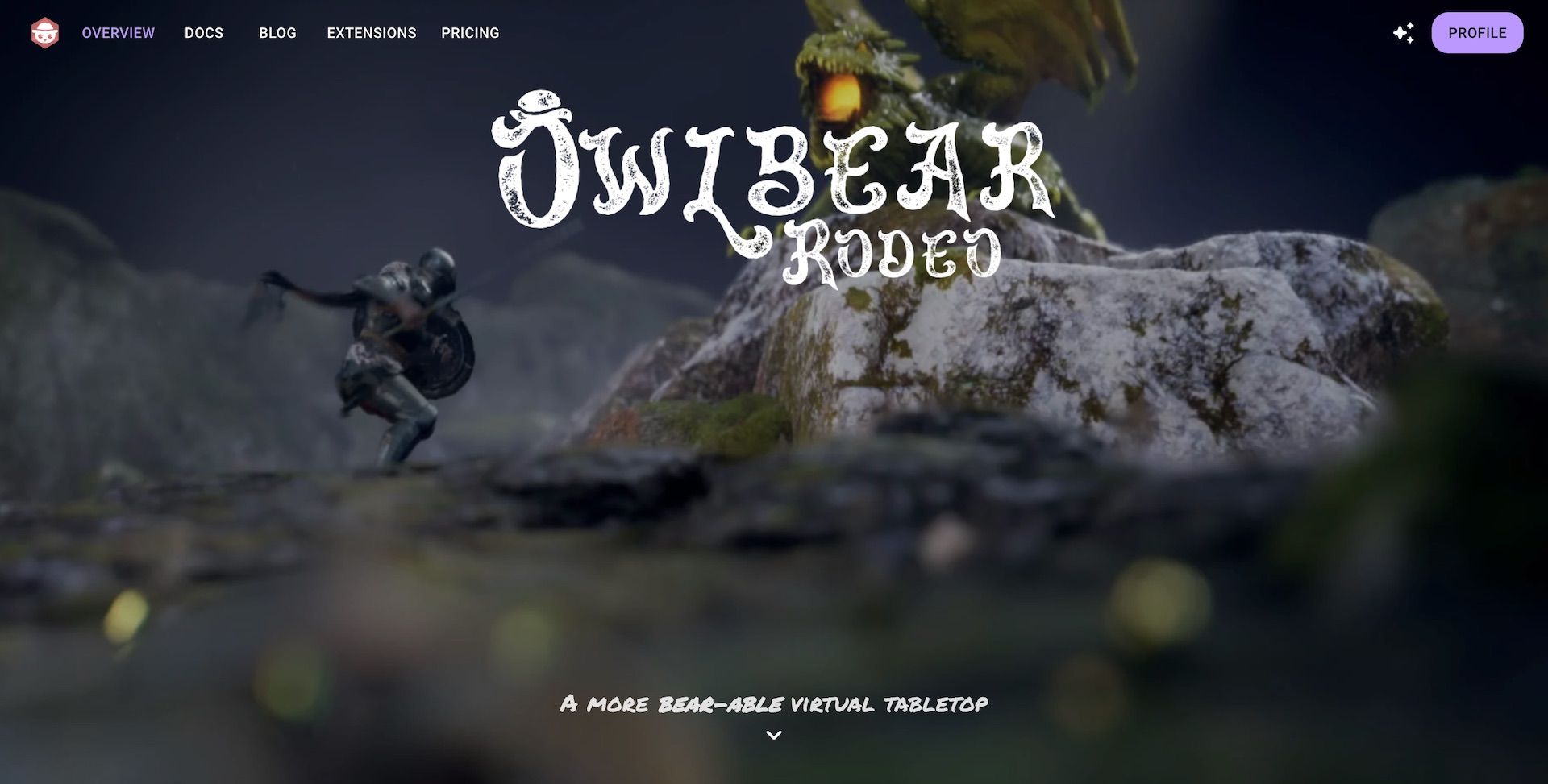
Owlbear Rodeo is the digital equivalent of that napkin.
You don't need an account to just jump in. You send a link, your players click it, and you're moving tokens. It doesn't try to automate rules, calculate attack rolls, or enforce line-of-sight physics. It just displays a map and tokens. That's it. I can grab a battle map image, toss it into Owlbear, and have an encounter ready in under a minute.
I ran a six-month pirate campaign where every sea combat was an Owlbear Rodeo map I put together during the snack break. My players never complained. If you want a full simulation with fog of war and automated macros, look elsewhere. If you want to play D&D without becoming IT support for your table, this is it.
If you would rather use a full VTT, our best VTT for D&D comparison orders eight of them by the kind of table each one suits.
3. D&D Beyond: The Ultimate Search Bar
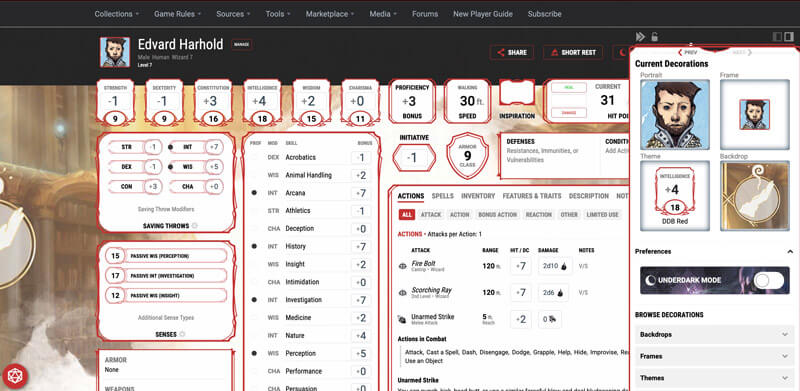
It's the 800lb gorilla in the room, but it's there for a reason. While I have shelves full of physical books, D&D Beyond is the only reason I know exactly what the Banishment spell saves are without flipping pages for five minutes.
For players, the character builder is the best in the business. It walks you through the math so you don't accidentally cheat (or cripple) your hero. I've had new players build a fully functional character in 20 minutes using D&D Beyond when the same process with the PHB took an hour. Their encounter builder is surprisingly solid for checking difficulty math on the fly. And the searchability alone justifies the price. Being able to type "Grappled condition" and get the rule instantly saves so much table time. No more "hold on, let me find it in the book" moments.
The free tier covers basic rules and character creation, which is enough for new players to get started. You only need to pay if you want access to sourcebook content beyond the SRD.
4. Kobold Fight Club (Kobold Plus): Math is Hard
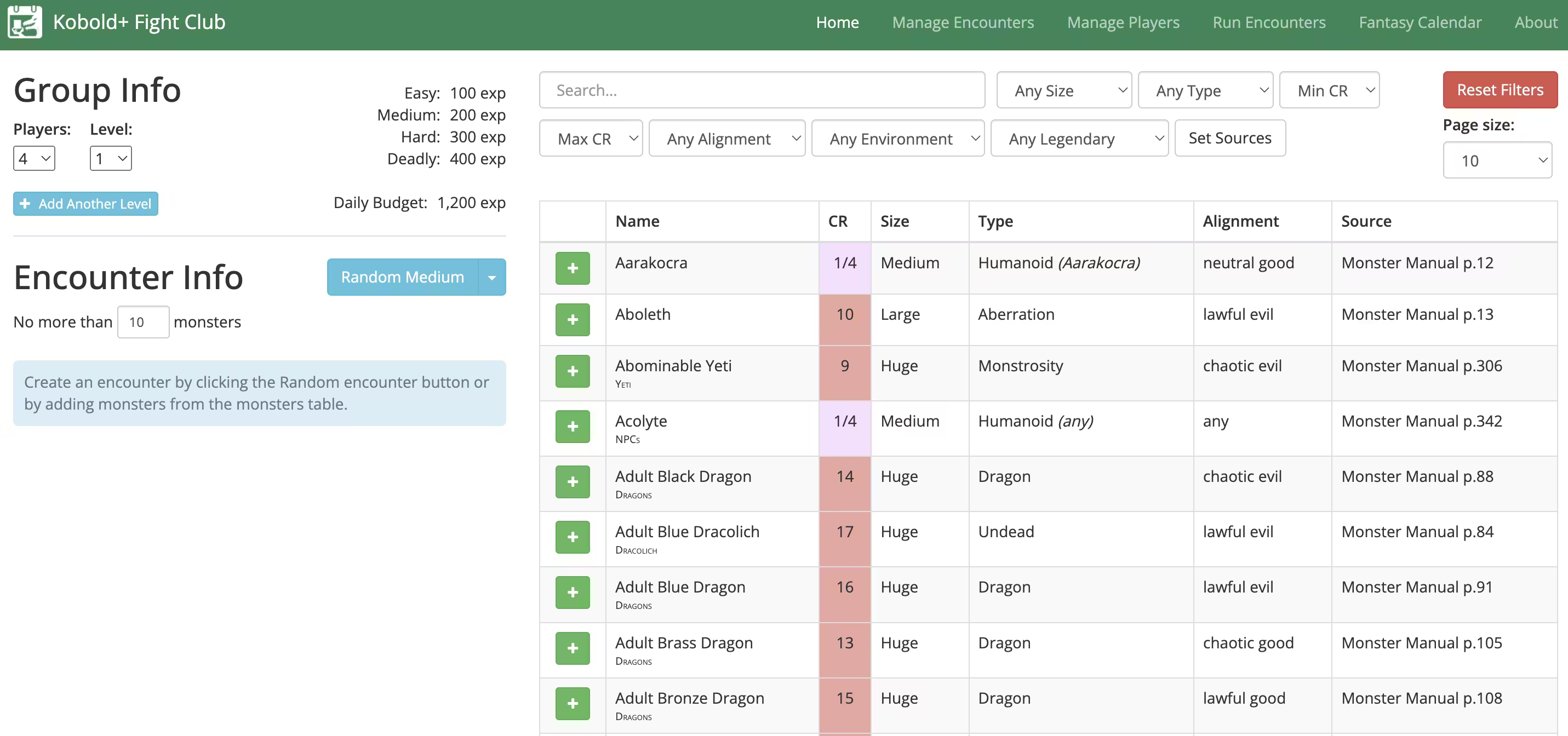
"Is this dragon going to TPK my party, or will the Paladin smite it in one round?"
If you've ever thrown what you thought was a medium encounter at your party and watched them nearly die, you understand the problem. Balancing combat in 5e is an art, but Kobold Fight Club (now maintained as Kobold Plus) gives you the science. It's a simple encounter calculator that tells you if your fight is "Easy," "Hard," or "Deadly."
I can throw 6 Goblins in, see it's too easy, upgrade one to a Goblin Boss, add a Worg, and see the math change instantly. You can filter monsters by the books you own, so you aren't teased with stats you can't access. It now supports both the 2014 and 2024 rulebooks, which matters more than you'd think when your table is running mixed editions.
I use this for every combat I prep. Last month I was building a boss fight for my Curse of Strahd group and realized my "fun ambush" was actually rated Deadly by a factor of three. The party would have been wiped before initiative round two. Kobold Plus caught it. I scaled it back and the fight was still challenging. Crisis averted.
5. Token Stamp 2: The 10-Second Art Department
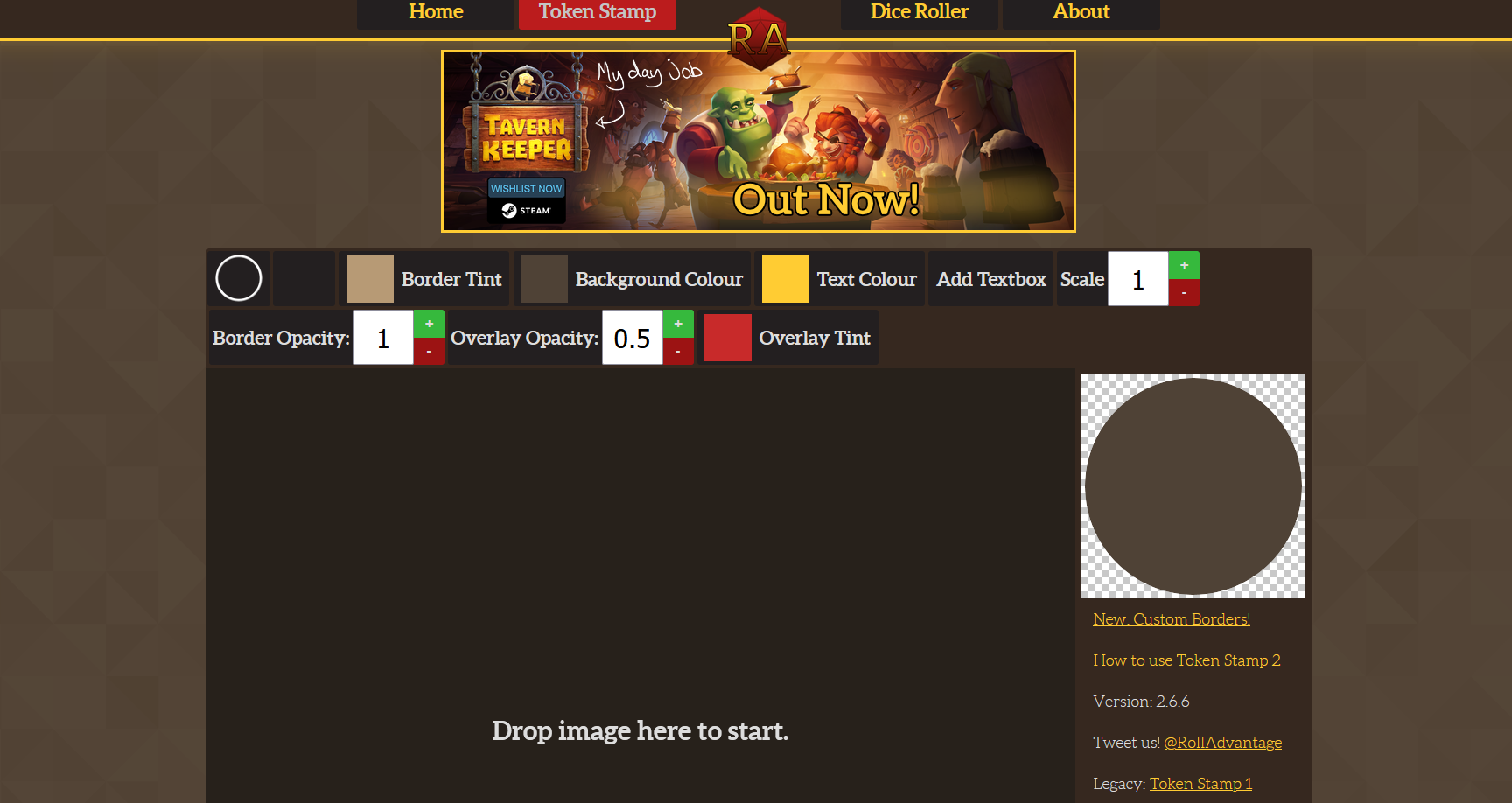
If you play online, or if you print out tokens for real-life play, finding consistent art is a pain. You find a cool image of a bandit, but it's a square, or the background is messy, or it looks completely different from every other token on the board.
Token Stamp 2 (by RollAdvantage) does exactly one thing, and it does it well: turns any image into a VTT-ready token with a clean circular border. Drag the image in, adjust the crop, click "Download." That's the whole workflow.
The trick I picked up from another DM: use border colors as a visual language. Red rings for enemies, green for friendly NPCs, blue for quest-givers, gold for bosses. My players now instinctively know who's a threat before I say a word. Small thing, huge table impact.
6. Inkarnate: When You Want to Show Off
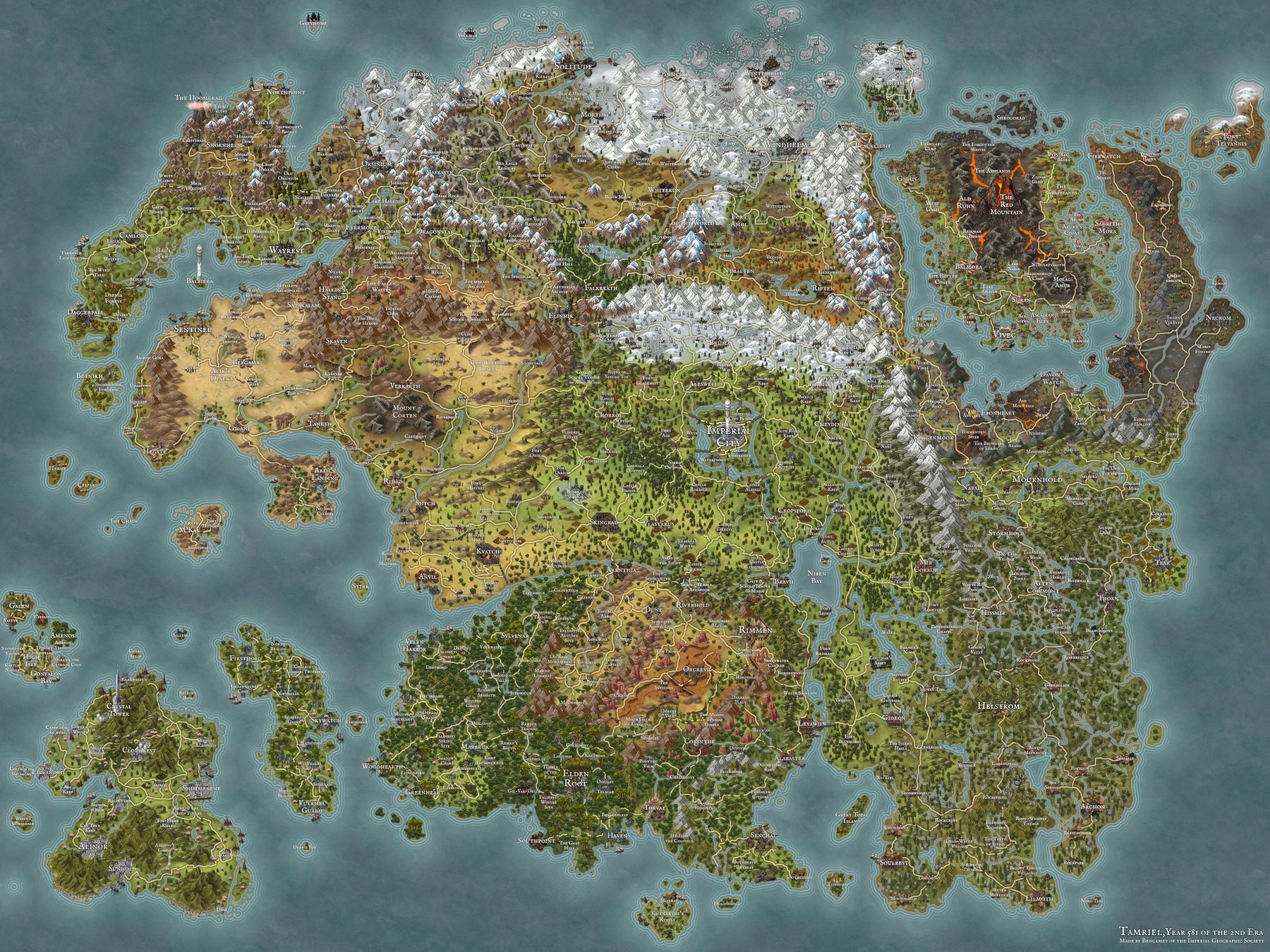
Most of the time, I preach "low prep." But sometimes, you need a world map that makes your players gasp. You want them to feel the scale of your continent, to point at a mountain range and say "What's over there?"
Inkarnate is a map-making tool that sits somewhere between "MS Paint scratchings" and "professional cartographer." It comes with thousands of stamps (mountains, castles, towns, forests) that all look cohesive together. You drag and drop your way to a professional-looking map.
My favorite feature is the "Clone" system. You can browse other users' public maps, clone them, and edit them for your game. Why build a tavern from scratch when someone else built a perfect one you can just tweak? I cloned a coastal city map, renamed the districts, and had a fully realized port city for my pirate campaign in about 30 minutes. One of my players asked to print it as a poster. That's the kind of thing that makes the prep worth it.
The free tier gives you enough to make solid regional maps. The paid tier ($5/month) unlocks the full asset library and higher-resolution exports.
Honorable Mentions
These didn't make the main list, but they're worth knowing about:
- DonJon is best for random generators. Need a quick tavern name, a treasure hoard, or a full dungeon layout? DonJon has dozens of free generators that spit out usable content in seconds. I keep it bookmarked for improv sessions when my players go wildly off-script. Once it rolls you a hoard, our guide to D&D 5e magic item prices tells you what every piece is actually worth.
- Improved Initiative is best for combat tracking. A clean, fast initiative tracker that runs in the browser. If your combats get chaotic with lots of enemies, this keeps turn order visible for the whole table.
- The Homebrewery is best for document formatting. If you want your homebrew content to look like an official D&D sourcebook, The Homebrewery uses Markdown to generate pages styled like the Player's Handbook. Great for custom subclasses, magic items, or session handouts.
- A browser dice roller is best for the nights someone forgets their bag. Ours handles full notation like
4d6dl1and2d8+3, rolls attack and damage in one action, and keeps session luck stats if your table likes to argue about who is cursed.
What Other DMs Are Using
Looking for more tool recommendations? This video from Deck of DM Things covers even more D&D websites and tools:
Final Thoughts: The Tool Should Serve the Game
The best tool for your D&D game is the one that gets out of the way.
I've seen DMs build complex automated setups in Foundry that took 40 hours to configure, only for the session to crash because of a plugin update. I've also seen DMs run life-changing campaigns with a spiral notebook and a bag of dice.
If you only adopt one tool from this list, make it the one that solves your biggest pain point. Losing track of NPCs, quests, and what happened last session? Saga20 handles that. Need quick maps for online play? Owlbear Rodeo. Struggle with encounter balance? Kobold Plus. You don't need all six. Start with one and see if it actually makes your game better.
Saga20 and Owlbear Rodeo both work the same way: they handle the tedious parts (campaign memory, grid-drawing) so you can focus on the parts that matter (dragons, drama, your halfling rogue's terrible life choices).
Experiment with these, but remember: if a tool stresses you out, drop it. The game is supposed to be fun for you too.
Further reading
- D&D Campaign Manager: What It Should Do After Every Session
- How to Run a D&D Campaign in 2026: A DM's Guide to the Long Game
- How to Keep Track of Your D&D Campaign
- Stop Taking Notes: The Lazy DM Guide
- Session Notes vs. Audio Recording
- Where D&D DMs Find New Tools and Communities in 2026
- D&D 5e Magic Item Prices: A Complete Cost-by-Rarity Guide
Questions
Common questions
Free Tools
Helpful for This Topic
Magic Item Price Calculator
Calculate fair market values for D&D 5e magic items based on rarity and world economy.
Magic Item Picker
Find the best D&D 5e magic items for your class and rarity tier. Generate a shareable wishlist.
Party Connection Generator
Generate backstory hooks and shared history between party members. Perfect for Session Zero.
Session Recap Generator
Create beautiful, shareable cards for your session highlights. Track MVPs, quotes, and critical rolls.
Session Time Manager
Plan your TTRPG session pacing with our free time management tool. Estimate combat duration and finish on time.
Wild Magic Surge Table
Roll on 100 original wild magic surge effects for D&D 5e. Filter by severity and track session surges.
Drop the notebook
Try Saga20 for free
Record your session. We'll write the notes and build your wiki.
Get started freeNo card needed