Saga20 uses your recording to create the session summary and campaign updates, then deletes the full audio after processing. Keep your own copy if you need the recording later.
Recordings and voices
- Full uploaded recordings are deleted after processing.
- Short voice samples used for recognition are deleted within 72 hours.
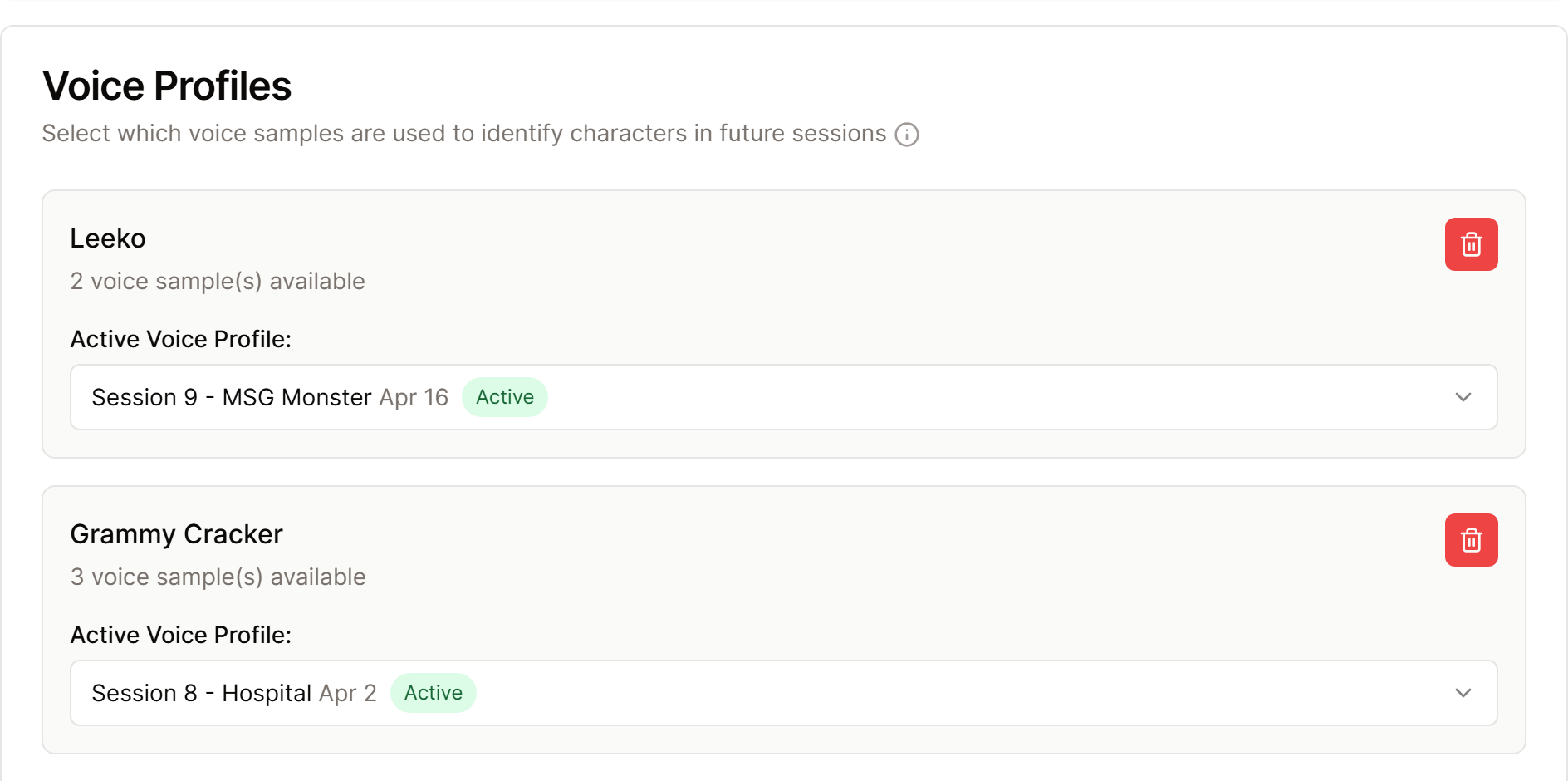
- Saved voice profiles store numerical voice patterns. They are not playable recordings.
You can view and delete stored voice profiles in Settings, then Processing. See Manage voice profiles.
Campaign and account data
Summaries, world entries, images, account details, and campaign settings are kept for use in Saga20. Saga20 keeps them until you delete them, subject to the Privacy Policy.
Saga20 does not sell your data, and your recordings, voice data, summaries, and campaign content are not used to train models.
Saga20 may use de-identified, combined campaign trends for reports. These reports do not include raw audio, account identifiers, or individual campaign exports.
Tell your group before recording and get everyone's agreement.
This article gives a plain-language overview. For the full terms, read the current Saga20 Privacy Policy, or send a privacy question to [email protected].
