Manage your subscription from Settings, then Billing. The Your Subscription card displays your plan, the sessions you have used, and the date it renews.
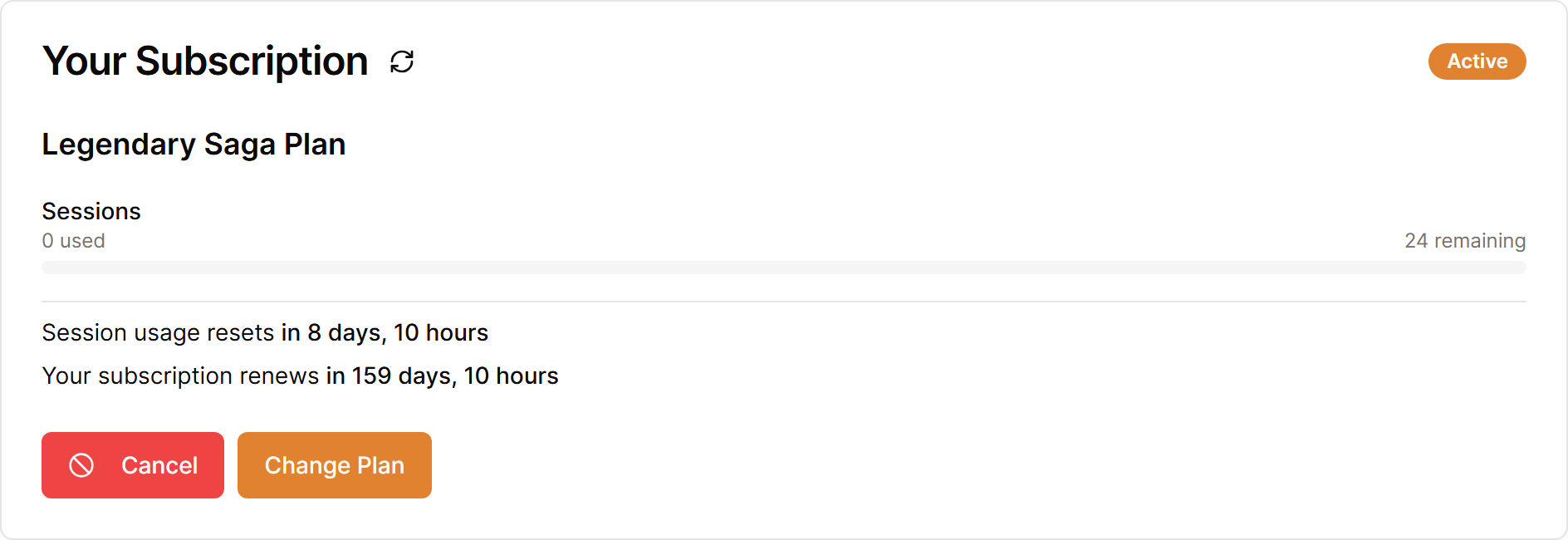
Change your plan
- Open Settings, then Billing.
- Select Change Plan.
- Choose the plan that suits how often your group plays.
- Select Change to this Plan and complete the confirmation steps.
Prices and plans may change, so look them over on the Billing page, which always lists what each plan now includes.
Cancel renewal
Select Cancel, choose the reason that fits best, then select Confirm Cancellation. Your paid access usually lasts until the close of the current billing period, and Keep Subscription shows up in case you change your mind.
Canceling does not erase your campaigns, summaries, or world right away. You can come back later and resubscribe. If you would like your account removed, follow Delete a session, campaign, or account.
You subscribed in the mobile app
A plan you bought through the App Store or Google Play gets changed or canceled in that store. Manage Store Subscription on the Billing page opens the right spot.
Fix a payment problem
Select Update next to your card to open the billing manager, then confirm that the card details and billing address are up to date. After a payment fails, Update Payment Method also appears at the top of the card.
If a payment keeps failing, email [email protected] from the address used for your Saga20 account, and include your plan name plus the message shown on the Billing page.
