Most session recordings finish within 5 to 10 minutes. Long recordings can take longer, so a few extra minutes does not always mean something is wrong.
- Wait at least 15 minutes for a long recording.
- Refresh Saga20 and reopen the session from Summaries.
- Search for a Generate Summary button. Its presence tells you the session is done processing and is now waiting for speaker review.
- Choose Retry processing when the page indicates your recording has been uploaded.
- Go through whatever error message appears on the session page.
- While the first session is still processing, do not upload that same file a second time.
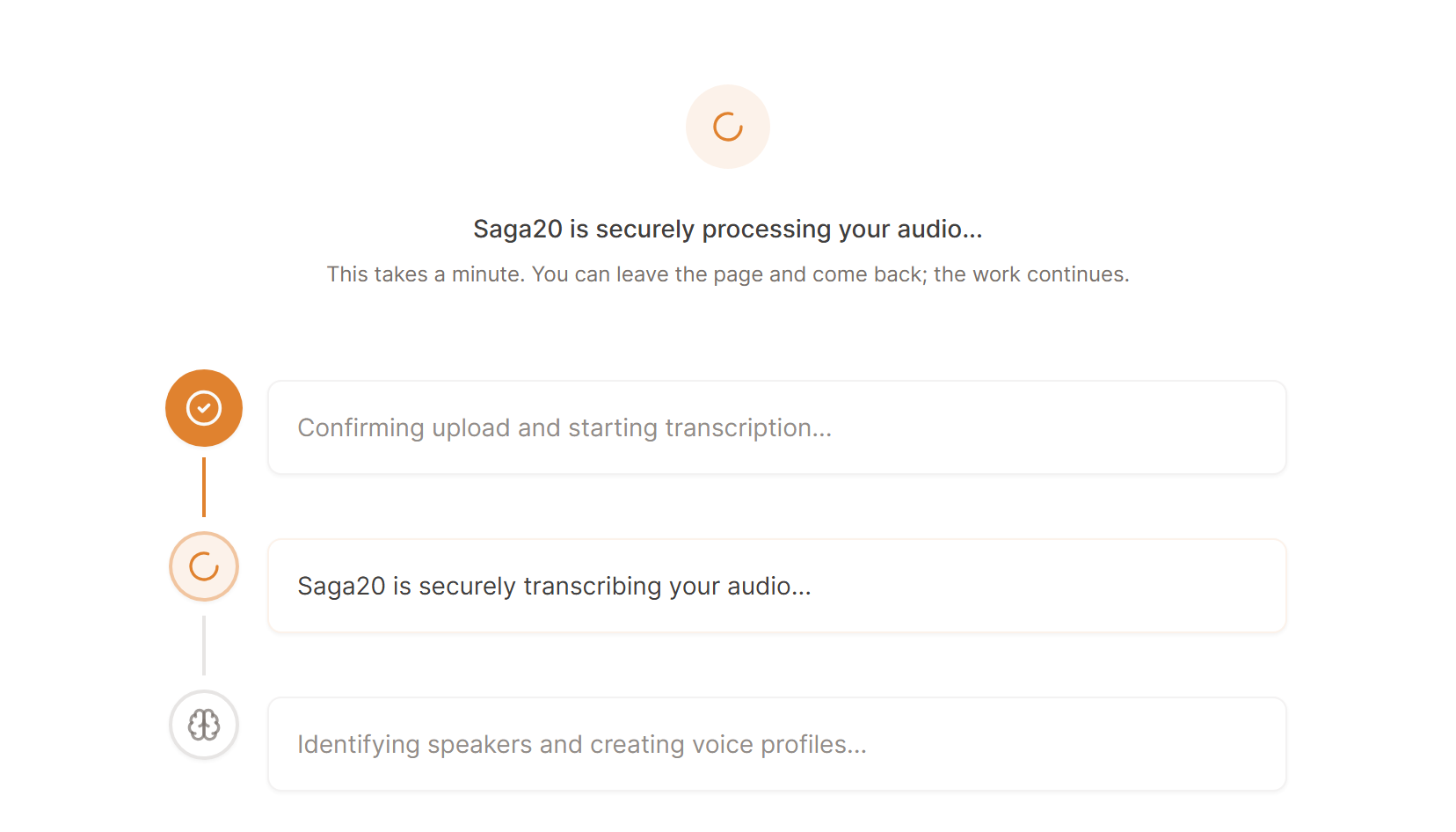
If there is no progress after 30 minutes, or the session shows an error you cannot resolve, email [email protected]. Include:
- Your campaign name
- The session title
- The approximate upload time
- The error message, if one appears
If a failed session used part of your monthly session allowance without producing a summary, say so in the email so support can look into it.
For errors before processing begins, see Fix an audio upload problem.
