Sessions, campaigns, and accounts each get removed in a separate spot. Removing a session or a campaign cannot be undone, so copy anything you want to keep first.
Delete a session
Inside Summaries, pick the bin next to the session and confirm. Another way is to pick the three dots next to a recent session in the sidebar and then choose Delete Session.
Both show up when your plan and role permit it. If you remove a session that was already processed, that audio session will not come back to your monthly allowance.
Delete a campaign
- Move to the campaign you want gone.
- Open Settings, then go to Campaign.
- Choose Delete Campaign inside the Danger Zone card.
- Look over the campaign name in the warning, then confirm.
Doing this wipes out the campaign and every session in it for good. The Danger Zone card shows up when your plan permits campaign deletion.
Delete your account
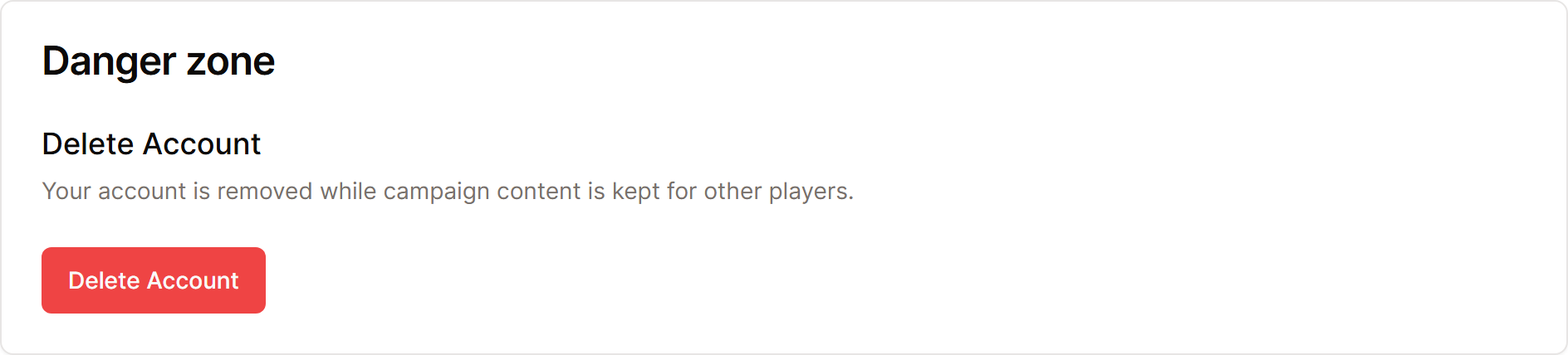
- Open Settings, then go to Account.
- Choose Delete Account under Danger zone.
- Do the steps on the page that opens.
Your account goes away, though your campaign content stays.
A subscription you bought through the App Store or Google Play keeps charging you until you cancel it in your device's subscription settings, so cancel it there first.
You may also email [email protected] from the email tied to your account with the subject Account Deletion Request. Support usually finishes verified requests within 48 hours.
