How to Use Obsidian for D&D: A Dungeon Master's Setup Guide
Open Reddit and ask which app to use for running a campaign, and within the hour someone will tell you to use Obsidian. They are not wrong. Obsidian has quietly become one of the most popular tools Dungeon Masters reach for, and for a certain kind of DM it is close to perfect.
It is free, it stores everything as plain text files on your own machine, and it links your notes into a web you can actually see. Your NPCs connect to the towns they live in, the towns connect to the factions that run them, and a graph view shows the whole thing at a glance. If organizing your world is half the fun, this is where that impulse gets rewarded.
The catch is that Obsidian hands you a workshop, not a finished table. You build the system before you get the payoff, and you keep feeding it after every game. This guide covers how to set it up properly, which plugins are actually worth installing, and the one limitation to know before you trust a three-year campaign to it.

Why DMs love Obsidian for D&D
Obsidian is a markdown note app, which sounds dull until you see what the community has built on top of it. Three things make it click for tabletop play.
First, the files are yours. Every note is a plain text file in a folder on your computer. Nothing is trapped in a proprietary format, and nothing disappears if a company folds. For a campaign you plan to run for years, that permanence matters.
Second, it links. You connect one note to another by name, and Obsidian remembers the connection in both directions. Mention the Zhentarim in your session note and the Zhentarim page now knows that session happened. Over a long campaign those connections turn a pile of notes into an actual reference you can navigate.
Third, the graph view. This is the feature people screenshot. As one popular thread on r/DnD puts it, you get "a cool graph view where you can see all the story connections." It is genuinely satisfying to watch your world grow into a constellation of linked ideas. If you want the bigger picture on why an interlinked reference beats a flat document, our guide on what a campaign wiki is covers the concept in full.
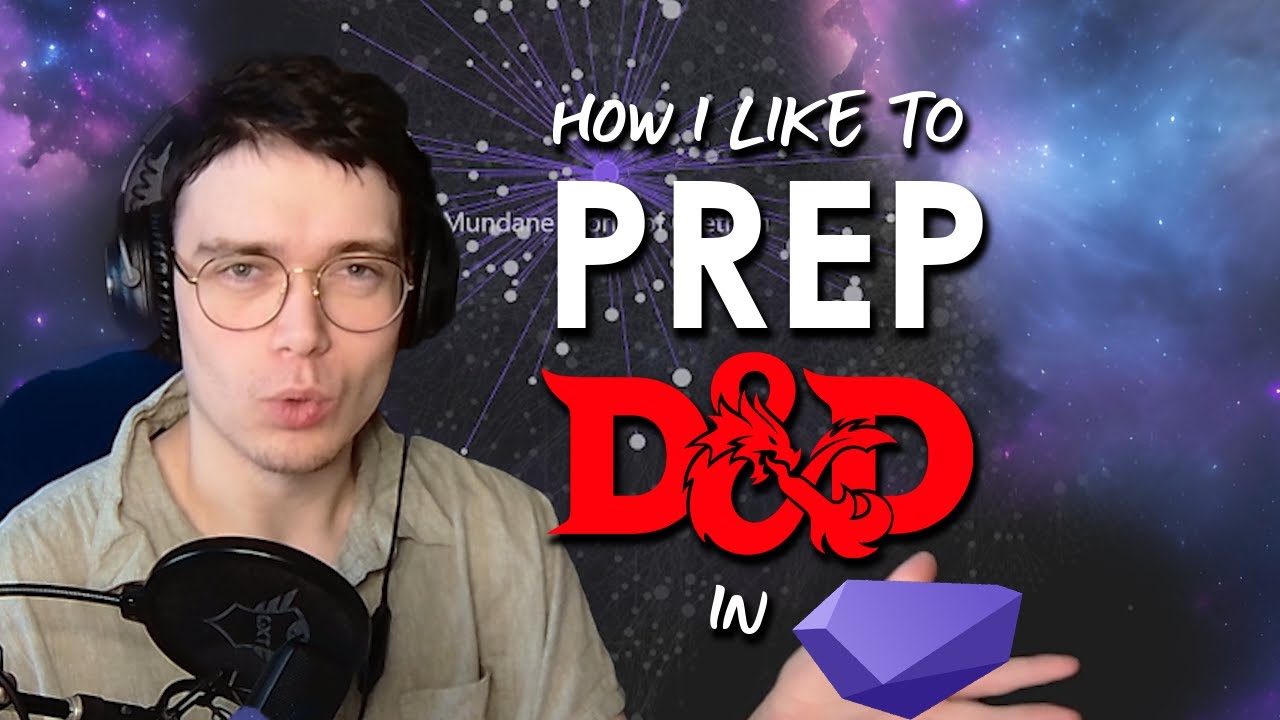
Plenty of DMs have shared their setups on video. This walkthrough is a good starting point for seeing the workflow in motion:
Step 1: Build your vault and folders
A vault is just a folder Obsidian watches. Create one for your campaign and give it a clear name like "Ravenmark Campaign." Inside, add a handful of folders to keep things sorted:
- Sessions for your session notes, one per game
- NPCs for every named character
- Locations for cities, dungeons, and regions
- Factions for guilds, cults, and power groups
- Items for notable loot and artifacts
- Lore for gods, history, and the wider world
- Players for the party and their characters
Do not overthink the structure. Folders help you find things, but the linking does the heavy lifting, so a note can live anywhere and still connect to everything else. Start light and let the vault grow into the shape your campaign actually needs.
Step 2: Give every entity its own note
The core habit in Obsidian is one note per thing. Every NPC, every town, every faction gets its own page. A note that says "Elara Moonwhisper, half-elf merchant in Ravenmark, owes the party a favor" is enough to start. You are not writing a novel. You are giving each piece of your world an address so you can point to it later.
This feels like busywork in session one. It pays off around session ten, when a player asks about the fence they met in the market three months ago and you can pull up her page in two seconds instead of scrolling through a wall of text. If you want a fuller argument for why searchable, structured notes beat one giant document, our note-taking apps comparison lays out the options side by side.
Step 3: Link everything with wikilinks
This is the whole point of Obsidian, so it is worth doing well. To link two notes, wrap a name in double square brackets. Writing [[Elara Moonwhisper]] in your session note creates a live link to her page, and her page now lists that session in its backlinks panel.
The magic is that you do this while you write. As you type up a session, you link the NPCs who appeared, the town it happened in, and the faction that got involved. You are not maintaining a separate index. The index builds itself out of the links you drop naturally.
Open the graph view after a few sessions and you can see it: a hub for the capital city with roads running out to every NPC, quest, and faction attached to it. When a player asks "wait, how does the Harper spy connect to the duke again," the answer is right there in the web. For a lot of DMs, this is the feature that makes the whole system worth the effort.
The plugins that actually matter for D&D
Vanilla Obsidian is a note app. The community plugins turn it into a tabletop tool. You could install dozens, but these are the ones most DMs actually keep.
| Plugin | What it does |
|---|---|
| Fantasy Statblocks | Renders clean 5e monster stat blocks from a simple layout |
| Dataview | Builds auto-updating lists, like "every NPC in Ravenmark" |
| Templater | Creates repeatable templates for sessions, NPCs, and locations |
| Calendarium | Tracks an in-world calendar with custom months and events |
| Excalidraw | Lets you sketch maps and diagrams inside a note |
| Initiative Tracker | Runs combat order without leaving your vault |
Start with two or three, not all six. Every plugin is one more thing to learn and maintain, and the setup can swallow an evening fast. The community keeps excellent, current guides at Obsidian TTRPG Tutorials, and Sly Flourish has written about using Obsidian for lazy RPG prep if you want the minimalist take. His point bears repeating: the best prep system is the one that does not become its own kind of prep.
Sharing your vault with players and the sync question
Here is where Obsidian gets less friendly. Because everything lives locally, getting your notes onto another device or in front of your players takes extra steps.
To sync across your own devices, you can pay for Obsidian Sync at around $8 per month, or roll your own through a shared drive with some fiddling. To share a world with players, Obsidian Publish turns your vault into a website for around $16 per month, though you have to be careful about which secret notes you expose. And player editing barely exists, so most tables keep the vault DM-only and hand players a recap instead.
If sharing and low-friction collaboration are your priority, it is worth weighing a database-first tool as well. We compare that path in detail on our Notion for D&D breakdown.
The one thing Obsidian will never do
Obsidian is excellent at organizing what you type. It cannot type it for you.
That is the honest limitation, and it is the one that trips people up. Every NPC page, every session recap, every link is a thing you sit down and create by hand after the game. The graph is beautiful, but it only shows connections you drew yourself. Miss a session write-up and there is simply a hole in your world where that game should be.
This is the point where a lot of Obsidian vaults quietly die. The setup is fun, the first few sessions get careful notes, and then real life shows up. By session eight the write-ups are two weeks behind, the links are half-done, and opening the vault starts to feel like homework. It is the same pattern that kills most manual systems, which is exactly why the lazy Dungeon Master approach argues for doing less admin, not more.

Obsidian, or a vault that fills itself in
So who is Obsidian actually for? It is best for DMs who genuinely enjoy building the system. If tinkering with plugins, designing templates, and hand-linking your world is part of the hobby for you, Obsidian rewards that better than almost anything, and it is free to boot. Lean in.
If you would rather the reference build itself, that is a different job. This is the gap Saga20 fills. You record your session, and it writes the notes, creates a page for every NPC, location, and faction that came up, and links them on a campaign wiki that updates itself after each game. The connections you would draw by hand in Obsidian get drawn for you from what actually happened at the table, and the continuity carries forward, so session fifteen already knows who the merchant from session three was.
You do not have to abandon the vault you already built either. Saga20 has a campaign import that reads an existing Obsidian vault and pulls out the characters, locations, and factions, so you start with your world already in place rather than a blank page.
And if Obsidian is your home base, it can stay that way. We built a Saga20 plugin for Obsidian, installable right from the community plugin browser, that pulls your recorded session recaps into your vault, where you can browse, search, and save each write-up as a note next to everything you linked by hand. You record the game once, and the recap shows up in Obsidian without you typing a word of it. Obsidian is best for the DM who wants to build the machine. Saga20 is best for the DM who just wants the machine to run.
Not sure which camp you fall into? Try the free Session Recap Generator to see what an automatic recap looks like, then decide how much of the upkeep you actually want to keep doing yourself.
Questions
Common questions
Free Tools
Helpful for This Topic
Session Recap Generator
Rather not hand-type every recap into your vault? Capture each session on a shareable highlight card your players keep between games.
Session Recap Architect
Design a repeatable session note template once, then fill the same headings every week instead of rebuilding structure by hand.
Session Recap Scribe
Paste your rough table notes and get a polished recap back, no manual write-up required.
Drop the notebook
Try Saga20 for free
Record your session. We'll write the notes and build your wiki.
Get started freeNo card needed