Roll20 vs Foundry VTT in 2026: Which Virtual Tabletop Is Right for Your Table?
You've decided to run your game online. Maybe your group moved to different cities. Maybe you picked up players from a Looking for Group post and they're scattered across three time zones. Either way, you need a virtual tabletop, and the two names that keep coming up are Roll20 and Foundry VTT.
I've run campaigns on both. Two years on Roll20 for Curse of Strahd with a group of five, then I moved to Foundry for a homebrew campaign that's still going. Neither is perfect. The "which one is better" question depends entirely on what your table actually needs.
Here's what I wish someone had told me before I committed.
The comparison at a glance
| Feature | Roll20 | Foundry VTT |
|---|---|---|
| Pricing | Free tier / $5.99-$9.99 per month | One-time $50 license |
| Hosting | Cloud (browser-based) | Self-hosted or third-party cloud |
| Setup time | 10-15 minutes | 1-2 hours (first time) |
| Learning curve | Low | Moderate |
| Dynamic lighting | Yes (improved in 2025) | Yes (superior) |
| Combat automation | Limited | Extensive via modules |
| Built-in voice/video | Yes | No (external or Jitsi module) |
| Finding players (LFG) | Yes (built-in) | No |
| Marketplace | Large (official content) | Community modules + Bazaar |
| D&D 5e support | Strong | Strong |
| Pathfinder 2e support | Good | Excellent |
| Mobile access | Yes (browser) | Limited |
Pricing and what you actually pay
This is where the two platforms differ the most, and honestly where Foundry's pitch gets really compelling.
Roll20 runs on a subscription model. The free tier covers basic maps, character sheets, dice rolling, and built-in voice chat. For casual groups, that's genuinely enough. The Plus tier ($5.99/month) adds dynamic lighting and more storage. Pro ($9.99/month) adds API scripting, which lets you automate macros and build custom features. On top of the subscription, Roll20 has a marketplace where you can buy official adventure modules, token packs, and map sets. Those purchases add up fast.
Foundry VTT costs $50 once. Full license, no tiers. You download the software and run it on your computer. Your players connect through a browser for free. The catch is hosting. If your home internet is reliable and you don't mind keeping a machine running during game night, self-hosting costs nothing. If you want a cloud server that's always on, third-party hosts like The Forge run $3.50 to $5 per month.
Here's the real math over two years: Roll20 Pro costs roughly $240. Foundry plus a year of cloud hosting costs around $100 total. Self-host Foundry and it stays at $50 forever.
If budget is your main concern, Foundry wins over time. If you want to start playing tonight without spending a dollar, Roll20's free tier is hard to argue with.
Setup and learning curve
How long until you can actually run a session?
Roll20 wins this one and it's not close. You create an account, start a new game, upload a map image or pick one from the free library, drag in some tokens. Done. Ready to play in 15 minutes. The interface isn't beautiful, but it's straightforward. Your players don't install anything. They click a link and join in the browser.
Foundry takes longer. The first time setup involves downloading the software, configuring network settings (port forwarding or a cloud host), installing a game system, and browsing the module library to add the features you want. Plan on 1 to 2 hours for your first setup, and another hour or two falling down the module rabbit hole. After that initial investment, launching a session takes about the same time as Roll20.
The module ecosystem is Foundry's greatest strength and its biggest time sink. There are modules for everything: automated condition tracking, spell template visualization, shared party inventories, music integration, animated maps. The temptation is to install 40 of them. Don't. Start with the base system and add modules when you actually feel the gap.
If your group meets in four days and you need something working by then, Roll20. If you're willing to spend a weekend on setup for a better experience over the next two years, Foundry.
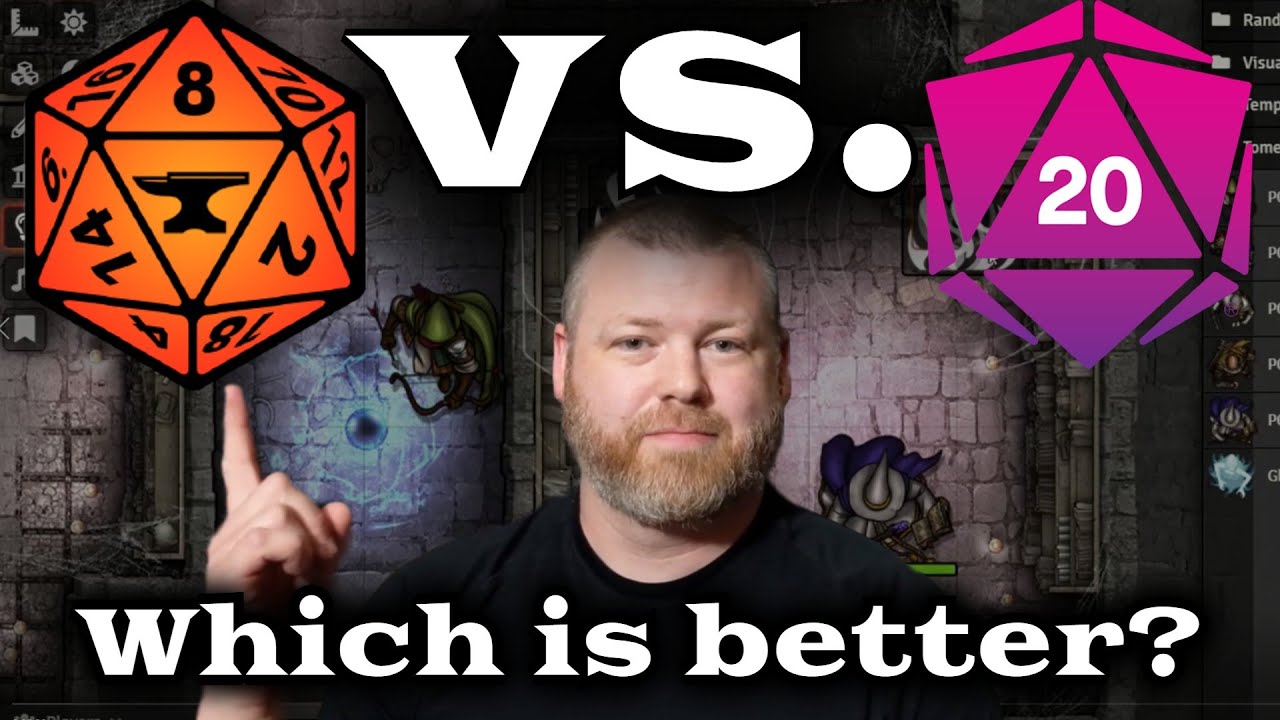
Copper Dragon Games did a solid visual comparison of both platforms if you want to see the feature differences in action before committing:
Features that matter at the table
Dynamic lighting
This is the single biggest technical gap between the two platforms. Foundry's lighting engine handles walls, doors, light sources, and line of sight smoothly even on complex maps. Players see only what their characters can see, and the transitions feel natural. I ran a dungeon crawl with 200+ wall segments and Foundry didn't flinch.
Roll20 rebuilt their lighting system (Updated Dynamic Lighting) in recent years and it's improved a lot. It works. But side by side, Foundry is faster, more flexible, and handles large maps without the performance hiccups Roll20 sometimes has.
Combat automation
For D&D 5e, both platforms handle basic rolls, AC checks, and hit point tracking. Roll20 leans on macros and character sheet integrations. Foundry leans on modules. The difference is how far you can push it.
On Foundry, modules can automate concentration checks, flanking bonuses, aura effects, and spell template placement. You click "Fireball," draw the template, and the system rolls saves for every token inside it. That moment alone sold me on switching. This level of automation barely exists on Roll20 without heavy macro scripting.
If you run rules-light games or handle mechanics by hand, none of this matters. If you run Pathfinder 2e or want combat to move faster at the table, Foundry pulls ahead.
Audio and video
Roll20 has built-in voice and video chat. It works fine for small groups. Most experienced groups end up on Discord anyway for better audio quality, but having voice built in means one less thing to set up for new players.
Foundry has no built-in audio or video. You use Discord, Zoom, or install the Jitsi module. Not a dealbreaker since Discord is already standard in the TTRPG community, but it's one more thing to explain to a player who's never used a VTT before. If you're building the server alongside your VTT, our D&D Discord server setup guide covers the channel structure that holds up past the first month.
Finding players
This is Roll20's ace card, and Foundry can't replicate it.
Roll20's LFG (Looking for Group) tool sits on a platform with millions of registered users. You post a game listing, set your system and schedule, and get applications from players actively looking for a table. If you don't have a full group, or you want to run a one-shot with strangers, Roll20 makes that easy.
Foundry has no player discovery. You find your players through r/lfg, Discord servers, or word of mouth, then invite them to your server. Fine if you already have a table. A real gap if you don't.
System support beyond D&D 5e
Both platforms support dozens of game systems. D&D 5e works well on either. The differences show up once you step outside 5e.
Foundry's Pathfinder 2e module deserves its own paragraph. It's the most complete automation of any TTRPG on any VTT. Conditions, actions, spell effects, feat interactions. All handled. Paizo has an official partnership with Foundry, and the free SRD content (rules, monsters, items) comes built in. If you're running PF2e, this alone is reason enough to pick Foundry. I've watched players who switched from Roll20 for PF2e say they'd never go back.
For Call of Cthulhu, Cyberpunk RED, Vampire: The Masquerade, and other systems, both platforms have community-built support. Foundry's module architecture allows deeper integration, but Roll20's marketplace often has official premium content you can buy and drop in.
Playing D&D 5e exclusively? Pick based on the other factors above. Playing Pathfinder 2e? Foundry.
The part nobody talks about: what happens after the session
Here's something I didn't think about until 30 sessions into my Foundry campaign. My VTT had beautiful maps, smooth lighting, and automated combat. It also had zero memory of what actually happened in the story.
VTTs store maps, tokens, and character sheets. They don't store who betrayed whom, what the tavern keeper said about the missing shipment, or which door your party chose not to open. After every session, that information either lives in someone's head or it gets written down somewhere else.
Some DMs keep a Google Doc. Some build a Notion database. Some use Obsidian with a campaign vault template. I run my sessions through Saga20, which builds a campaign wiki from the session recording. 30+ sessions in and I have a searchable record of every NPC, location, and plot thread without writing a single note by hand. Whatever you land on, pick something before Session 5. That's when the details start blurring together.
So which one should you pick?
Both platforms run thousands of games every week. The decision comes down to what your table cares about.
Pick Roll20 if:
- You want to play tonight with zero setup
- You need the free tier
- You're looking for new players through LFG
- You want built-in voice and video chat
- Your group plays casually and doesn't need heavy automation
Pick Foundry VTT if:
- You want to pay once and own the tool
- You care about dynamic lighting quality
- You run Pathfinder 2e (not close)
- You want deep automation through modules
- You're comfortable with a short technical setup
Most DMs who switch from Roll20 to Foundry don't switch back. But I know plenty of DMs who've run great games on Roll20 for years and never felt the need to change. Pick the one that gets out of the way and lets you run your game.
For more on the tools side of running D&D, check out the full D&D tools roundup.
Questions
Common questions
Free Tools
Helpful for This Topic
Drop the notebook
Try Saga20 for free
Record your session. We'll write the notes and build your wiki.
Get started freeNo card needed