How to Transcribe a D&D Session (Turn Your Audio Into Notes)
The session ended two hours ago. Everyone went home happy. The party finally cornered the corrupt harbormaster, the warlock made a deal she is going to regret, and someone named a goblin "Steve" in a way that will absolutely matter in six sessions.
And all of it is sitting on your phone as a single four-hour audio file that you are never, ever going to listen to again.
This is the quiet failure point of recording your sessions. Hitting record is easy. Turning that recording into something you can actually read, search, and prep from is where most DMs get stuck. The audio just piles up, one unlistened file per week, until you have a folder full of memories you cannot access.
Transcription is the bridge. It turns that wall of sound into text you can skim in minutes. This guide walks through how to do it properly: how to get a recording that transcribes well, which method to use, how to stop the software from butchering every fantasy name at your table, and what to do with the transcript once you have it.
Why bother transcribing at all?
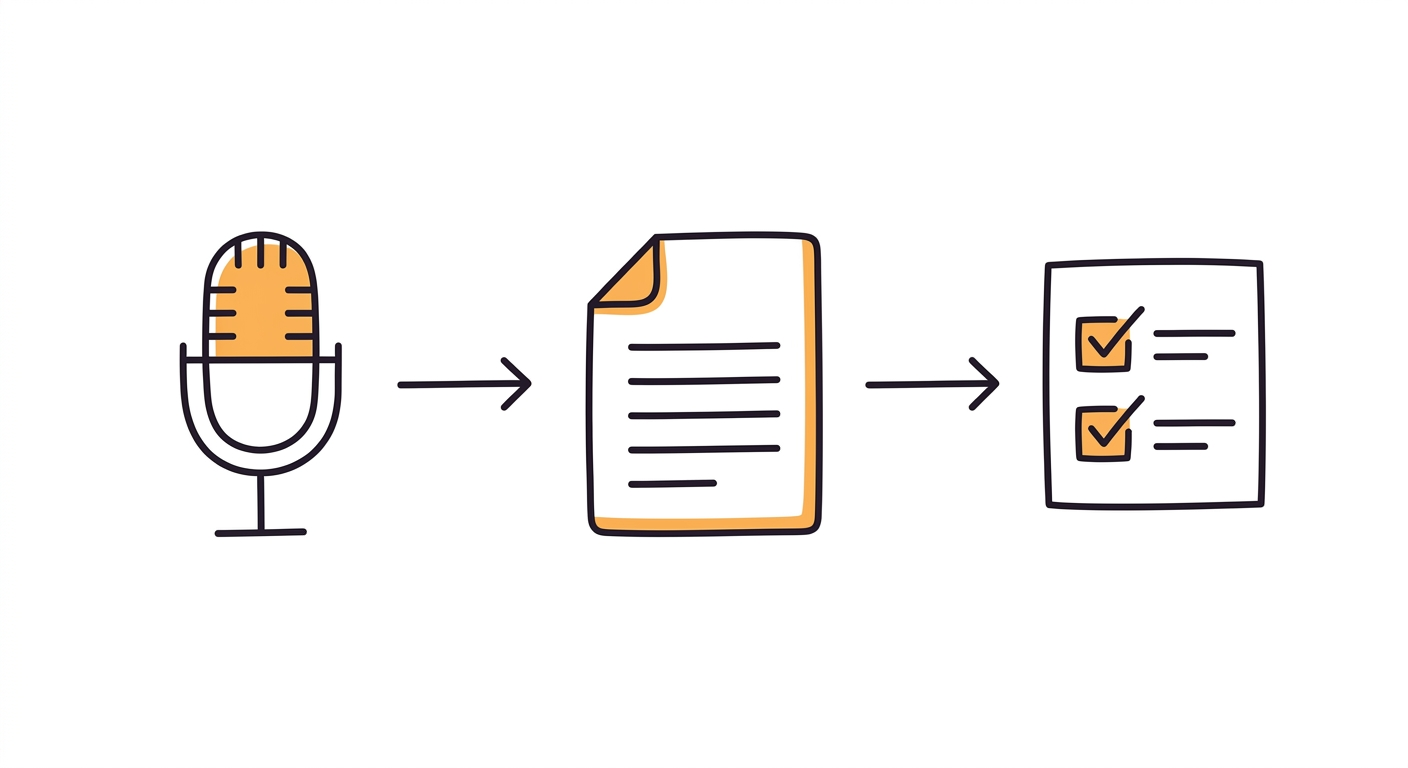
A recording is an archive. A transcript is a tool.
You cannot search audio. You cannot skim it. If a player asks "wait, what did the oracle actually say about the third key?", scrubbing back and forth through a four-hour file to find fifteen seconds of dialogue is genuinely worse than just making something up. That is the trap raw recordings put you in.
Text solves all of that. Once your session is transcribed, you can search it in one keystroke, copy the exact wording of that prophecy, and drop it into your prep. More importantly, a transcript is the raw material for everything downstream: your session recap, your campaign wiki, your "previously on" intro next week. You are not transcribing for its own sake. You are transcribing so you never have to rely on memory in the middle of a campaign again.
A transcript is not the finished article, though. What you want at the end is D&D notes you can read in two minutes, not four hours of text.
If you are still deciding whether recording is even right for your table, that is a separate question with its own tradeoffs. Our breakdown of session notes versus audio recording covers the case for going audio-first and the etiquette around it. This guide assumes you have decided to record and now need to turn that audio into words.
First, get a recording worth transcribing
Here is the truth nobody selling you a microphone wants to admit: transcription accuracy is decided before you say a single word. It is decided by your input audio.
Garbage in, garbage out is not a cliche here, it is the whole game. A pristine recording transcribed by a mediocre tool beats a muddy recording run through the best engine on the market. So spend your effort here, not on software.
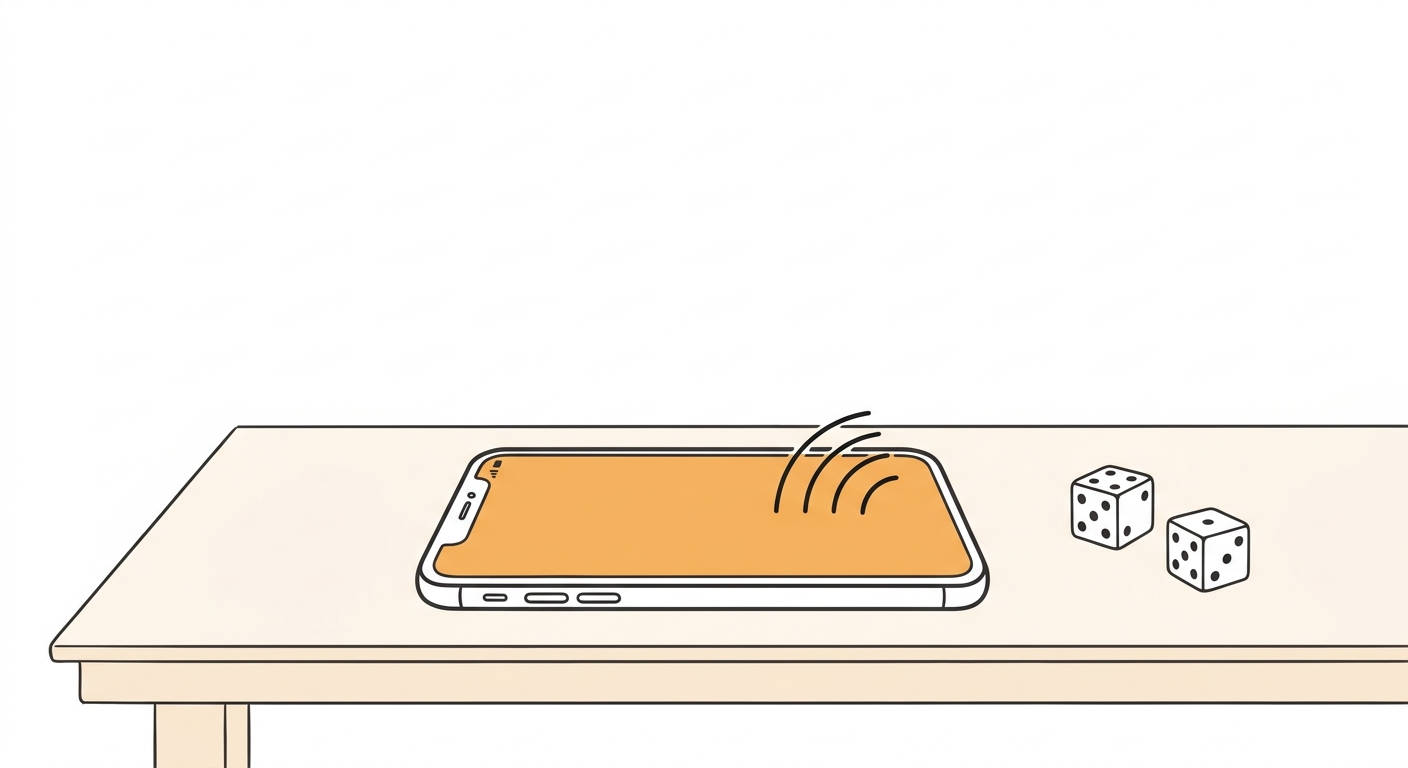
For in-person games, one phone in the dead center of the table does the job. Put it on something soft, a folded cloth or a mousepad, so the THUMP of dice and fists does not blow out the audio. Kill the constant background drone if you can: the fan, the rattling AC, the fridge in the next room. Steady noise is harder for transcription models to filter than sudden noise. And pour the chips into bowls, because a crinkling snack bag is louder to a microphone than a human voice.
For online games, you have a real advantage: you can capture each player on their own track. A Discord recording bot, or a free tool like OBS Studio, can record separate audio streams per person. Per-speaker audio is the single best thing you can do for a clean transcript, because the software never has to untangle two people talking over each other, and labeling who said what becomes trivial.
I keep the full mic-placement and consent checklist in the audio recording guide, so I will not repeat all of it here. Just remember the one rule: quiet, centered, and close beats expensive every time.
So which transcription method should you use?
There is no single right answer, only the right answer for how much time, money, and technical patience you have. Here are the four real options, from most manual to most automatic.
Option 1: The tool you already own (free, fast, rough)
Both Microsoft Word on the web and Google Docs have built-in transcription hiding in plain sight. Word's "Transcribe" feature in the online version will take an uploaded audio file and turn it into text with rough speaker separation. Google's voice typing can do it live if you play the audio back into your mic, though that is clumsy.
This is the best starting point for a curious DM who wants to test the idea tonight without installing anything. It will not be perfect. It will mangle names and miss lines when people talk over each other. But it is free, it is five minutes of effort, and it proves the concept.
Option 2: Whisper (free, accurate, technical)
Whisper is an open-source speech recognition model from OpenAI, and it is genuinely excellent at general transcription. It runs on your own computer, costs nothing, and handles accents and cross-talk better than most built-in options.
The catch is setup. You are working with a command line, installing dependencies, and pointing it at your audio file. For a technically comfortable DM this is a great free solution, and the D&D community has written plenty of guides on wiring Whisper up to a Discord recording bot. For everyone else, it is a weekend project, not a Tuesday-night one.
Option 3: A general transcription service (paid, polished)
The meeting-notes and podcast-transcription services aimed at business users produce clean, readable transcripts with good speaker labels and a nice interface. They are best for DMs who want a polished result and do not mind paying the usual ten to twenty-five dollars a month for a tool that was never designed for tabletop.
The limitation is that they do not know anything about D&D. They will transcribe the words accurately but treat "Baldur's Gate" and "githyanki" as the nonsense they appear to be, and they will not do anything useful with the result beyond handing you a transcript.
Option 4: A tool built for tabletop (record, transcribe, and organize in one pass)
The newest category skips the multi-step dance entirely. Instead of record, then transcribe, then summarize, then file, you hand over one audio file and get back organized notes. These tools are best for DMs who want the outcome, not the process, and who are running a real campaign week over week rather than experimenting once.
This is the category Saga20 sits in. You upload the session audio, it transcribes the whole thing, and then it does the part the other options skip: it turns the transcript into a structured recap and updates your campaign wiki automatically. For a side-by-side look at how the automated tools compare to notebooks, Notion, and Obsidian, the note methods roundup walks through each one honestly.
If you want a broader comparison of the apps in this space, including the manual ones, our D&D note-taking apps comparison lays out pricing and tradeoffs for each.
What about all the fantasy names?
This is the problem that makes DMs give up on transcription, so let me be specific about why it happens and how to beat it.
General transcription models are trained on ordinary human speech: business meetings, phone calls, podcasts. When your bard shouts the name of the lich-queen Xanthessa across the table, the model has no such word in its vocabulary, so it guesses at the nearest real thing it knows. You end up with "Xanthessa" written as "Vanessa," "Zan Tessa," and "the Sun Tester" on three different lines. Multiply that across every NPC, town, spell, and homebrew item, and the transcript becomes exhausting to read.
There are two ways to fix it.
The manual fix works with any tool. Keep a running glossary of your campaign's proper nouns: player names and the characters they play, major NPCs, key locations, recurring items. Before you transcribe, feed that list to the tool as a custom vocabulary or prompt if it supports one. If it does not, keep the glossary next to you and do a find-and-replace pass on the finished transcript. It sounds tedious, but replacing "Valen / Faelin / Fallen" with "Vaelin" everywhere takes about ninety seconds and transforms readability.
The built-in fix is to use a tool designed for tabletop that learns your campaign over time. Because it already knows your party is named Vaelin, Doran, and Lyra, and that they live in a city called Emberhold, it stops guessing. It also maps voices to characters, so instead of "Speaker 2 said," you get "Doran said." This is the difference between a transcript you have to decode and one you can read like a story, and it is the main reason the tabletop-specific tools exist at all.
Do I actually have to read the whole thing?
No. Please do not. This is the mistake that makes people quit.
A four-hour session transcribes to roughly 40 to 70 pages of text. Nobody reads that. If your plan is to produce a transcript and then read it front to back, you have just replaced "listen to four hours of audio" with "read a small novella," which is not an upgrade.
The transcript is not the deliverable. It is the source material. What you actually want is a summary: a page or two that captures what happened, structured so your future self can use it. A good session recap pulls out the parts that matter and drops the ninety minutes of rules debate and snack logistics. That structure usually looks like:
- Key events: the major plot beats, in order.
- Combat: who fought what, and how it ended.
- Decisions: the forks in the road the party chose, and what they turned down.
- New faces and places: NPCs met, locations discovered, threads opened.
You can do this by hand: read the transcript once, pull the highlights, write them up. That is the manual path, and our session recap guide shows how to structure one that players actually read. Or you can let a tool generate the summary directly from the transcript, which is the entire point of the record-and-organize category above. Either way, the transcript becomes a searchable backup you rarely open, and the recap becomes the thing you live in.
Here is Ginny Di with a strong take on note-taking philosophy that pairs well with an audio-first setup, worth a watch if you want the mindset behind all this:
Is it legal to record my players?
Quick and important, because I am a DM, not a lawyer, and this is common sense rather than legal advice.
In a lot of places, recording a conversation legally requires the consent of everyone in it. This is called all-party or two-party consent, and the rules vary by region. You can read a general overview of recording-consent laws if you want the specifics for where you live.
The practical version is much simpler: just ask. "Hey, I want to record our sessions so I can write proper recaps without scribbling all game. It stays completely private, only I see it. Cool?" Nearly everyone says yes, because they want you focused on the game instead of your notebook. If someone is uncomfortable, you respect it and do not record. That five-second conversation keeps you both legal and trusted, which matters more than any transcript.
The r/DMAcademy community has a good running discussion on recording sessions and turning them into summaries if you want to see how other tables handle the etiquette and the workflow.
A realistic weekly workflow
Here is what this looks like on an actual Tuesday, start to finish, so you know it is not a chore.
- Before the game: open the recorder, confirm the table is fine with it, hit record, set the phone in the center on a cloth. Total time: fifteen seconds.
- During the game: forget it exists. This is the whole benefit. You are not writing, not scribbling, not breaking eye contact. You are running your game.
- After everyone leaves: stop the recording and upload the file wherever it is going. While it processes, you clean up the soda cans.
- Ten minutes later: you have a transcript and, if your tool does it, a structured recap. Skim it, fix the one name it still got wrong, and send the recap to your players. Your wiki, if you use one, is already updated.
That is the loop. The recording is invisible, the transcription is automatic, and the only human step left is a quick review while the room is still warm from the session. Compare that to the old way, thirty to ninety minutes of writing from fading memory, and it is not close.
Stop losing your campaign to the audio graveyard
Every DM who records eventually hits the same wall: a folder of files they never open, a campaign slowly forgetting itself one unlistened session at a time. Recording without transcribing is just hoarding.
Transcription is what makes the recording pay off. Whether you go free and manual with Whisper and a glossary, or hand the whole thing to a tool built for tabletop that records, transcribes, and files it for you, the goal is the same: turn four hours of sound into two pages of truth you can search, share, and prep from.
Pick a method this week. Transcribe one session. I promise the first time a player asks "what did that NPC actually say," and you find the exact line in three seconds instead of inventing one, you will never go back.
Happy rolling, and may your transcripts spell your villain's name right.
Questions
Common questions
Free Tools
Helpful for This Topic
Session Recap Scribe
Got a transcript? Paste your rough notes and get a polished session recap your players will actually read.
Session Recap Architect
Turn your transcript into a repeatable note template. Capture events, decisions, and new NPCs the same way every week.
Session Recap Generator
Once the transcript is done, capture the highlights on a shareable card your players keep between games.
Drop the notebook
Try Saga20 for free
Record your session. We'll write the notes and build your wiki.
Get started freeNo card needed