Best D&D tools for players and DMs
If you’re anything like me, you’ve probably spent more time looking for the perfect D&D tool than actually prepping your game.
It’s the "Shiny Object Syndrome" of the modern Dungeon Master. We convince ourselves that if we just find the right world-building software, or the perfect initiative tracker, our campaigns will suddenly run themselves. This is a trap.
I’ve been running games for over twenty years, and my philosophy has shifted from "maximum prep" to "maximum impact" (The Lazy DM way). A tool should never require more energy to maintain than the value it provides at the table. If I have to spend 15 minutes configuring a dynamic lighting wall for a room my players might spend 30 seconds in, that tool is getting cut.
Below is my curated list of the best D&D tools for players and DMs. These are the ones I actually use because they treat my time with respect.
1. Saga20: The "I Don't Take Notes" Solution
I’m going to start with the tool that solved my biggest headache: session notes.
For years, I told my players, "Someone needs to take notes," and for years, nobody did. Or worse, I’d try to scribble down NPC names while roleplaying a dragon, resulting in barely legible gibberish.
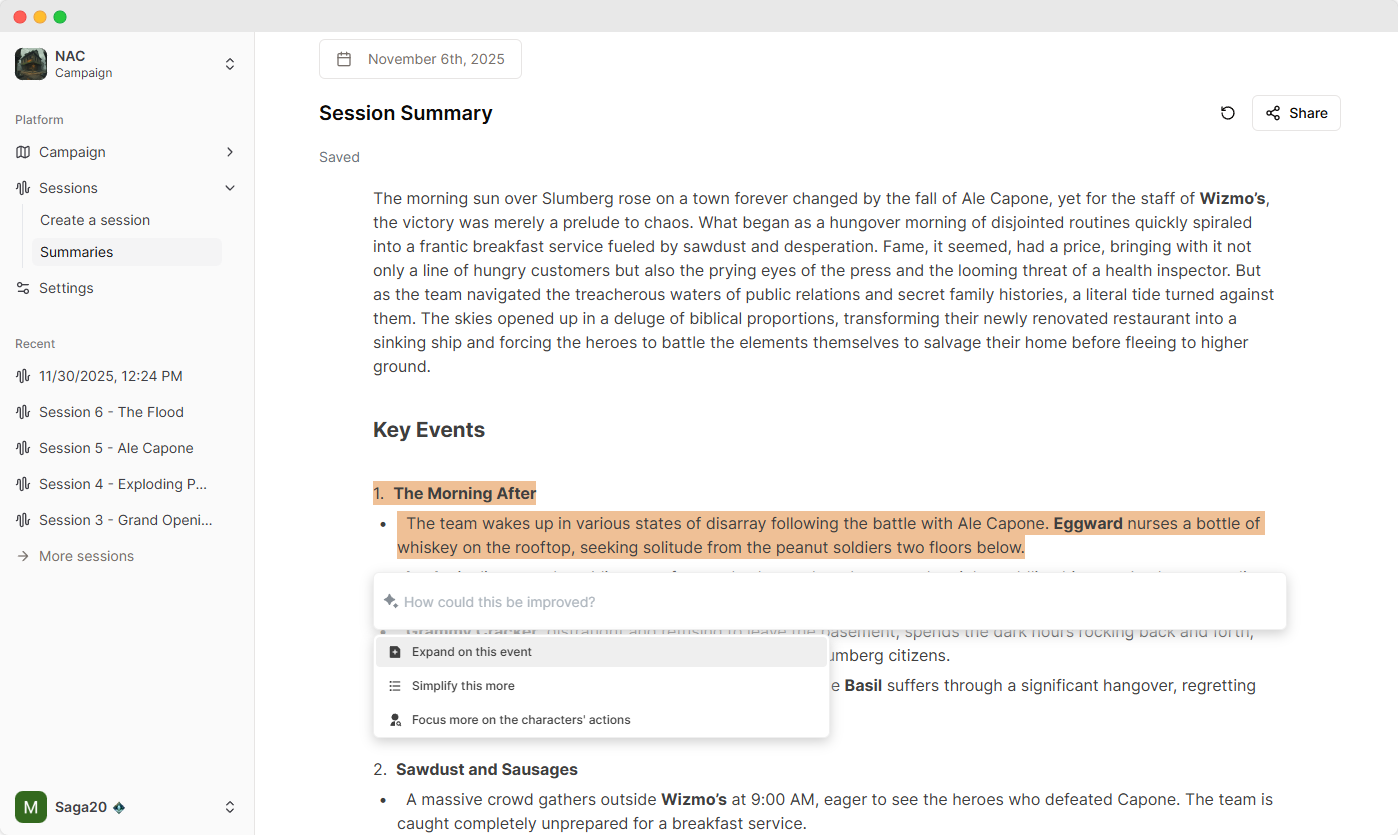
Saga20 is essentially an automated scribe for your table. You just hit record on your phone (or upload a Discord recording), and it listens to the session.
Why it makes the list:
- Automatic Summaries: It doesn’t just give you a transcript (which is useless to read). It breaks down the session into a clean, readable summary of events. "The party negotiated with the goblin king" or "Doran stole the amulet."
- Campaign Continuity: This is the killer feature. Saga20 "remembers" your previous sessions. If an NPC from Session 3 shows up in Session 12, the app knows who they are. It tracks your world context automatically.
- Speaker Recognition: You tag your players' voices once, and it recognizes them forever. It’s like having a court stenographer sitting at your table.
It allows me to be fully present in the moment. I’m not looking down at a notebook; I’m looking at my players.
2. Owlbear Rodeo: The "Napkin Map" of VTTs
There are some incredibly powerful Virtual Tabletops (VTTs) out there like Foundry and Roll20. They are amazing engines. But sometimes, you just want to draw a map on a napkin and put some gummy bears on it.
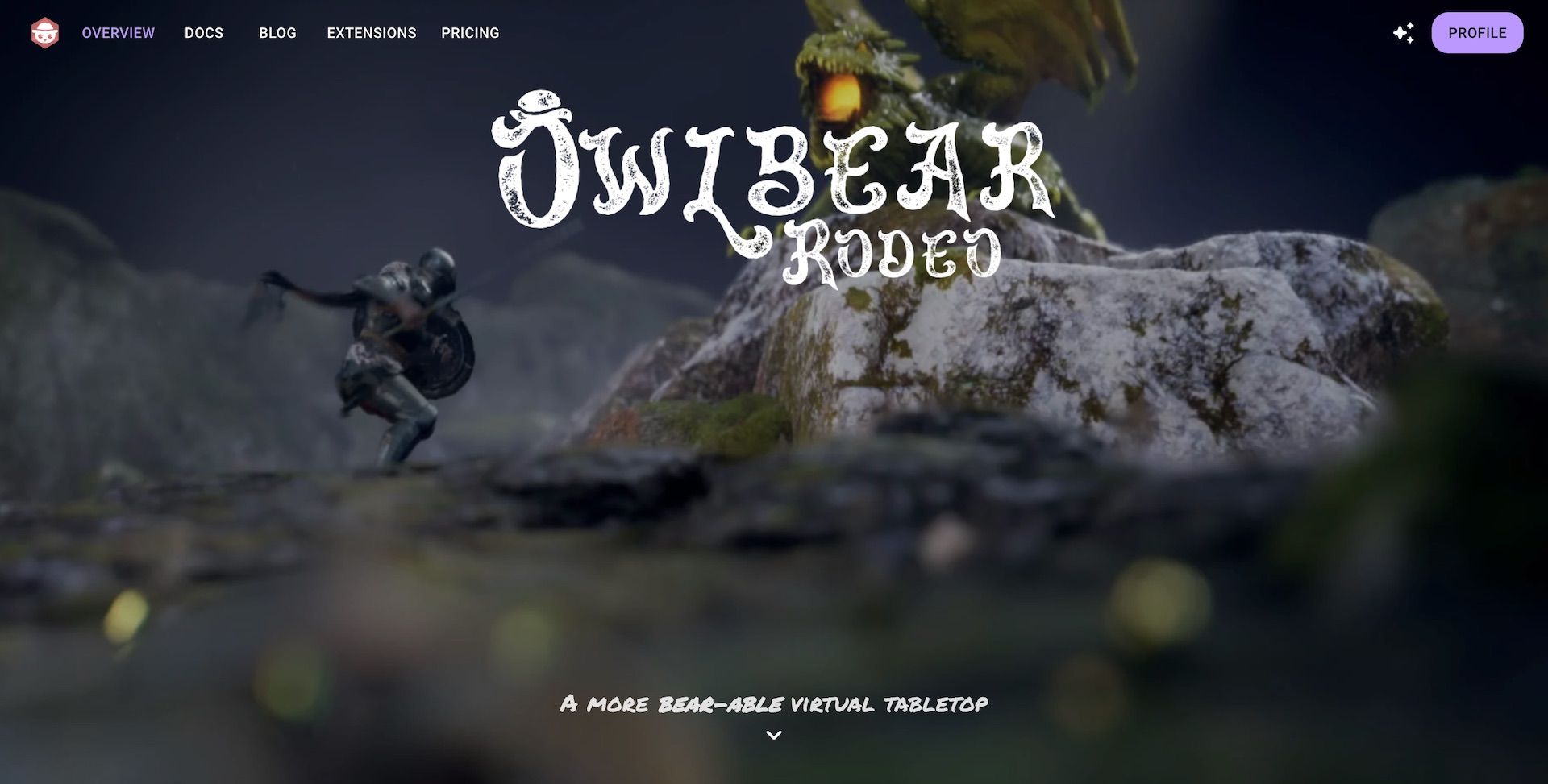
Owlbear Rodeo is the digital equivalent of that napkin.
Why it makes the list:
- Zero Setup: You don’t need an account to just jump in. You send a link, your players click it, and you’re moving tokens.
- Simplicity: It doesn't try to automate rules. It doesn't calculate attack rolls or uphold line-of-sight physics. It just displays a map and tokens.
- The "Lazy" Factor: I can grab a map from Reddit, toss it into Owlbear, and have an encounter ready in 45 seconds.
If you want a full simulation, look elsewhere. If you want to play D&D without tech support, this is it.
3. D&D Beyond: The Ultimate Search Bar
It’s the 800lb gorilla in the room, but it’s there for a reason. While I have shelves full of physical books, D&D Beyond is the only reason I know exactly what the Banishment spell saves are without flipping pages for five minutes.
Why it makes the list:
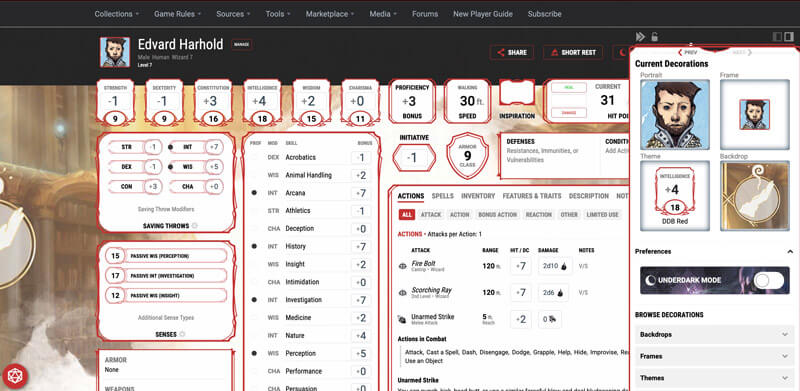
- Character Management: For players, this is the gold standard. The character builder walks you through the math, ensuring you don't accidentally cheat (or cripple) your hero.
- Encount Builder: Their encounter builder is surprisingly solid for checking difficulty math on the fly.
- Searchability: Being able to type "Grappled condition" and get the rule instantly saves so much table time.
4. Kobold Fight Club (Kobold Plus): Math is Hard
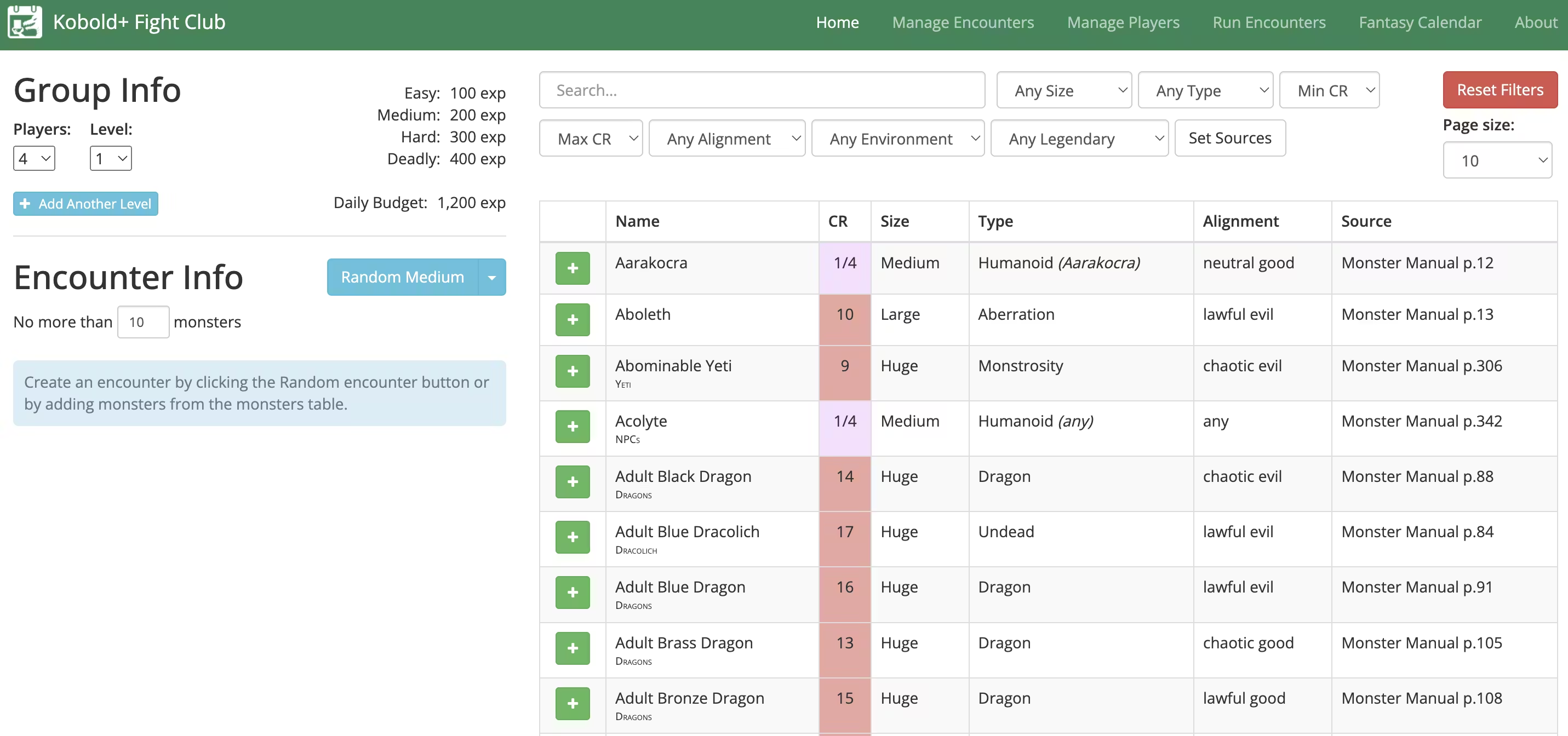
"Is this dragon going to TPK my party, or will the Paladin smite it in one round?"
Balancing combat in 5e is an art, but Kobold Fight Club (now maintained as Kobold Plus) gives you the science. It’s a simple encounter calculator that tells you if your fight is "Easy," "Hard," or "Deadly."
Why it makes the list:
- Quick Iteration: I can throw 6 Goblins in, see it’s too easy, upgrade one to a Goblin Boss, add a Worg, and see the math change instantly.
- Source Filtering: You can filter monsters by the books you own, so you aren't teased with stats you can't read.
I use this for every combat I prep. It’s the sanity check every DM needs.
5. Token Stamp 2: The 10-Second Art Dept
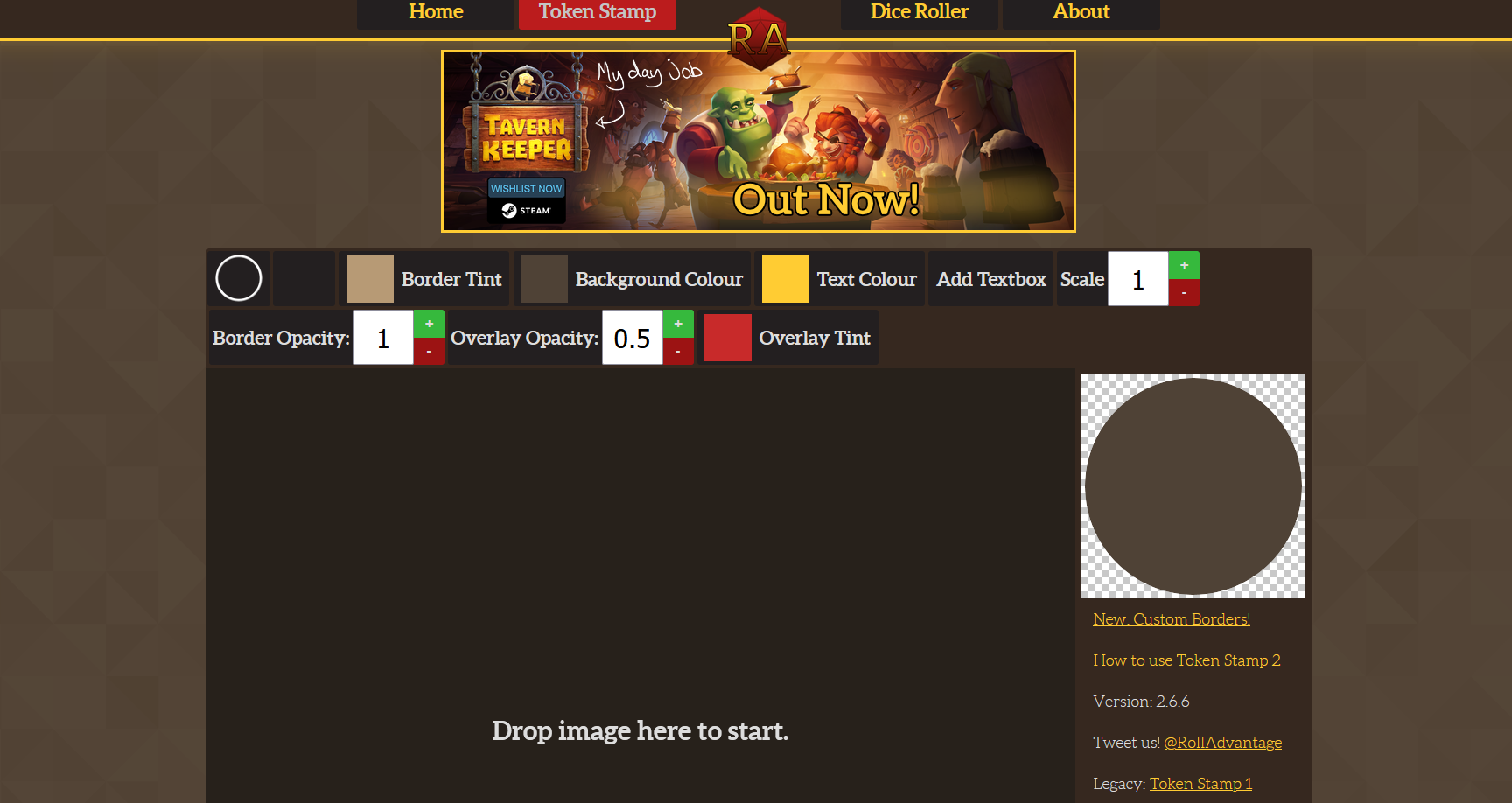
If you play online, or if you print out tokens for real-life play, finding consistent art is a pain. You find a cool image of a bandit, but it’s a square, or the background is messy.
Token Stamp 2 (by RollAdvantage) does one thing flawlessly: It turns any image into a VTT-ready token border.
Why it makes the list:
- Speed: Drag image within the circle, click "Download". That’s it.
- Customization: You can change the border color, adding a red ring for "Bad Guys" and a green ring for "NPCs," which is a subtle visual cue for your players.
6. Inkarnate: When You Want to Show Off
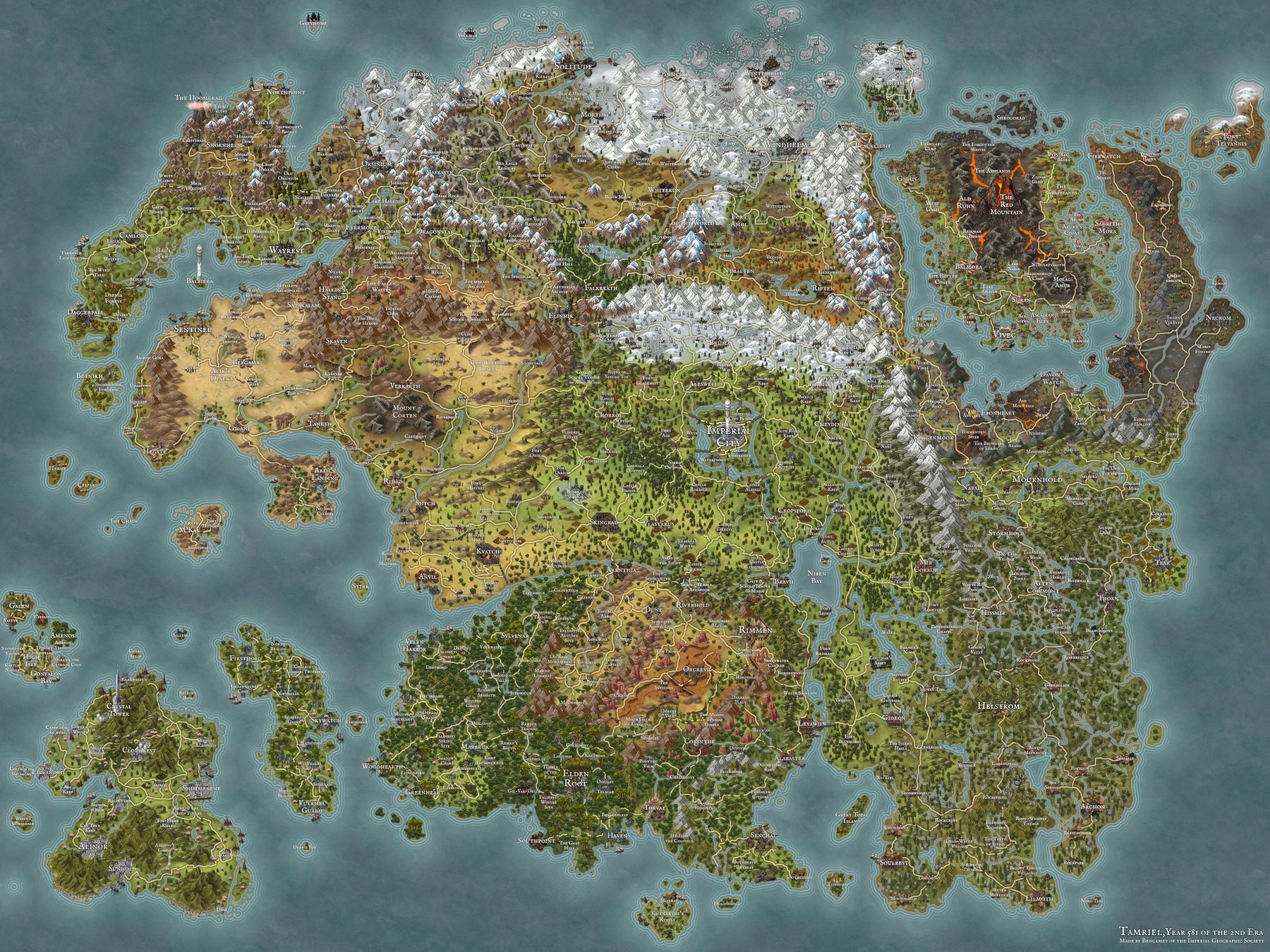
Most of the time, I preach "low prep." But sometimes, you need a world map that makes your players gasp. You want them to feel the scale of your continent.
Inkarnate is a map-making tool that bridges the gap between "MS Paint scratchings" and "Professional Cartographer."
Why it makes the list:
- Asset Library: It comes with thousands of stamps (mountains, castles, towns) that look cohesive.
- The "Clone" Feature: You can browse other users' maps, clone them, and edit them for your game. Why build a tavern from scratch when someone else built a perfect one you can just tweak?
Final Thoughts: The Tool Serving the Game
The best tool for your D&D game is the one that gets out of the way.
I’ve seen DMs build complex automated setups in Foundry that took 40 hours to prep, only for the session to crash because of a plugin update. I’ve also seen DMs run life-changing campaigns with a spiral notebook and a bag of dice.
Tools like Saga20 and Owlbear Rodeo adhere to this philosophy: they automate the boring stuff (note-taking, grid-drawing) so you can focus on the fun stuff (dragons, drama).
Experiment with these, but remember: if a tool stresses you out, drop it. The game is supposed to be fun for you too.
Enjoying the story?
Start recording your own D&D sessions today and never forget a moment.
Try for Free